Azure AI Foundry: Complete 2026 Guide for Enterprise AI Hub
· Enterprise AI · 15 min read
By Juan Pedro Márquez
A few months ago, a customer in the financial services sector asked me a question I hear often: "We want to build AI applications on Azure — where do we actually start?" They had Azure subscriptions, OpenAI access approved, and a team of developers ready to go. What they didn't have was a coherent place to land. They were bouncing between Azure OpenAI Studio, the Azure portal, and Azure Machine Learning — three different surfaces for what should be a single workflow.
That's exactly the problem Azure AI Foundry solves. I've used it across half a dozen enterprise projects in the past year, and my recommendation is consistent: this is the platform you anchor your Azure AI strategy to, not an optional convenience layer.
Here's what I mean in practical terms. When I stood up the first Hub for that financial services customer, we went from scattered tooling to a governed, observable AI development environment in under a week. The developers got a clean project workspace. The security team got private endpoints and managed identity from day one. The architecture team got centralized cost visibility. That's the Hub/Project model working as designed.
Before you start
Before you provision anything, confirm these prerequisites are in place:
- Azure subscription with quota approved for the model you need — GPT-4o quota is regional and often requires a manual increase request via the Azure portal; request it before you start, not after
- Resource providers registered:
Microsoft.MachineLearningServices,Microsoft.CognitiveServices,Microsoft.Storage,Microsoft.KeyVault,Microsoft.ContainerRegistry - RBAC strategy decided — at minimum, distinguish who gets Hub-level Contributor vs. Project-level Azure AI Developer; mixing these up creates security debt immediately
- Network topology agreed — public endpoint (dev/test only) vs. private endpoints with VNet integration; retrofitting private networking after the fact is painful
- Naming convention for Hub and Projects aligned to your organization's Azure naming policy (changing resource names later requires reprovisioning)
- Pre-provisioned hardened dependencies ready if going to production — Storage, Key Vault, Container Registry, Application Insights that meet your security baseline, rather than the auto-provisioned defaults
- Decision made on model deployment type for your use case — Serverless API (pay-per-token, no infra) vs. Managed Compute (dedicated, full network control)
What Is Azure AI Foundry?
Azure AI Foundry is Microsoft's unified AI development platform, available at ai.azure.com. It brings together model access, prompt engineering, evaluation, fine-tuning, and deployment into a single governed environment. For enterprises, this matters because it aligns AI development with existing identity, compliance, and cost management infrastructure.
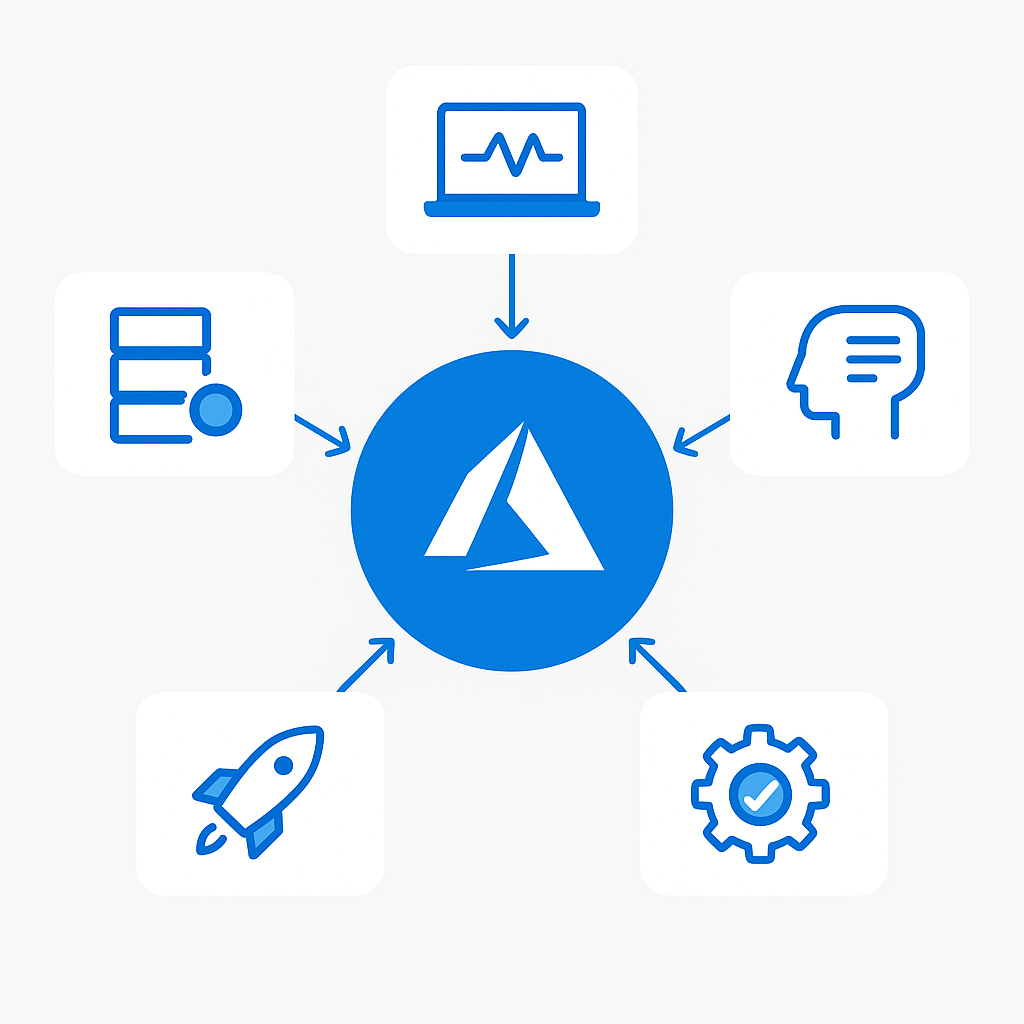
Previously, teams working with Azure OpenAI had to use Azure OpenAI Studio for prompt design, the Azure portal for resource provisioning, and separate tooling for monitoring. Azure AI Foundry consolidates this into a coherent developer experience without sacrificing the governance controls that enterprise architects and security teams require.
The platform is built around a two-level hierarchy: Hubs and Projects. A Hub is a shared infrastructure layer that multiple project teams consume. Projects are lightweight, isolated workspaces that inherit from the Hub but maintain their own configuration, deployments, and data.
Note: Azure AI Foundry is the evolution of both Azure OpenAI Studio and the Azure Machine Learning prompt flow experience. If you have existing resources in those environments, Microsoft provides migration guidance in the official Azure AI Foundry documentation.
Key Components Overview
Hub
The Hub is the top-level Azure resource that anchors your AI Foundry environment. It manages shared infrastructure including Azure Storage, Azure Key Vault, Azure Container Registry, and Application Insights. These are provisioned once and reused across all projects under the Hub.
Projects
Projects are where development happens. Each project has its own connections, compute, deployments, and prompt flows. Teams can be granted access to a specific project without visibility into other projects under the same Hub — essential when working across business units or with external partners.
Model Catalog
The Azure AI Foundry Model Catalog aggregates models from Microsoft (GPT-4o, Phi-3, Phi-4), Meta (Llama 3), Mistral AI, Cohere, and hundreds of others from the open-source community. Models are categorized by task type, licensing, and deployment method.
Prompt Flow
Prompt Flow is the visual and code-first orchestration tool for building AI pipelines. It lets you chain LLM calls, Python functions, data transformations, and tool integrations into a single executable graph.
Evaluations
The built-in evaluation framework lets you measure model output quality against defined metrics — relevance, groundedness, fluency, coherence, and custom criteria. This is critical for organizations that need to demonstrate responsible AI practices or compare model versions before promoting to production.
Safety and Responsible AI
Azure AI Foundry integrates Azure AI Content Safety natively. You can configure content filters at the deployment level to block harmful categories of content, apply jailbreak detection, and set up groundedness filters for RAG pipelines.
Prerequisites and Licensing
Azure Subscription Requirements
You need an active Azure subscription with sufficient quota for the model you intend to deploy. GPT-4o has regional quota limits measured in tokens per minute (TPM). Request quota increases through the Azure portal before attempting deployments if your organization has high-throughput requirements.
Resource Providers
Confirm the following resource providers are registered:
Microsoft.MachineLearningServicesMicrosoft.CognitiveServicesMicrosoft.StorageMicrosoft.KeyVaultMicrosoft.ContainerRegistry
RBAC Roles
| Role | Scope | Capabilities |
|---|---|---|
| Azure AI Developer | Project | Create flows, deployments, experiments |
| Azure AI Inference Deployment Operator | Project | Deploy models to endpoints |
| Contributor | Hub | Manage Hub configuration and shared resources |
| Owner | Hub | Full control including RBAC assignments |
| Workspace Connection Secrets Reader | Hub/Project | Read connection secrets |
Note: The principle of least privilege applies. Development teams should receive the Azure AI Developer role at the Project scope. Hub-level access should be restricted to platform engineering teams. See Role-based access control in Azure AI Foundry.
Setting Up Your First AI Foundry Hub
The recommended approach for enterprise environments is Infrastructure as Code. For initial exploration, the Azure CLI provides a fast path.
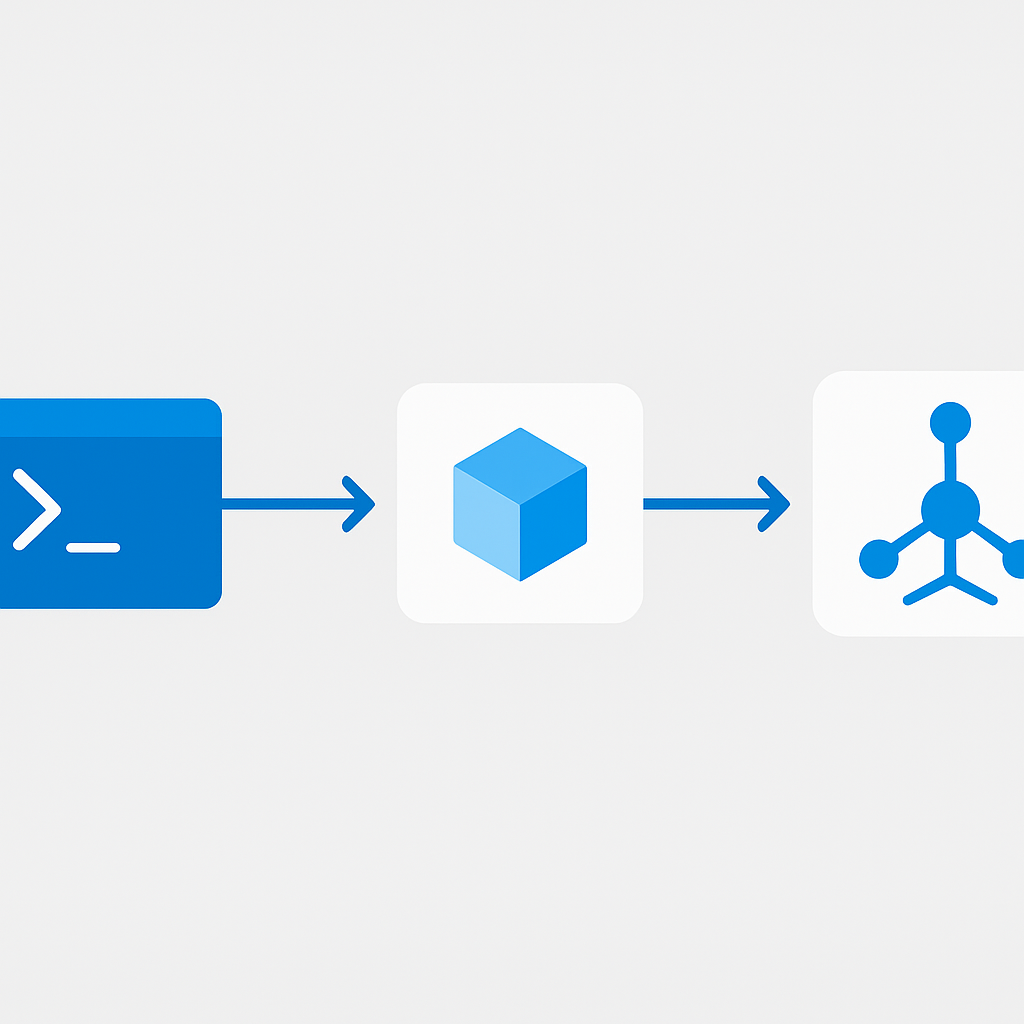
az extension add --name ml
az extension update --name ml
az login
az account set --subscription "<your-subscription-id>"

# Create resource group
az group create \
  --name rg-ai-foundry-prod \
  --location eastus2

# Create Azure AI Foundry Hub
az ml workspace create \
  --kind hub \
  --resource-group rg-ai-foundry-prod \
  --name hub-ai-foundry-prod \
  --location eastus2 \
  --display-name "Enterprise AI Foundry Hub"

# Create a Project under the Hub
az ml workspace create \
  --kind project \
  --resource-group rg-ai-foundry-prod \
  --name proj-ai-chatbot \
  --location eastus2 \
  --hub-id /subscriptions/<subscription-id>/resourceGroups/rg-ai-foundry-prod/providers/Microsoft.MachineLearningServices/workspaces/hub-ai-foundry-prod \
  --display-name "Customer Chatbot Project"
Note: Hub provisioning automatically creates dependent resources (Storage, Key Vault, Container Registry, Application Insights) in the same resource group. For production, always point to pre-provisioned, hardened versions of these resources to maintain your security baseline.
Navigating the Model Catalog
The Model Catalog is where you make one of the most consequential architectural decisions: which model to use.
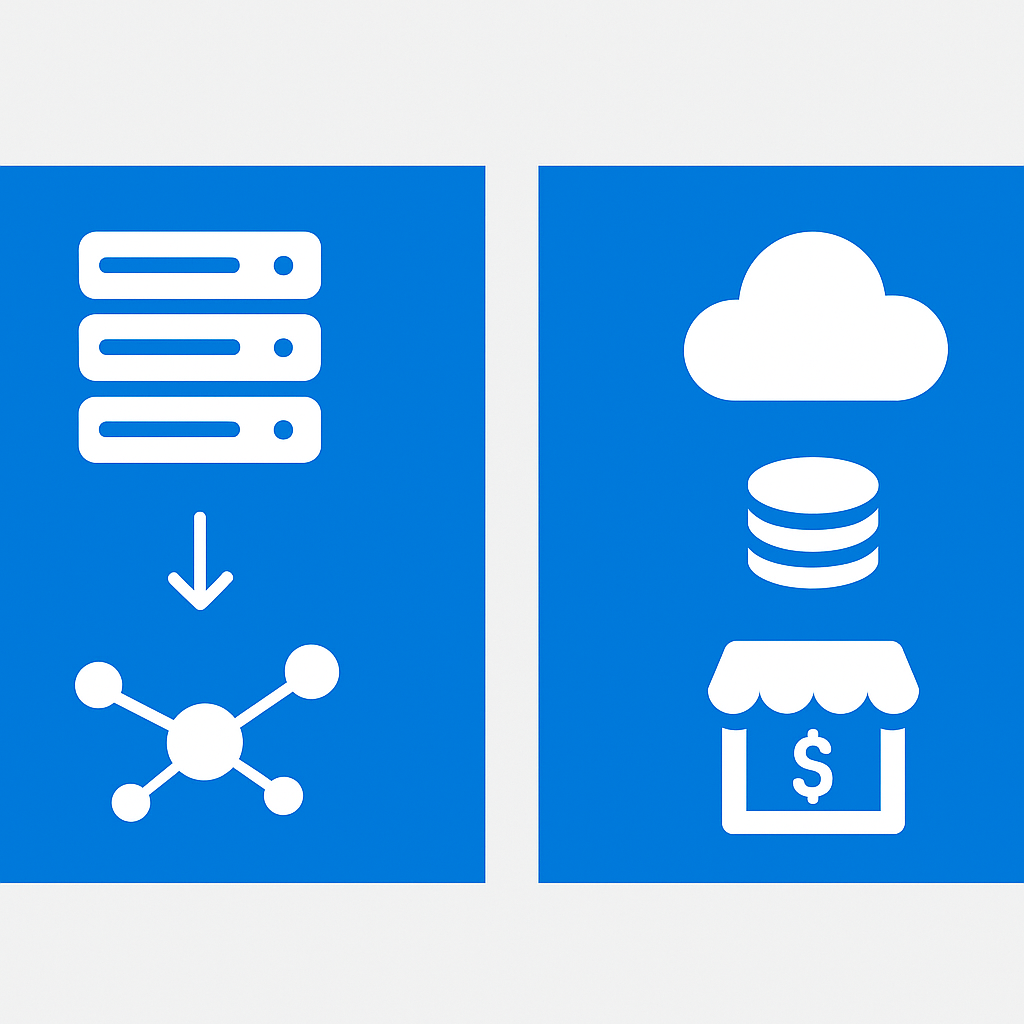
Model Deployment Types
Managed Compute (Hosted): Models are deployed to dedicated compute within your Azure environment. Full control over instance type, auto-scaling, and network configuration. Appropriate for high-throughput production workloads.
Serverless API (Pay-per-token): Models are hosted by the model provider through Azure Marketplace and billed per token consumed. No infrastructure to manage. Ideal for prototyping or low-volume use cases.
Model Selection Guide
| Model | Provider | Best For | Deployment Type | Licensing |
|---|---|---|---|---|
| GPT-4o | Microsoft/OpenAI | Complex reasoning, multimodal tasks | Serverless API | Commercial |
| GPT-4o mini | Microsoft/OpenAI | Cost-optimized chat, classification | Serverless API | Commercial |
| Phi-4 | Microsoft | On-device inference, reasoning at scale | Managed Compute | MIT |
| Phi-3.5 Mini | Microsoft | Lightweight tasks, edge scenarios | Managed Compute | MIT |
| Meta-Llama-3.1-70B | Meta | Open-weight, customizable pipelines | Managed Compute | Llama License |
| Mistral Large | Mistral AI | Multilingual, instruction following | Serverless API | Commercial |
| Cohere Command R+ | Cohere | RAG-optimized retrieval tasks | Serverless API | Commercial |
For enterprise scenarios involving sensitive data, Phi-4 and Phi-3 models are particularly relevant because they can be deployed entirely within your Azure tenant on managed compute. Review the Phi model family documentation.
Creating Your First Project and Deployment
With your Hub and Project provisioned, deploy a model and verify connectivity.
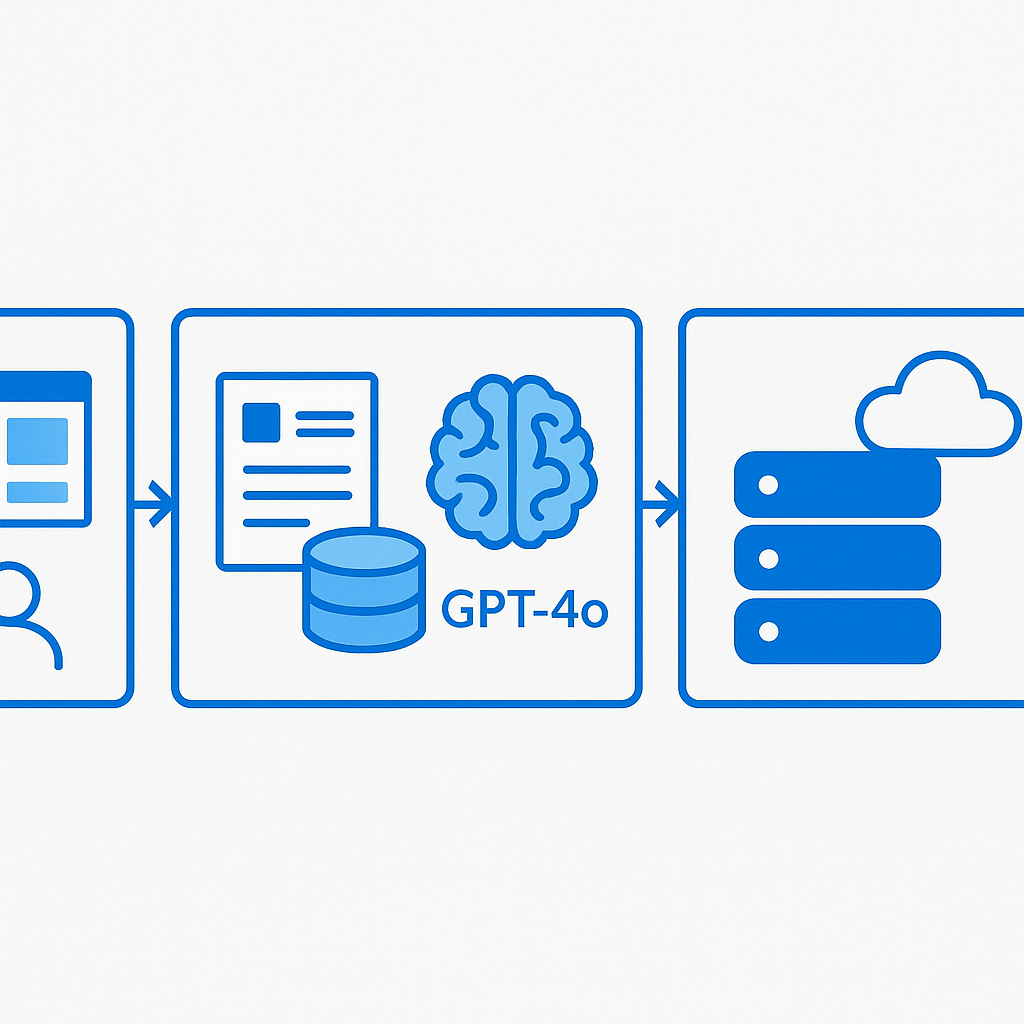
- Open ai.azure.com and select your Project
- Navigate to Model catalog
- Select GPT-4o and click Deploy
- Choose Serverless API as the deployment type
- Accept the terms and click Deploy
For programmatic access, use the Azure AI Inference SDK:
from azure.ai.inference import ChatCompletionsClient
from azure.ai.inference.models import SystemMessage, UserMessage
from azure.core.credentials import AzureKeyCredential

endpoint = "https://<your-project-name>.services.ai.azure.com/models"
api_key = "<your-api-key>"

client = ChatCompletionsClient(
    endpoint=endpoint,
    credential=AzureKeyCredential(api_key)
)

response = client.complete(
    model="gpt-4o",
    messages=[
        SystemMessage(content="You are a helpful enterprise assistant. Be concise and accurate."),
        UserMessage(content="Summarize the key benefits of Azure AI Foundry for enterprise teams.")
    ],
    max_tokens=512,
    temperature=0.3
)

print(response.choices[0].message.content)
The Azure AI Inference SDK documentation supports both key-based and Entra ID authentication.
Prompt Flow: Building Your First AI Pipeline
Prompt Flow transforms single model calls into structured, observable, and deployable AI pipelines. For enterprise use cases — document processing, customer support automation, RAG pipelines — you almost always need more than a single LLM call.
A basic Retrieval-Augmented Generation (RAG) flow in Prompt Flow has three stages:
- Embedding node: Convert the user query into a vector embedding
- Index lookup node: Retrieve top-k relevant chunks from an Azure AI Search index
- LLM node: Pass retrieved context and the original question to GPT-4o
Example LLM node configuration in YAML:
- name: answer_question
  type: llm
  source:
    type: code
    path: answer_question.jinja2
  inputs:
    deployment_name: gpt-4o
    temperature: 0.1
    max_tokens: 800
    question: ${inputs.question}
    context: ${retrieve_context.output}
  connection: azure_openai_connection
  api: chat
Note: Always set
temperatureto a low value (0.0–0.2) for RAG pipelines. Higher temperature increases creativity but also hallucination risk when grounded factual retrieval is the goal.
Evaluation and Testing AI Models
Azure AI Foundry's built-in evaluation framework gives you repeatable, auditable quality metrics.
Built-in Evaluation Metrics
| Metric | Type | What It Measures |
|---|---|---|
| Groundedness | AI-assisted | Whether response claims are supported by provided context |
| Relevance | AI-assisted | How well the response addresses the input question |
| Coherence | AI-assisted | Logical flow and readability of the response |
| Fluency | AI-assisted | Grammatical and linguistic quality |
| F1 Score | Deterministic | Token-level overlap with ground truth |
Note: Use evaluations as a gate in your CI/CD pipeline. Before promoting a new model version or prompt update to production, require that evaluation scores meet a defined threshold. This is the AI equivalent of unit tests passing before a merge. Full documentation at Evaluate your generative AI application.
Enterprise Security Configuration
For most enterprise deployments, the default public network configuration of Azure AI Foundry is not acceptable.
Private Endpoints
Configure private endpoints for the Hub's underlying resources to eliminate public internet exposure: Azure Storage, Azure Key Vault, Azure Container Registry, and the AI Foundry Hub workspace itself. See Configure a managed network for Azure AI Foundry Hub.
Managed Identity
Replace API key authentication with managed identity wherever possible. Grant the managed identity the Azure AI Developer role at the Project scope:
az role assignment create \
  --assignee-object-id "<managed-identity-object-id>" \
  --role "Azure AI Developer" \
  --scope "/subscriptions/<sub-id>/resourceGroups/rg-ai-foundry-prod/providers/Microsoft.MachineLearningServices/workspaces/proj-ai-chatbot"
Cost Management and Monitoring
Token Quotas and Rate Limits
Each model deployment has configurable tokens-per-minute (TPM) and requests-per-minute (RPM) limits. Set these conservatively in development environments to prevent runaway costs.
Monitoring with Application Insights
The Hub's associated Application Insights instance captures: request rates and latencies, token consumption per model and deployment, Prompt Flow execution traces, and content filter trigger rates.
Note: Prompt Flow traces include full input and output content by default. Review your data retention policies and consider whether full trace content should be masked to comply with data handling requirements. See Monitor Azure AI Foundry.
Questions to ask your team
Before you finalize your Azure AI Foundry architecture, work through these with your engineers and security stakeholders:
Who owns the Hub, and who owns individual Projects? Hub ownership gives full control over shared infrastructure and RBAC assignments — this should sit with platform engineering, not individual dev teams. Mixing these scopes creates both security and operational risk.
Are we going Serverless API or Managed Compute for production? Serverless API is faster to start but routes traffic through the model provider's infrastructure. If your data classification policy prohibits that, Managed Compute inside your VNet is the only acceptable path.
Do we have a sensitivity threshold that triggers a Phi model instead of GPT-4o? For documents classified at a certain level, your organization may require the model to run entirely within your tenant. Define this threshold before you build, not after an audit finding forces the conversation.
How will we version and review prompt changes? Prompt changes can have outsized effects on output quality and safety behavior. Decide now whether prompt flows live in Git with PR review, or whether the AI Foundry UI is the system of record.
What's our evaluation gate before promoting to production? Define minimum acceptable scores for groundedness and relevance for your specific use case. A 70% groundedness score acceptable for internal tooling may be unacceptable for customer-facing applications.
Have we mapped AI Foundry costs to a budget owner? Token consumption can scale unexpectedly. Assign a cost alert to a specific team before go-live, not after the first month's invoice surprises someone.
Next Steps
Governance and Policy: Implement Azure Policy definitions to enforce that all AI Foundry Hubs use private endpoints and that diagnostic logging is configured. See Azure Machine Learning policy reference.
Fine-Tuning: If base models do not meet accuracy requirements for domain-specific tasks, Azure AI Foundry supports supervised fine-tuning for GPT-4o and several open-weight models.
Multi-Agent Orchestration: For complex workflows requiring multiple specialized models, explore the Azure AI Agent Service which integrates natively with AI Foundry Projects.
LLMOps: Treat AI applications with the same operational rigor as traditional software. Build CI/CD pipelines that run evaluation flows as quality gates and version your prompt flows in Git.
Your implementation checklist
Use this to track progress from first provisioning to production-ready deployment.
Plan
- Quota request submitted for target model and region
- Network topology decided (public vs. private endpoints) and documented
- RBAC matrix drafted: Hub owners, Project owners, AI Developer assignees
- Model deployment type chosen (Serverless API vs. Managed Compute) with rationale
- Evaluation metrics and pass thresholds defined for your use case
Build
- Hub provisioned with pre-hardened Storage, Key Vault, Container Registry, App Insights
- Project(s) created and team RBAC assigned at correct scope
- Model deployed and verified via Azure AI Inference SDK (key-based first, then Entra ID)
- Prompt Flow pipeline built with embedding → retrieval → LLM nodes (for RAG scenarios)
- Content Safety filters configured at deployment level
Test
- Evaluation run executed against representative dataset with documented scores
- Prompt injection and jailbreak scenarios tested against content filters
- Token quota limits verified — set TPM/RPM caps on dev deployment to validate cost controls
- Application Insights trace review completed — confirm no sensitive data in raw traces
Deploy
- Private endpoints configured for Hub and all underlying resources
- Managed identity replacing API key authentication
- Azure Policy assignments enforcing private networking and diagnostic logging
- Cost alerts set on the resource group with budget owner assigned
- Evaluation gate integrated into CI/CD pipeline before production promotion
FAQ
What is the difference between a Hub and a Project in Azure AI Foundry?
A Hub is the top-level collaboration and security boundary that holds shared resources — Storage, Key Vault, Container Registry, Application Insights — which you harden once. Projects are the workspaces created under a Hub where teams actually build, and you assign RBAC at the right scope: Hub owners, Project owners, and AI Developer assignees.
Should I deploy models as Serverless API or Managed Compute?
Serverless API (pay-per-token) suits variable or early-stage workloads where you do not want to manage infrastructure. Managed Compute (dedicated capacity) suits steady, high-volume or latency-sensitive workloads. Choose per use case and document the rationale, because the cost profile differs sharply between the two.
How do I move from key-based authentication to production-grade security?
Start development with key-based access via the Azure AI Inference SDK to move fast, then replace API keys with managed identity. Put private endpoints in front of the Hub and all underlying resources, and use Azure Policy to enforce private networking and diagnostic logging before you promote to production.
How do I keep generative AI quality from regressing?
Treat evaluation as a quality gate. Run evaluation flows against a representative dataset with documented pass thresholds, test prompt-injection and jailbreak scenarios against Content Safety filters, and integrate the evaluation gate into your CI/CD pipeline so nothing reaches production without passing it.
How do I control cost in Azure AI Foundry?
Set TPM and RPM caps on development deployments to validate cost controls early, request quota deliberately for the target model and region, and put cost alerts on the resource group with a named budget owner. Treating token quota as a first-class control prevents surprise spend.
Resources
- Azure AI Foundry documentation
- Azure AI Foundry SDK overview
- Model Catalog overview
- Phi-4 model deployment guide
- Develop a Prompt Flow
- Evaluate generative AI applications
- Configure managed network isolation
- RBAC in Azure AI Foundry
- Azure AI Content Safety overview
- Monitor Azure AI Foundry applications
- Azure AI Agent Service concepts
- Azure Machine Learning policy reference
Questions or feedback? Reach out at [email protected].