Azure AI Foundry Prompt Flow: Multi-Model Pipelines
· Enterprise AI · 11 min read
By Juan Pedro Márquez
The €340,000 Lesson in AI Plumbing
Last quarter, a financial services firm I advise spent €340,000 building custom AI orchestration from scratch. Python scripts gluing GPT-4 to their internal models. Custom retry logic. Hand-rolled evaluation pipelines. Three months later, they had a fragile system that broke every time OpenAI updated their API — and zero visibility into why their loan approval model was drifting.
The fix? We migrated to Azure AI Foundry Prompt Flow in six weeks. Not because it is trendy — because it eliminated 70% of the glue code their team was maintaining instead of shipping business value.
If your organisation is running multi-model AI workloads and your team is still stitching pipelines together with custom code, you are not just wasting engineering hours. You are building technical debt that compounds monthly, and you have no way to prove to the business which part of your pipeline is causing quality problems.
This post is about how I implement Prompt Flow in enterprise environments, what the traps are, and exactly what you need to have in place before starting.
Before you start
These prerequisites are not optional. Every one of them has burned a team I have worked with:
- Azure AI Foundry hub created in your target region — check regional availability before committing, because not all models are available everywhere in Europe
- Azure OpenAI or other model deployments already provisioned and tested independently — Prompt Flow is an orchestration layer, not a model provisioning tool
- Python 3.9+ environment configured locally with the Prompt Flow SDK installed — the visual editor is useful for design, but you will need the SDK for CI/CD integration
- An existing AI pipeline in production that you can use as the reference case for your first Prompt Flow migration — do not start with greenfield
- Baseline metrics captured for that pipeline: latency, cost per inference, error rate, and a qualitative quality score so you can measure improvement
- Azure Monitor and Log Analytics workspace connected to your AI Foundry hub — you need observability before you go to production, not after
- At least one engineer on the team who has read the DAG flow documentation — Prompt Flow's execution model is different from standard Python async and the mental model matters
Why Most Enterprise AI Pipelines Are Silently Failing
Here is what I see in almost every enterprise I walk into across Spain, Germany, and the UK: multiple AI models running in production, each deployed by a different team, each with its own evaluation methodology — or none at all — and nobody has a unified view of how these models interact or what they cost.
Key point:
This is not a tooling problem. It is an orchestration problem. And it is exactly what Azure AI Foundry Prompt Flow was designed to solve.
The symptoms are predictable. One team owns the embedding model, another owns the reranker, a third owns the generation model. Each deployment was a success in isolation. But together, they have never been evaluated as a system — so nobody knows whether a drop in output quality is the retrieval step, the prompt template, or the generation model drifting after a version update.
Prompt Flow makes the pipeline visible as a unit. That is its primary value.
What Prompt Flow Actually Is (And What It Isn't)
Prompt Flow is not a no-code AI builder for business users. It is an orchestration and evaluation framework that sits between your models and your business logic, giving you a DAG-based pipeline where each node can be a language model call, a Python function, a retrieval step, or a tool integration.
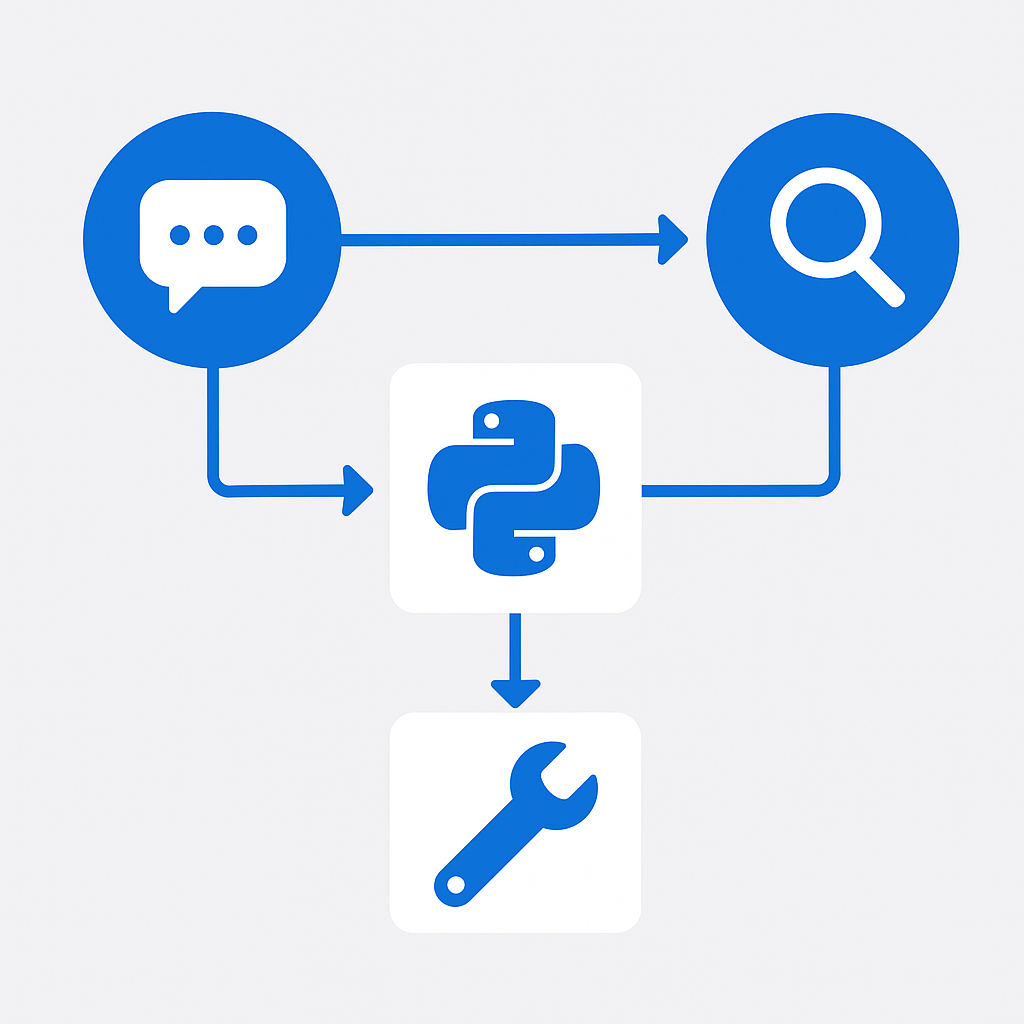
Think of it as the CI/CD pipeline for your AI workflows. Just as you would not ship application code without automated tests and a deployment pipeline, you should not ship AI pipeline changes without automated evaluation and a promotion path from development to production.
My recommendation: if you are running more than two AI models in a single business workflow, Prompt Flow is the right abstraction. When those models are full agents rather than single calls, multi-agent orchestration on Foundry is the companion pattern. Below that, use the Azure OpenAI SDK directly and keep it simple.
The 4-Phase Framework I Use with Customers
I use this sequence with every enterprise that adopts Prompt Flow. The phases overlap deliberately — evaluation work in Phase 3 informs what you optimise in Phase 4.
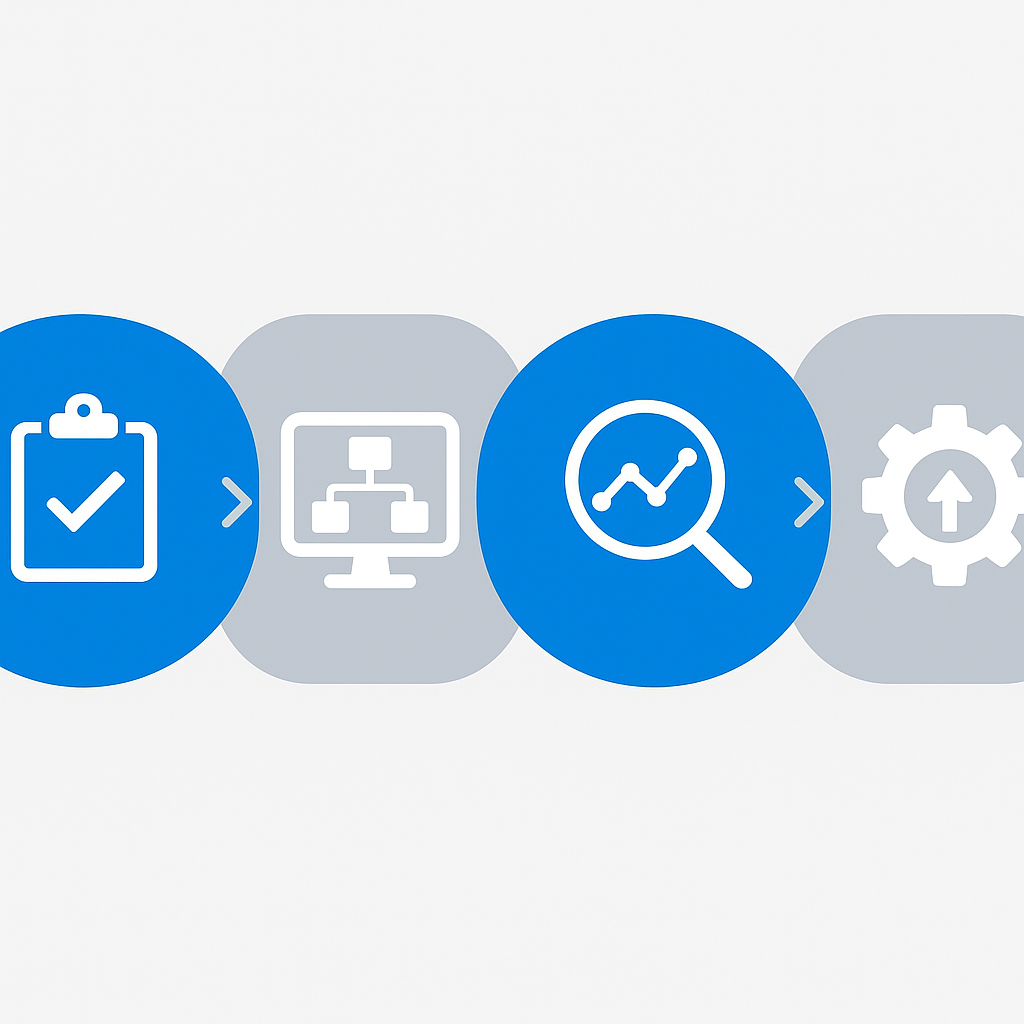
Phase 1: Pipeline Audit (Weeks 1–2)
Before touching Prompt Flow, map what you have. Most organisations cannot answer these four questions:
- How many AI models are currently in production?
- What is the total monthly inference spend across all of them?
- Who is responsible for each pipeline when something breaks?
- What does "quality" mean for each pipeline, and how is it measured today?
I run this as a structured interview with the platform team, the data science team, and the product owners of the AI-powered features. The output is a single document listing every AI pipeline, its owner, its approximate cost, and its current quality measurement (if any). This document will feel uncomfortable to produce, because it makes gaps visible. That is the point.
Phase 2: Proof of Value (Weeks 3–5)
Pick one production pipeline — ideally the most expensive one — and rebuild it in Prompt Flow. Add per-step cost tracking and automated evaluation against a representative test set.
The goal is not to make the pipeline better yet. The goal is to make it measurable. Once you have a Prompt Flow version with per-step latency, per-step cost, and evaluation scores tracked automatically, you have the baseline for every optimisation decision that follows.
Deploy this as a managed online endpoint running in parallel with the existing pipeline. Compare outputs for two weeks before switching traffic.
Phase 3: Evaluation-Driven Development (Weeks 5–8)
The built-in evaluation framework lets you define metrics once and run them automatically against every pipeline change. This is what changes the development dynamic.
Without evaluation automation, every prompt change is a judgment call. With it, you run the evaluation set, get a score, and know whether the change is an improvement. You can compare model versions, prompt variants, and retrieval strategies with actual data instead of intuition.
I define evaluation flows that measure three things for every pipeline:
- Task accuracy — does the output answer the question correctly against a labelled test set
- Safety — does the output contain any content that violates policy (this is especially important for customer-facing pipelines)
- Cost efficiency — what is the cost per quality unit, so you can make informed trade-offs between model choice and output quality
Under the EU AI Act, automated systems in high-risk categories (financial decisions, HR screening, certain customer service applications) require documented evaluation processes and human oversight mechanisms. Having evaluation flows in Prompt Flow is a significant head start on that compliance requirement. Working out whether your systems actually land in that high-risk tier is its own exercise — this 30-day audit guide walks through the classification.
Phase 4: Production Scaling (Weeks 8–12)
Deploy as managed online endpoints, integrate with your CI/CD pipeline using the Prompt Flow CLI, and establish governance via your Azure AI Foundry hub.
At this stage, the hub becomes your AI governance layer. Every pipeline runs through it. Every deployment is tracked. Every model connection is centralised. When a model is deprecated or updated, you change it in one place.
The scaling conversation is also where I introduce cost governance. Azure AI Foundry gives you per-project cost attribution. I set up budget alerts at 80% and 100% of monthly allocation for each project, and I create a monthly review cadence where the platform team reviews cost trends against output quality scores. If you need to turn those cost-vs-quality numbers into a business case a CFO will accept, the Copilot ROI metrics framework covers the model.
The Three Traps That Kill Enterprise AI Pipelines
I have watched each of these derail projects that were technically well-executed.
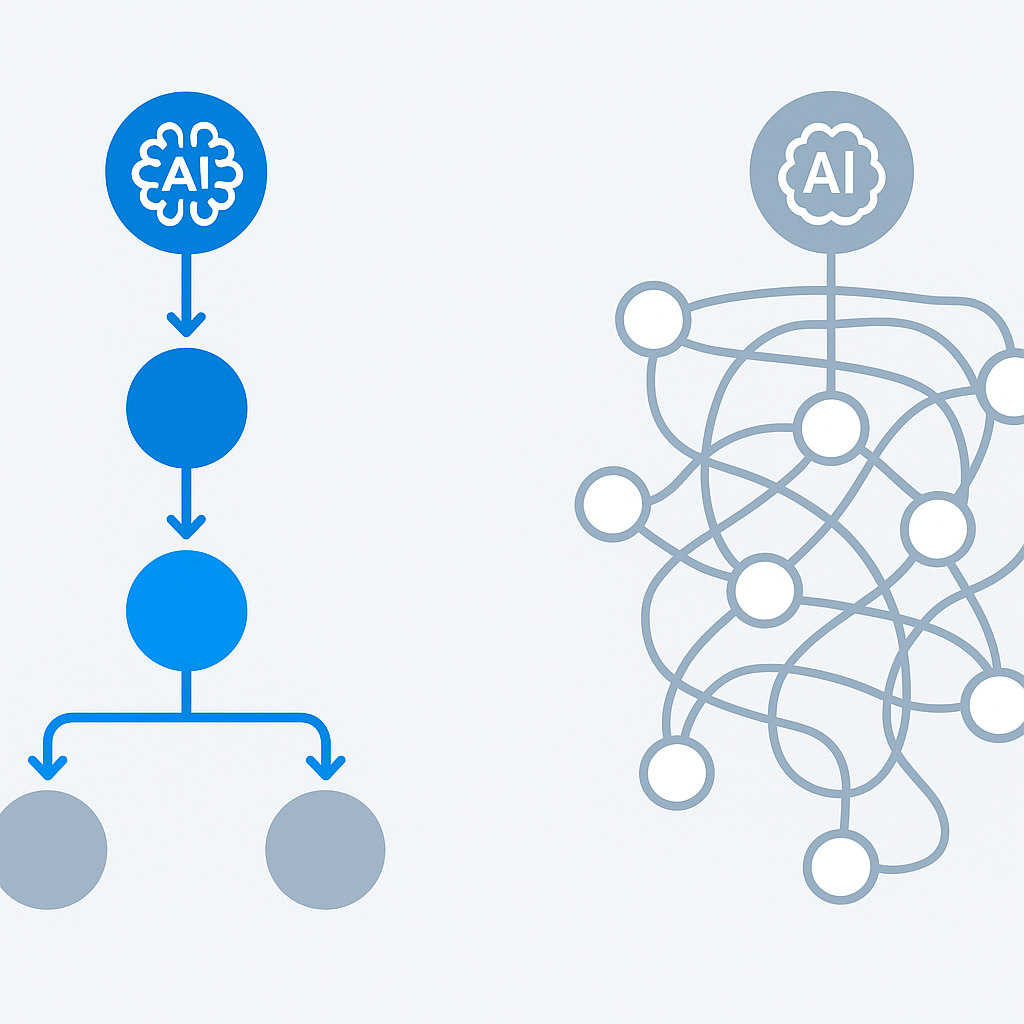
Over-engineering the first flow. Teams that come from software engineering backgrounds want to build the complete, production-ready pipeline from day one. Start with 5–8 nodes maximum. Get it working, get it evaluated, get it to production. Complexity compounds the maintenance burden and makes debugging exponentially harder.
Skipping evaluation. Every flow needs an evaluation flow before it touches production traffic. This is not optional. A pipeline without automated evaluation is a pipeline that will quietly degrade and you will find out from a customer complaint, not from your monitoring.
Treating it as a developer tool only. The real value of Prompt Flow is organisational visibility — a place where all AI pipelines are visible, attributable, and measurable. If only the data science team has access to the hub, you have built infrastructure that still operates as a black box for everyone else. Product managers and operations teams need read access to evaluation results and cost dashboards.
When Prompt Flow Is NOT the Right Choice
My recommendation here is specific:
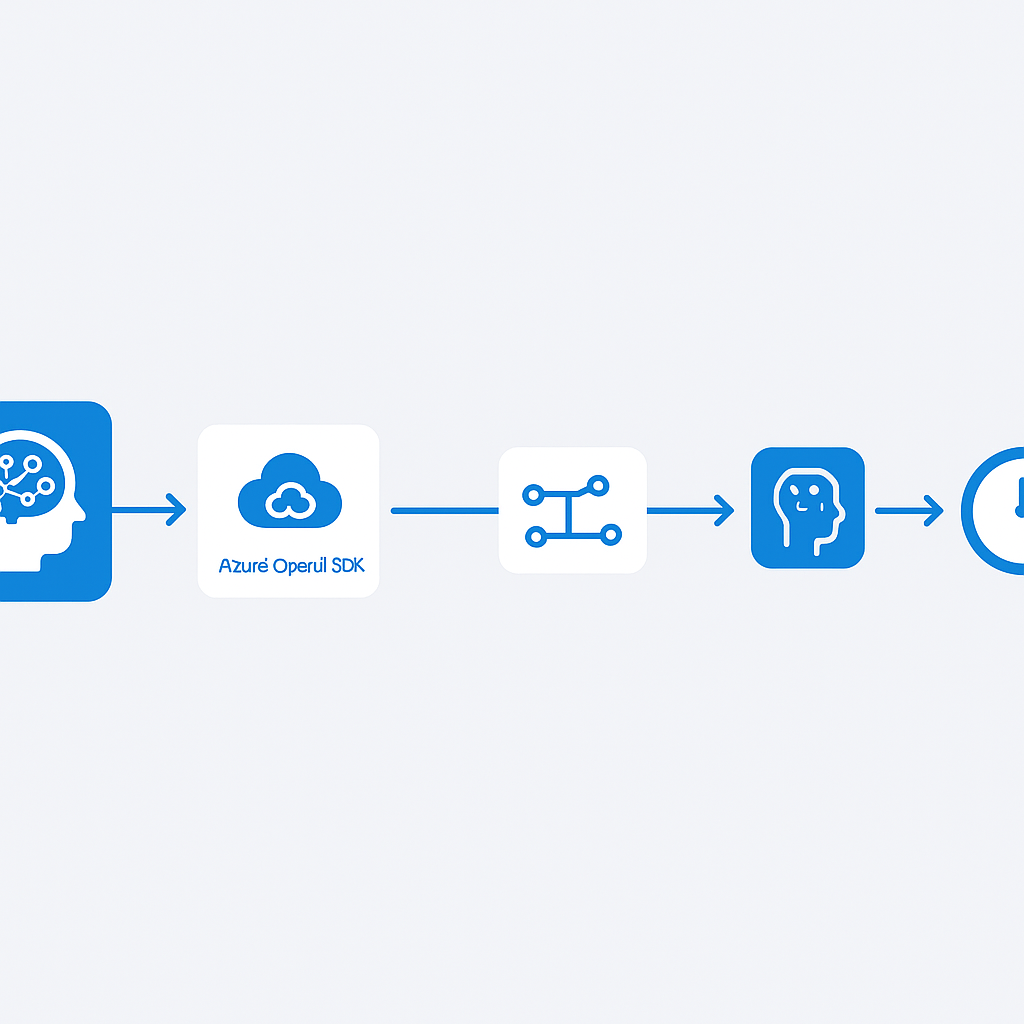
- Single-model applications — use the Azure OpenAI SDK directly, Prompt Flow adds overhead without value
- Pipelines with sub-100ms latency requirements — the DAG execution model adds latency that may not be acceptable for real-time applications
- Teams with no Python capability — Prompt Flow's visual editor can get you started but you will hit its limits quickly without code skills
- Organisations not running on Azure — the managed endpoint and hub features are Azure-native
Questions to ask your team
These questions force the decisions that will determine whether your Prompt Flow adoption succeeds or becomes another infrastructure layer nobody uses.
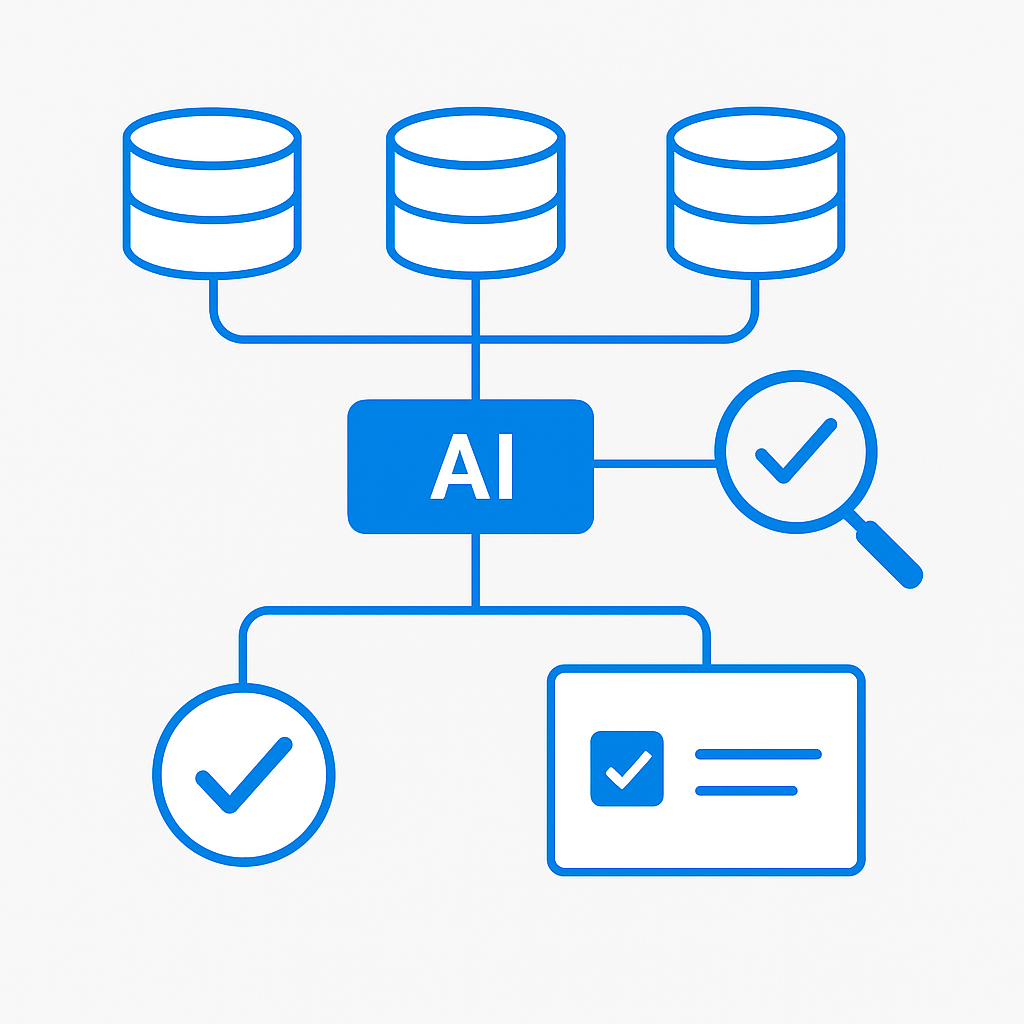
Which single pipeline will be the proof of value? Trying to migrate everything at once means nothing gets properly evaluated. Pick the highest-cost or highest-visibility pipeline and do that one well. The organisational credibility from one visible success is worth more than a partial migration of five pipelines.
Who owns evaluation quality for each pipeline? The data science team builds the flow. But who defines what "good" looks like — the product team, the domain experts, the compliance team? Evaluation flows need someone to own the test set and update it when requirements change.
How does a failed evaluation block a production deployment? If your evaluation flow is informational only and engineers can deploy without passing it, you do not have evaluation-driven development — you have a dashboard nobody acts on. Decide before you build how evaluation results gate deployments.
What is your GDPR position on the data used for evaluation? Evaluation test sets often contain real examples from production traffic. In Europe, using personal data for model evaluation requires a lawful basis and appropriate data minimisation. This is frequently overlooked and occasionally catches teams by surprise.
How will you attribute AI costs to business units? Azure AI Foundry supports project-level cost attribution, but it requires intentional project structure. Decide the attribution model before you start creating projects — retrofitting this later is painful.
Your implementation checklist
Plan
- Complete the pipeline audit — every AI model in production documented with owner, cost, and quality definition
- Select the single pilot pipeline and capture baseline metrics (latency, cost, quality score)
- Define evaluation criteria with the pipeline's product owner before writing a single line of code
- Confirm regional availability and provision the Azure AI Foundry hub in the correct region
Build
- Rebuild the pilot pipeline as a DAG flow with 5–8 nodes maximum for the first iteration
- Build the evaluation flow in parallel with the main flow — not after
- Add per-step cost tracking using the built-in token counter nodes
- Connect Azure Monitor and configure alerts for latency, error rate, and cost thresholds
Test
- Run evaluation flow against labelled test set — establish a quality score baseline
- Deploy as managed online endpoint running in parallel with the existing pipeline
- Compare outputs for two weeks before switching traffic — document the comparison methodology
- Simulate a node failure at each step in the DAG and confirm error handling is graceful
Deploy
- Integrate evaluation flow into CI/CD — failed evaluation blocks promotion to production
- Set budget alerts at 80% and 100% of monthly allocation per project
- Brief product owners and operations team on the hub dashboard — they need read access
- Schedule a monthly cost-vs-quality review cadence with the platform team
Frequently Asked Questions
When should an enterprise choose Prompt Flow over custom orchestration code?
Once more than two models run in a single business workflow. Below that, the Azure OpenAI SDK directly is simpler. Above it, custom glue code becomes technical debt you maintain instead of shipping value — and you lose the unified evaluation and cost visibility Prompt Flow gives you across the whole pipeline.
Is Azure AI Foundry Prompt Flow a no-code tool for business users?
No. It is an orchestration and evaluation framework for engineering teams. The visual DAG editor helps with design, but you need Python for CI/CD integration and anything beyond a basic flow. Treat it as CI/CD for AI workflows, not a citizen-developer builder.
How long does a first Prompt Flow migration take?
Plan for roughly twelve weeks across four phases: pipeline audit, proof of value on one pipeline, evaluation-driven development, and production scaling. Start with your single highest-cost or highest-visibility pipeline rather than everything at once — one visible success buys more organizational credibility than a partial migration of five.
Does Prompt Flow help with EU AI Act compliance?
Indirectly but meaningfully. High-risk automated systems under the Act require documented evaluation processes and human oversight. Building automated evaluation flows, versioned test sets, and audit-friendly logging into Prompt Flow gives you a head start on that documentation — though it does not replace a formal conformity assessment.