Azure AI Foundry: Complete 2026 Guide to Enterprise AI Setup
· Enterprise AI · 16 min read
By Juan Pedro Márquez
Why I Always Start With Architecture, Not Models
The first question I get from enterprise customers setting up Azure AI Foundry is almost always: "Which model should we use?" My answer is always the same — that's the last decision you should make, not the first.
I've helped teams across Spain and Europe stand up their AI development environments on Azure AI Foundry. The ones that stall out early make the same mistake: they pick a model, start prompting, and then hit the wall when they need to onboard a second team, enforce governance, or explain costs to finance. The ones that move fast get the hub-and-project architecture right first, then let model selection follow.
This post is the setup guide I wish I had for those early deployments. It covers the architecture decisions that actually matter, the prerequisites you'll want before touching the portal, and the operational patterns that keep multi-team AI development from becoming a governance nightmare.
For the official overview, see What is Azure AI Foundry.
Before you start
- [ ] Your Azure subscription has Azure OpenAI access approved — this requires a separate application if your subscription doesn't already have it, and approval can take days
- [ ] You have confirmed your Azure OpenAI regional quota for GPT-4o (tokens per minute) in the region you plan to deploy — quota is not uniform across regions and Sweden Central, West Europe, and East US 2 have materially different availability
- [ ] You have a resource group naming convention and tagging strategy agreed with your platform team — retrofitting tags on AI Foundry resources is painful
- [ ] Your network team has confirmed whether you need private endpoints — if yes, have a VNet and subnet plan ready before creating the hub
- [ ] You have identified which teams will share a hub versus need isolated hubs — this determines your cost allocation model
- [ ] Azure Cost Management budget alerts are configured or you have a plan to configure them within the first week
- [ ] You have Azure AI Search provisioned (or a decision made to skip it) — RAG architectures need this before you build your first flow
What Is Azure AI Foundry
Azure AI Foundry — formerly known as Azure AI Studio — is Microsoft's unified platform for building, evaluating, and deploying AI applications at enterprise scale. It consolidates what was previously a fragmented landscape of individual Azure AI services into a single, coherent development environment.
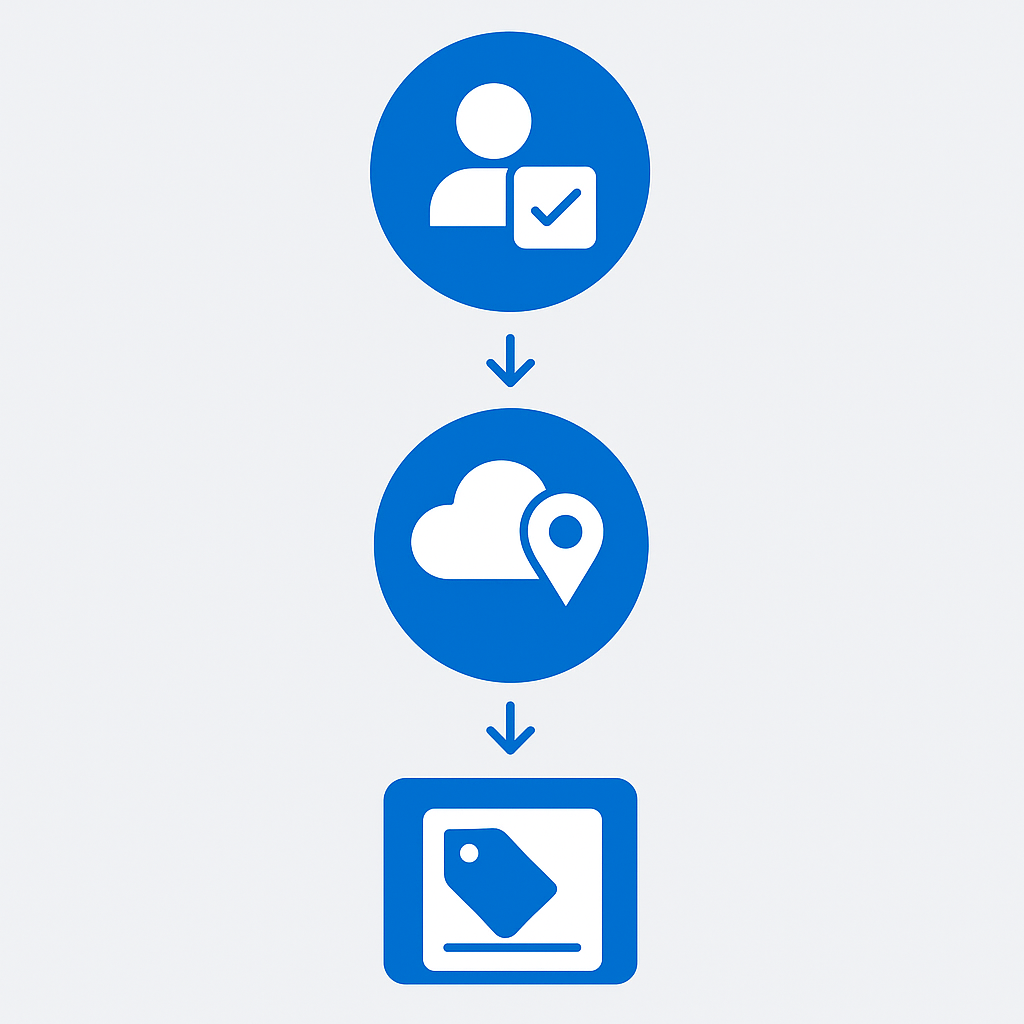
The platform is built around three core concepts: hubs, projects, and connections. Hubs provide the organizational boundary and shared infrastructure. Projects within hubs give teams isolated workspaces for building AI solutions. Connections define how your projects access models, data sources, and compute resources.
In my work helping organizations set up enterprise AI development environments, I've found that getting the foundational architecture right from the start prevents significant rework later. A well-designed AI Foundry setup enables multiple teams to build AI solutions independently while maintaining consistent security, governance, and cost controls.
Questions to ask your team
1. How many distinct teams or business units will be building AI on this platform within 12 months?
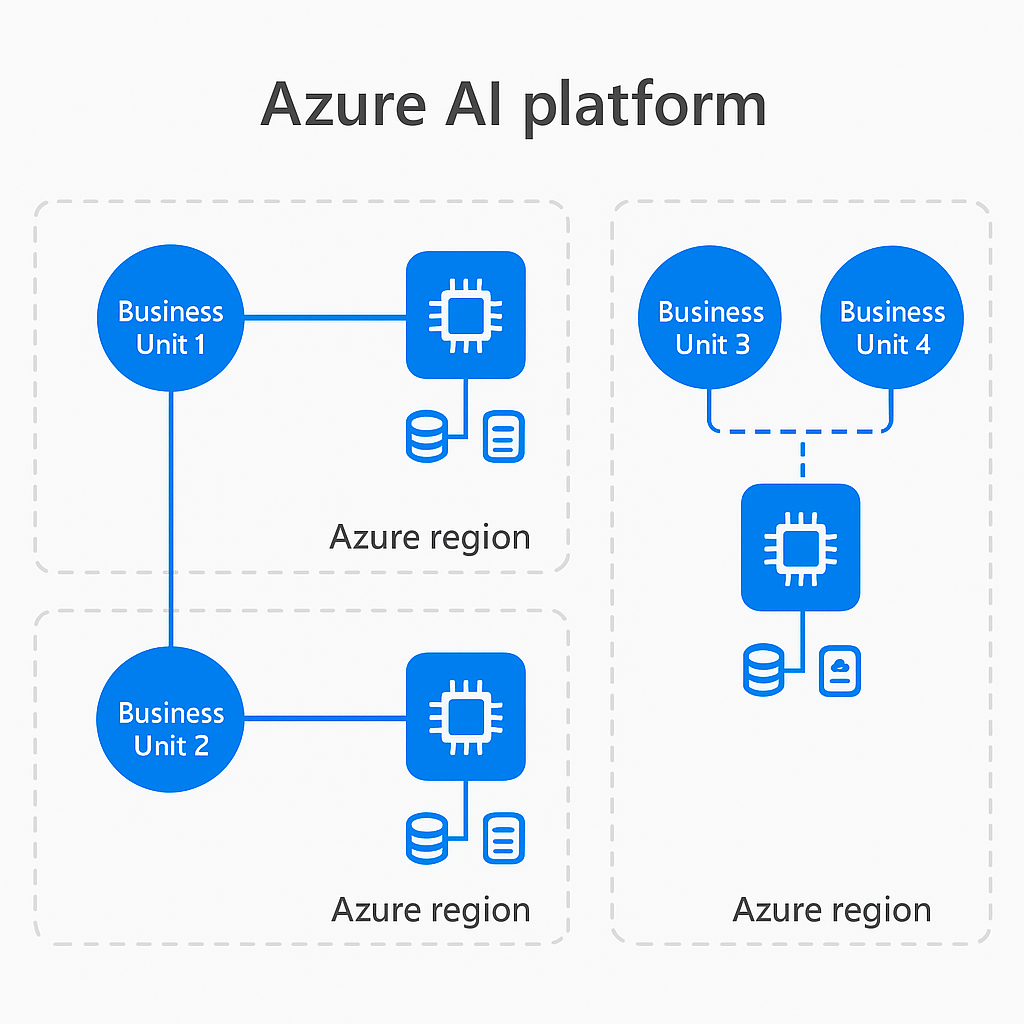
Your answer determines whether you need one hub or several. One hub per business unit is my standard recommendation for enterprises — it keeps cost allocation clean and prevents teams from tripping over each other's connections and compute.
2. Do we have data residency requirements that constrain which Azure regions we can use?
This question must be answered before you create anything. Moving a hub to a different region after the fact requires recreating it. For customers in Spain and the EU, Sweden Central and West Europe are your primary options.
3. Who owns the hub from a platform operations perspective — central IT, a platform engineering team, or each business unit independently?
Hub ownership determines who sets the RBAC policies, network configurations, and shared connection standards. If nobody owns it, governance degrades fast.
4. Are we building for a predictable, high-volume workload or variable exploratory usage?
This determines whether provisioned throughput or pay-per-token is the right commercial model. I've seen teams overpay significantly by defaulting to pay-per-token on workloads that were predictable from day one.
5. What's our evaluation standard before a flow goes to production?
Define minimum groundedness, relevance, and coherence scores before you write your first flow — not after. "We'll figure it out later" always means shipping below the bar you'd have set upfront.
6. Do we have a model card process for documenting model selection rationale and known limitations?
This is a RAI and compliance requirement in regulated industries. If your legal or compliance team hasn't asked for this yet, they will.
Architecture Overview: Hubs, Projects, and Connections
AI Foundry Hubs
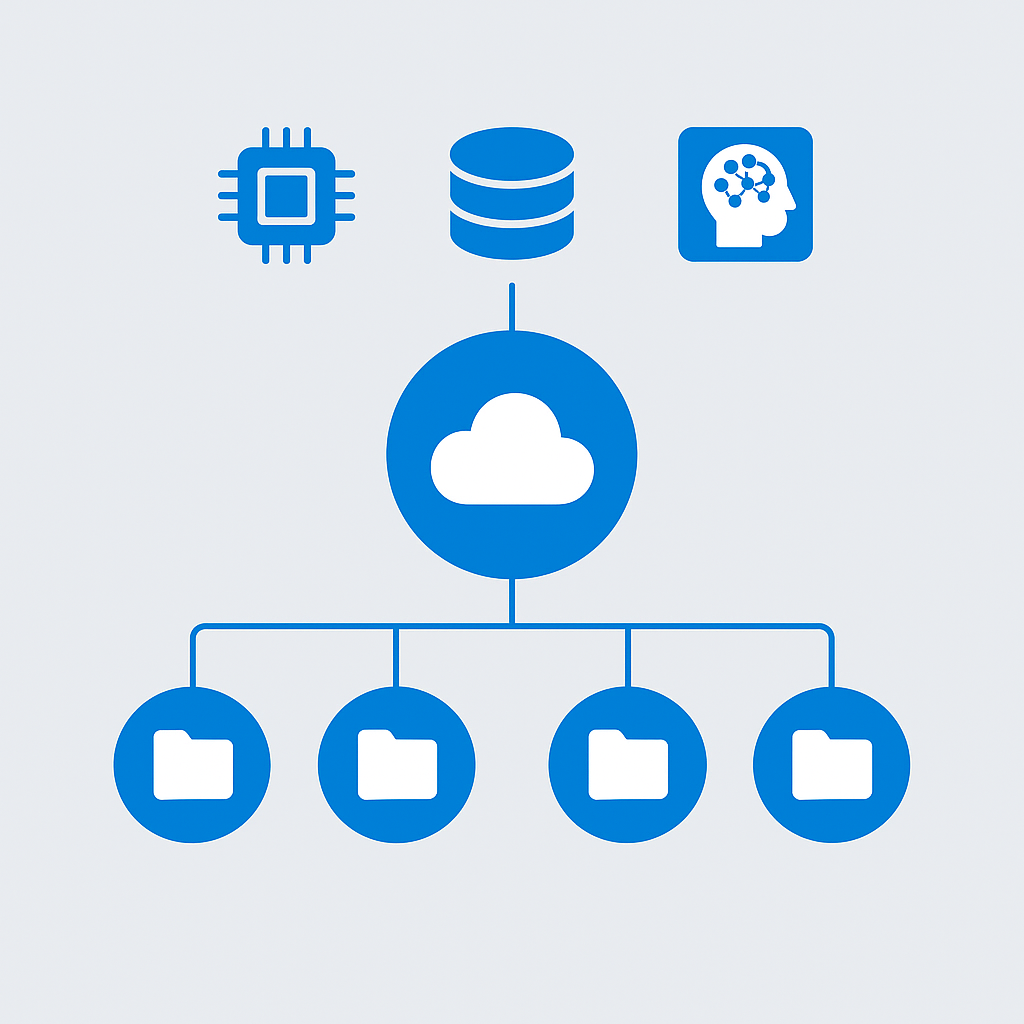
A hub is the top-level organizational unit in AI Foundry. Think of it as a shared workspace that provides:
- Shared compute resources: GPU and CPU clusters available to all projects
- Common connections: Shared access to Azure OpenAI, Azure AI Search, and other services
- Centralized governance: RBAC, networking, and compliance controls
- Shared storage: Azure Storage account for datasets, models, and artifacts
Hub design recommendation: Create hubs aligned with your organizational boundaries — one per business unit or one per major AI initiative. Do not create a single hub for the entire organization; this creates governance complexity that compounds as teams multiply.
Projects
Projects are where the actual AI development happens:
- Isolated workspaces: Each project has its own set of flows, deployments, and evaluations
- Team scoping: Assign specific team members to specific projects
- Independent deployments: Each project can deploy models independently
- Shared resources: Projects inherit connections and compute from their parent hub
Connections
Connections define access to external services:
Hub: Enterprise AI
├── Connection: Azure OpenAI (GPT-4o, GPT-4o-mini)
├── Connection: Azure AI Search (corporate knowledge index)
├── Connection: Azure Storage (training datasets)
├── Project: Customer Service Agent
│   ├── Uses: Azure OpenAI, Azure AI Search
│   └── Deployment: Customer FAQ endpoint
├── Project: Document Processing
│   ├── Uses: Azure OpenAI, Azure Storage
│   └── Deployment: Invoice extraction endpoint
└── Project: Internal Knowledge Bot
    ├── Uses: Azure OpenAI, Azure AI Search
    └── Deployment: Employee assistant endpoint
For architecture details, see Azure AI Foundry architecture.
Prerequisites and Azure Subscription Setup
Required Azure Resources
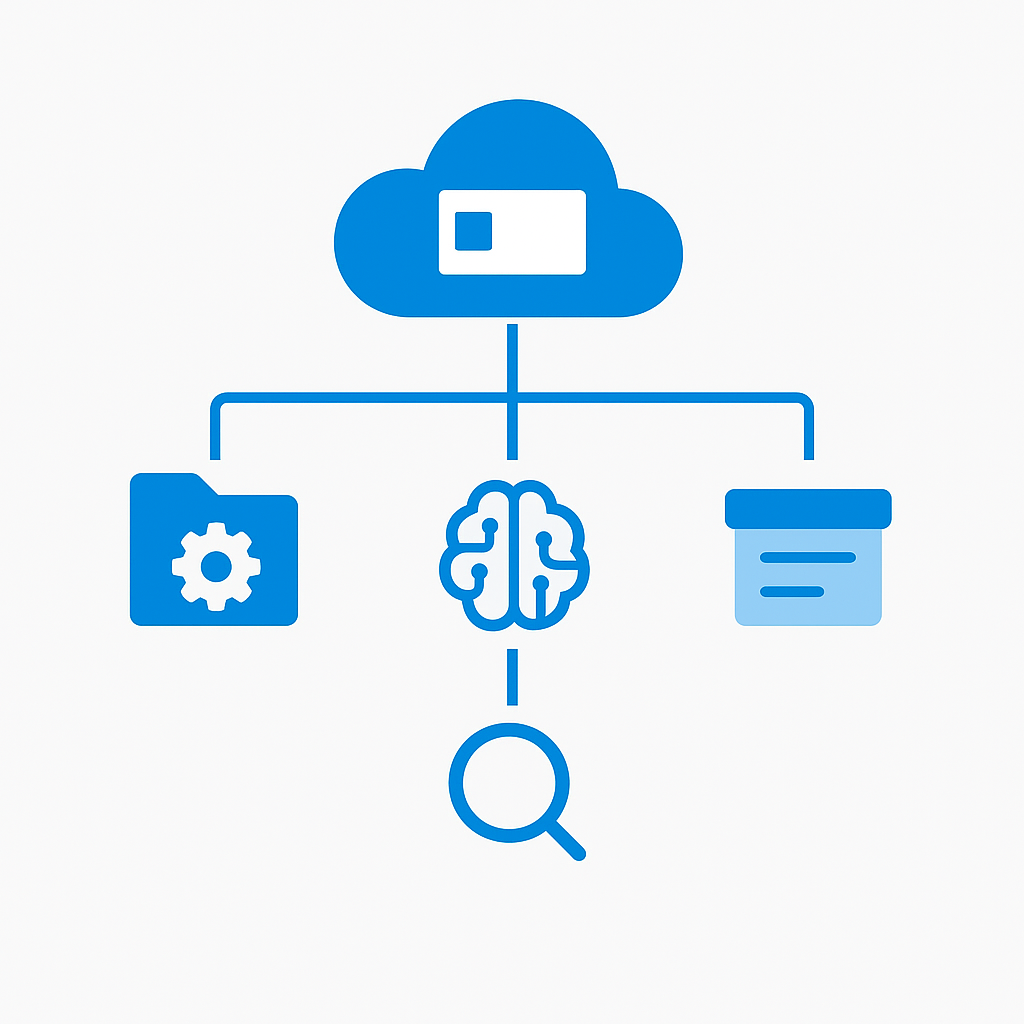
Before creating your AI Foundry environment, provision these resources:
- Azure subscription with sufficient quota for AI services
- Resource group dedicated to AI Foundry resources
- Azure OpenAI resource (requires separate application approval if not already granted)
- Azure AI Search (for RAG scenarios)
- Azure Storage account (created automatically with the hub, but consider pre-creating for control)
Quota Planning
Azure AI services have regional quotas that you must plan for:
| Resource | Key Quota | Recommendation |
|----------|-----------|----------------|
| Azure OpenAI GPT-4o | Tokens per minute (TPM) | Start with 80K TPM, scale based on usage |
| Azure OpenAI GPT-4o-mini | TPM | 120K TPM for evaluation workloads |
| Azure AI Search | Search units | S1 for development, S2+ for production |
| Compute instances | GPU VMs | Start with Standard_NC6s_v3 for fine-tuning |
Cost Estimation
Plan your budget using the Azure Pricing Calculator. Key cost drivers:
- Model inference: Pay-per-token for Azure OpenAI models
- Compute: GPU instances for fine-tuning and hosting custom models
- Search: Azure AI Search service tier and document count
- Storage: Data storage for datasets, models, and evaluation results
- Networking: Private endpoint costs if using VNet integration
Creating Your First Hub and Project
Step 1: Create the Hub
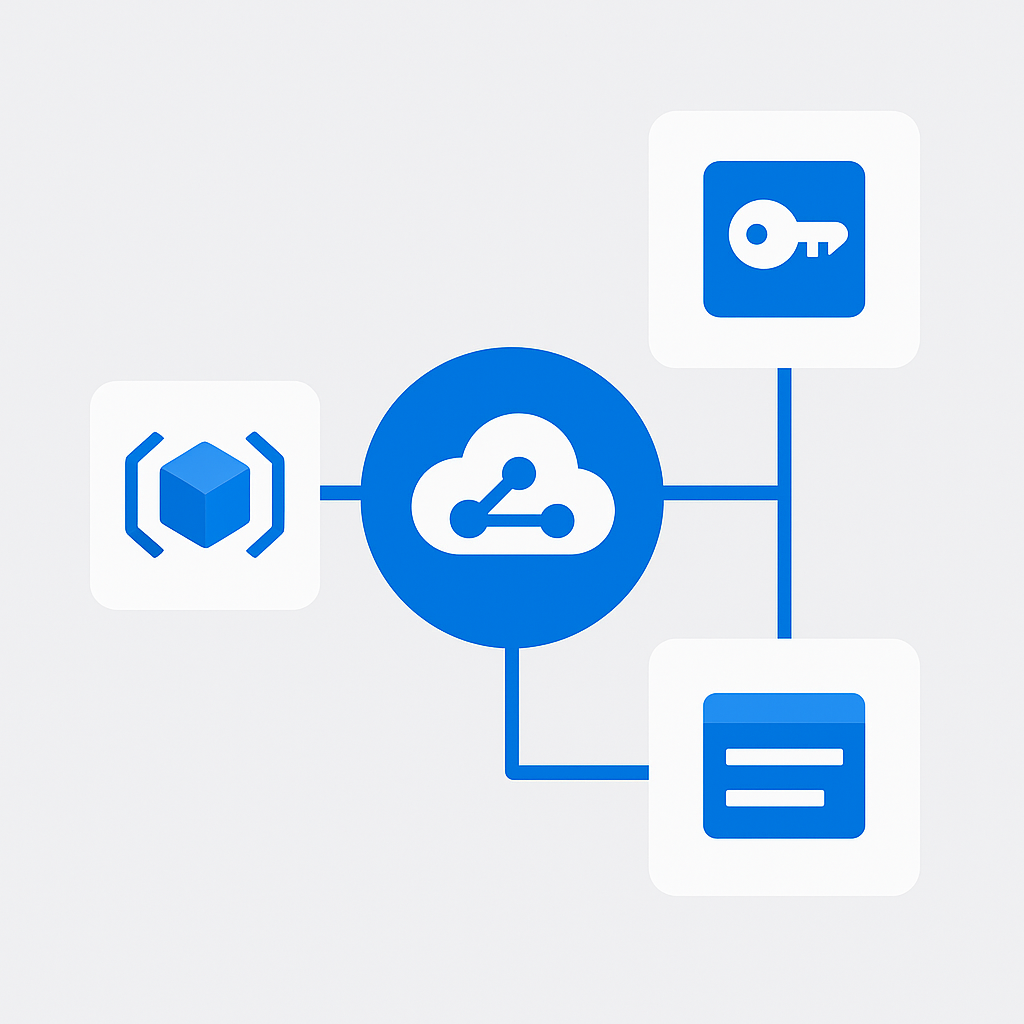
# Using Azure CLI
az ml workspace create \
  --name "enterprise-ai-hub" \
  --resource-group "rg-ai-foundry" \
  --kind hub \
  --location "westeurope" \
  --storage-account "/subscriptions/{sub}/resourceGroups/rg-ai-foundry/providers/Microsoft.Storage/storageAccounts/saienterprise"
Or through the Azure AI Foundry portal at ai.azure.com:
- Click + New hub
- Select subscription and resource group
- Choose region (consider data residency requirements)
- Configure networking (public or private endpoint)
- Review and create
Step 2: Create a Project
az ml workspace create \
  --name "customer-service-agent" \
  --resource-group "rg-ai-foundry" \
  --kind project \
  --hub-id "/subscriptions/{sub}/resourceGroups/rg-ai-foundry/providers/Microsoft.MachineLearning/workspaces/enterprise-ai-hub"
Step 3: Add Connections
# Add Azure OpenAI connection
az ml connection create \
  --name "openai-prod" \
  --resource-group "rg-ai-foundry" \
  --workspace-name "enterprise-ai-hub" \
  --type azure_open_ai \
  --url "https://your-openai.openai.azure.com/" \
  --api-key "your-api-key"
For setup instructions, see Create an Azure AI Foundry hub.
Model Catalog: Available Models
AI Foundry provides access to a rich model catalog spanning multiple providers:
OpenAI Models
- GPT-4o: Latest multimodal model, best for complex reasoning and content generation
- GPT-4o-mini: Cost-effective option for simpler tasks
- GPT-4 Turbo: High-capability text model with 128K context
- text-embedding-ada-002 and text-embedding-3-large: For vector embeddings in RAG
Open Source Models
- Meta Llama 3.1: 8B, 70B, and 405B parameter models — excellent for on-premises or cost-sensitive scenarios
- Mistral: Strong European-developed models with competitive performance
- Microsoft Phi-3: Small language models optimized for edge and cost-sensitive deployments
- Cohere: Specialized models for search and RAG applications
Deployment Options
| Model Type | Deployment | Use Case |
|-----------|-----------|----------|
| Azure OpenAI | Managed (pay-per-token) | Production inference, variable load |
| Open Source | Serverless API | Testing, moderate load |
| Open Source | Managed compute | High-throughput, custom fine-tuned models |
| Custom | Managed online endpoint | Fine-tuned models with specific requirements |
For the model catalog, see Model catalog in Azure AI Foundry.
Prompt Flow: Building Orchestration Pipelines
Prompt Flow is AI Foundry's visual orchestration tool for building AI application logic.
Core Concepts
- Flows: Directed graphs of processing steps
- Nodes: Individual processing units (LLM calls, Python code, tools)
- Connections: References to external services used by nodes
- Variants: Different configurations of the same node for A/B testing
Building a RAG Pipeline
A typical Retrieval-Augmented Generation flow:
Input (user query)
    │
    ├── Node: Embedding (convert query to vector)
    │
    ├── Node: Vector Search (Azure AI Search)
    │       └── Returns top-k relevant documents
    │
    ├── Node: Prompt Construction
    │       └── Combines query + retrieved docs + system prompt
    │
    ├── Node: LLM Call (GPT-4o)
    │       └── Generates grounded response
    │
    └── Output (response + citations)
Evaluation Flows
Evaluation flows measure the quality of your AI application:
- Groundedness: Does the response stick to the provided context?
- Relevance: Is the response relevant to the user's question?
- Coherence: Is the response well-structured and readable?
- Fluency: Is the response grammatically correct?
- Similarity: How close is the response to a reference answer?
For Prompt Flow documentation, see Prompt Flow in Azure AI Foundry.
Azure AI Search Integration for RAG
Index Design
Design your search index for optimal RAG performance:
{
  "name": "corporate-knowledge",
  "fields": [
    { "name": "id", "type": "Edm.String", "key": true },
    { "name": "content", "type": "Edm.String", "searchable": true, "analyzer": "en.microsoft" },
    { "name": "title", "type": "Edm.String", "searchable": true },
    { "name": "contentVector", "type": "Collection(Edm.Single)", "dimensions": 1536, "vectorSearchProfile": "default" },
    { "name": "source", "type": "Edm.String", "filterable": true },
    { "name": "lastUpdated", "type": "Edm.DateTimeOffset", "filterable": true }
  ],
  "vectorSearch": {
    "algorithms": [{ "name": "hnsw", "kind": "hnsw" }],
    "profiles": [{ "name": "default", "algorithm": "hnsw" }]
  }
}
Chunking Strategies
How you chunk documents significantly impacts RAG quality:
- Fixed-size chunks (500-1000 tokens): Simple, consistent, but may split semantic units
- Semantic chunking: Split at paragraph/section boundaries for better context preservation
- Sliding window: Overlapping chunks to avoid losing context at boundaries
- Hierarchical: Different chunk sizes for different content types
For AI Search integration, see Azure AI Search documentation.
RBAC and Access Control
Role Assignments
AI Foundry uses Azure RBAC for access control:
| Role | Scope | Permissions |
|------|-------|------------|
| Azure AI Developer | Project | Build and test flows, deploy models, run evaluations |
| Azure AI Inference Deployment Operator | Project | Deploy and manage inference endpoints |
| Reader | Hub/Project | View resources, no modifications |
| Contributor | Hub | Full access to hub and all projects |
| Owner | Hub | Full access + role assignment management |
Principle of Least Privilege
Hub Level:
├── Owner: Platform team lead (1-2 people)
├── Contributor: Platform engineers
└── Reader: Governance team, auditors

Project Level:
├── Azure AI Developer: Data scientists, AI engineers
├── Azure AI Inference Deployment Operator: MLOps team
└── Reader: Business stakeholders
For RBAC configuration, see Role-based access control in Azure AI Foundry.
Cost Management and Quota Planning
Cost Monitoring
Set up cost management from day one:
- Budget alerts: Configure Azure Cost Management alerts at 50%, 75%, and 90% of monthly budget
- Cost allocation tags: Tag all AI Foundry resources with project and team identifiers
- Usage dashboards: Create Power BI dashboards showing cost per project, model, and team
- Token tracking: Monitor token consumption per deployment for optimization
Cost Optimization Strategies
- Use GPT-4o-mini for routine tasks and reserve GPT-4o for complex scenarios — this is the single highest-impact cost decision in most deployments I've seen
- Implement caching for repeated queries (Azure Redis Cache or application-level)
- Set token limits per request to prevent runaway costs
- Use provisioned throughput for predictable, high-volume workloads (reduces per-token cost)
- Schedule compute shutdown for development environments outside business hours
Networking and Private Endpoints
For enterprise deployments, configure network isolation:
Private Endpoint Architecture
Corporate Network (VNet)
├── Subnet: ai-foundry
│   ├── Private Endpoint: Azure OpenAI
│   ├── Private Endpoint: Azure AI Search
│   └── Private Endpoint: Storage Account
├── Subnet: compute
│   └── Managed compute instances
└── NSG rules restricting inbound/outbound traffic
Configuration Steps
- Create a VNet with dedicated subnets for AI Foundry
- Enable private endpoints on Azure OpenAI, AI Search, and Storage
- Configure DNS resolution (Private DNS Zones)
- Disable public network access on sensitive resources
- Configure NSG rules for least-privilege network access
CI/CD for AI Applications
GitHub Actions Pipeline
name: Deploy AI Flow
on:
  push:
    branches: [main]
    paths: ['flows/**']

jobs:
  deploy:
    runs-on: ubuntu-latest
    steps:
      - uses: actions/checkout@v4
      - uses: azure/login@v1
        with:
          creds: ${{ secrets.AZURE_CREDENTIALS }}
      - name: Deploy Prompt Flow
        run: |
          az extension add -n ml
          az ml online-deployment create \
            --name production \
            --endpoint-name customer-service \
            --file flows/customer-service/deployment.yml \
            --resource-group rg-ai-foundry \
            --workspace-name customer-service-agent
MLOps Best Practices
- Version everything: Flows, prompts, evaluation datasets, model configurations
- Automate evaluations: Run evaluation flows in CI before deploying
- Blue-green deployments: Deploy new versions alongside existing ones, shift traffic gradually
- Rollback procedures: Maintain the ability to quickly revert to previous versions
- Monitoring: Set up alerts on model performance metrics in production
For MLOps practices, see MLOps with Azure Machine Learning.
Monitoring and Observability
Production AI applications require comprehensive monitoring across multiple dimensions.
Key Metrics to Track
| Metric | Target | Alert Threshold |
|--------|--------|----------------|
| Request latency (P95) | < 5 seconds | > 8 seconds |
| Error rate | < 1% | > 3% |
| Token consumption | Within budget | > 80% of monthly allocation |
| Model availability | 99.9% | < 99.5% |
| Groundedness score | > 4.0/5.0 | < 3.5/5.0 |
Azure Monitor Integration
Configure Application Insights for your AI Foundry applications:
- Custom metrics: Track tokens consumed, response quality scores, and cache hit rates
- Distributed tracing: Trace requests through your entire RAG pipeline — from embedding generation through search to LLM response
- Log analytics: Centralize logs from all AI components for forensic analysis
- Dashboards: Build operational dashboards showing real-time health and quality metrics
- Alerts: Configure alerts on latency spikes, error rate increases, and cost thresholds
Cost Monitoring Dashboard
Build a Power BI dashboard connected to Azure Cost Management that shows:
- Daily token consumption by model and project
- Cost per request trend (should decrease over time as you optimize)
- Budget burn rate with projected monthly total
- Cost comparison across models (GPT-4o vs GPT-4o-mini vs open-source)
For monitoring guidance, see Monitor Azure AI Foundry.
Best Practices for Multi-Team AI Development
Based on my experience setting up AI Foundry for enterprise customers across Europe:
- One hub per division, one project per initiative: This balances governance with team autonomy
- Standardize connections: Define approved model connections at the hub level
- Create project templates: Use Bicep/ARM templates to provision new projects with consistent configuration
- Implement cost guardrails: Set budget alerts and token limits per project
- Establish evaluation standards: Define minimum quality thresholds (groundedness > 0.8, relevance > 0.7) before production deployment
- Document everything: Maintain a knowledge base of prompting patterns, flow templates, and lessons learned
- Regular architecture reviews: Monthly reviews of AI Foundry usage, costs, and security posture
Your implementation checklist
Plan
- [ ] Confirm Azure OpenAI access approval and regional quota before any architecture work
- [ ] Define hub-per-division vs shared-hub strategy and document the decision rationale
- [ ] Agree resource group naming, tagging strategy, and cost allocation model with platform and finance teams
- [ ] Decide on private endpoint architecture — public vs private network access must be set at hub creation
Build
- [ ] Create hub(s) with Bicep or CLI — avoid portal-only setup for repeatability
- [ ] Add standardized connections (Azure OpenAI, Azure AI Search) at hub level so all projects inherit them
- [ ] Assign RBAC using principle of least privilege: Azure AI Developer at project level, Contributor only for platform engineers at hub level
- [ ] Build evaluation flows for groundedness, relevance, and coherence before building production flows
Test
- [ ] Run evaluation flows against a representative sample of queries — minimum 50 test cases before production gate
- [ ] Verify private endpoint DNS resolution if using VNet integration (this breaks silently in ways that are painful to debug)
- [ ] Test CI/CD pipeline end-to-end with a canary deployment before relying on it for production
- [ ] Confirm Azure Monitor alerts fire correctly with a synthetic threshold breach
Deploy
- [ ] Set budget alerts at 50%, 75%, and 90% of monthly allocation before the first production request
- [ ] Configure blue-green deployment with at least two named deployments so rollback takes seconds not hours
- [ ] Document system prompt versions and model configuration at launch — this is your audit trail
- [ ] Schedule first architecture review for 30 days post-launch to catch cost, performance, and governance drift early
For comprehensive AI Foundry documentation, visit the Azure AI Foundry documentation hub and the Azure OpenAI Service documentation.