Enterprise RAG Failures in Production: Proven Fixes
· Enterprise AI · 13 min read
By Juan Pedro Márquez
📋 Quick Reference
Audience: Architects and engineers building production RAG on Azure
Time to read: ~15 minutes
Skill level: Intermediate to advanced
Prerequisites: Familiarity with Azure AI Search, Azure OpenAI Service, and vector embeddings
What you'll get: Four failure pattern diagnoses + concrete fixes you can apply immediately
RAG Sounds Simple Until You Deploy It
Retrieval-Augmented Generation is the most requested architecture in enterprise AI projects right now. The concept is straightforward: connect a language model to your organization's documents, ask it questions, get answers grounded in your content.
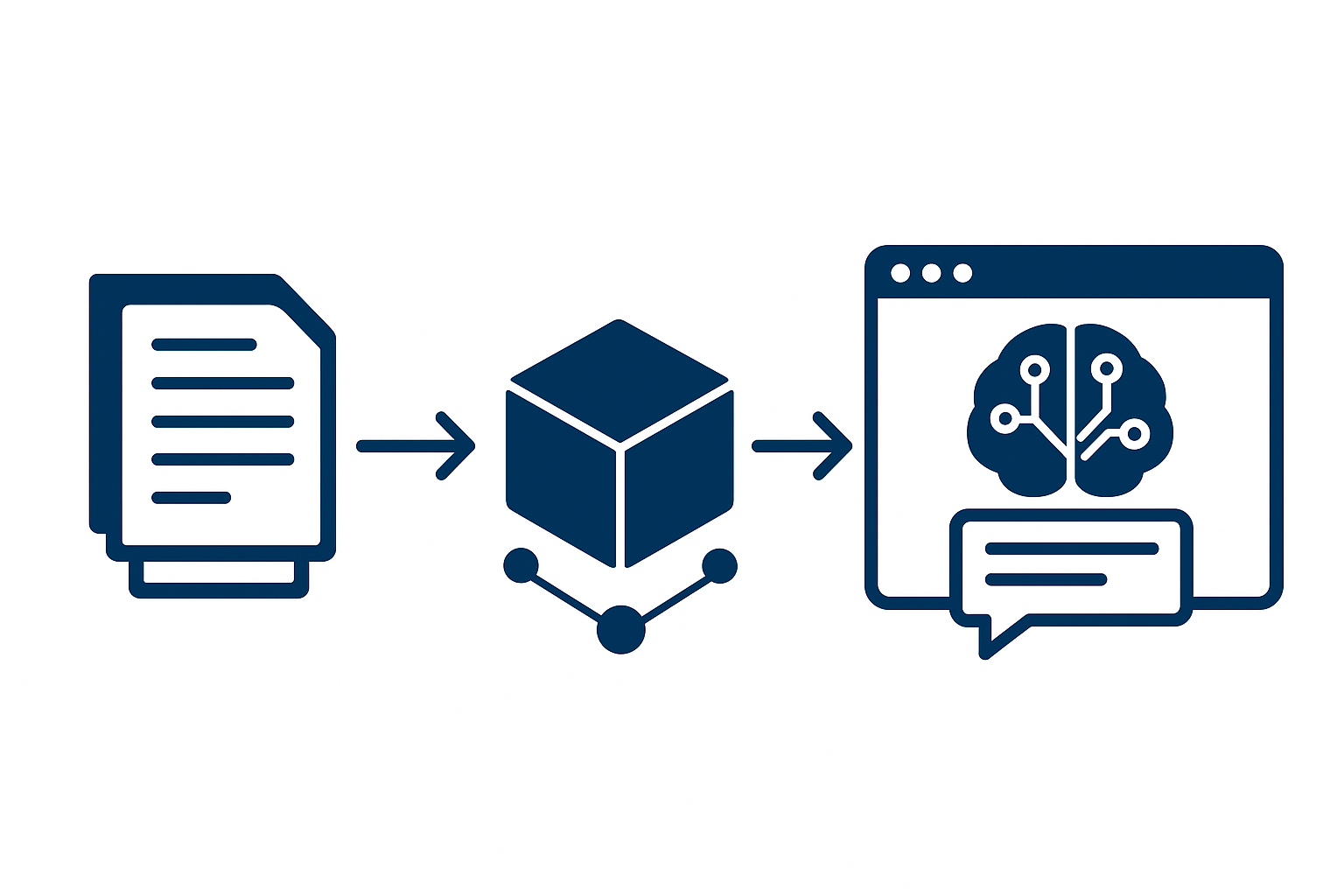
In practice, the majority of enterprise RAG deployments I've seen across EMEA fail to reach production — or reach production and quietly deliver wrong answers for months before anyone notices.
The failure is almost never the language model. GPT-4o and the models available through Azure OpenAI Service are capable of excellent reasoning when given relevant context. The failure is consistently in the retrieval layer — the part that finds and delivers that context to the model.
This post documents the four retrieval failure patterns I've seen most consistently, how to diagnose each one, and how to fix it. It's written for architects and engineers responsible for production RAG systems, not for a proof-of-concept that only needs to work in a demo.
What Enterprise RAG Actually Looks Like
Before the failure modes, it's worth being precise about what a production enterprise RAG architecture involves. The Azure AI Search documentation gives the technical foundation — but the architectural decisions that determine success happen above the documentation level.
A production enterprise RAG system on Azure typically involves:
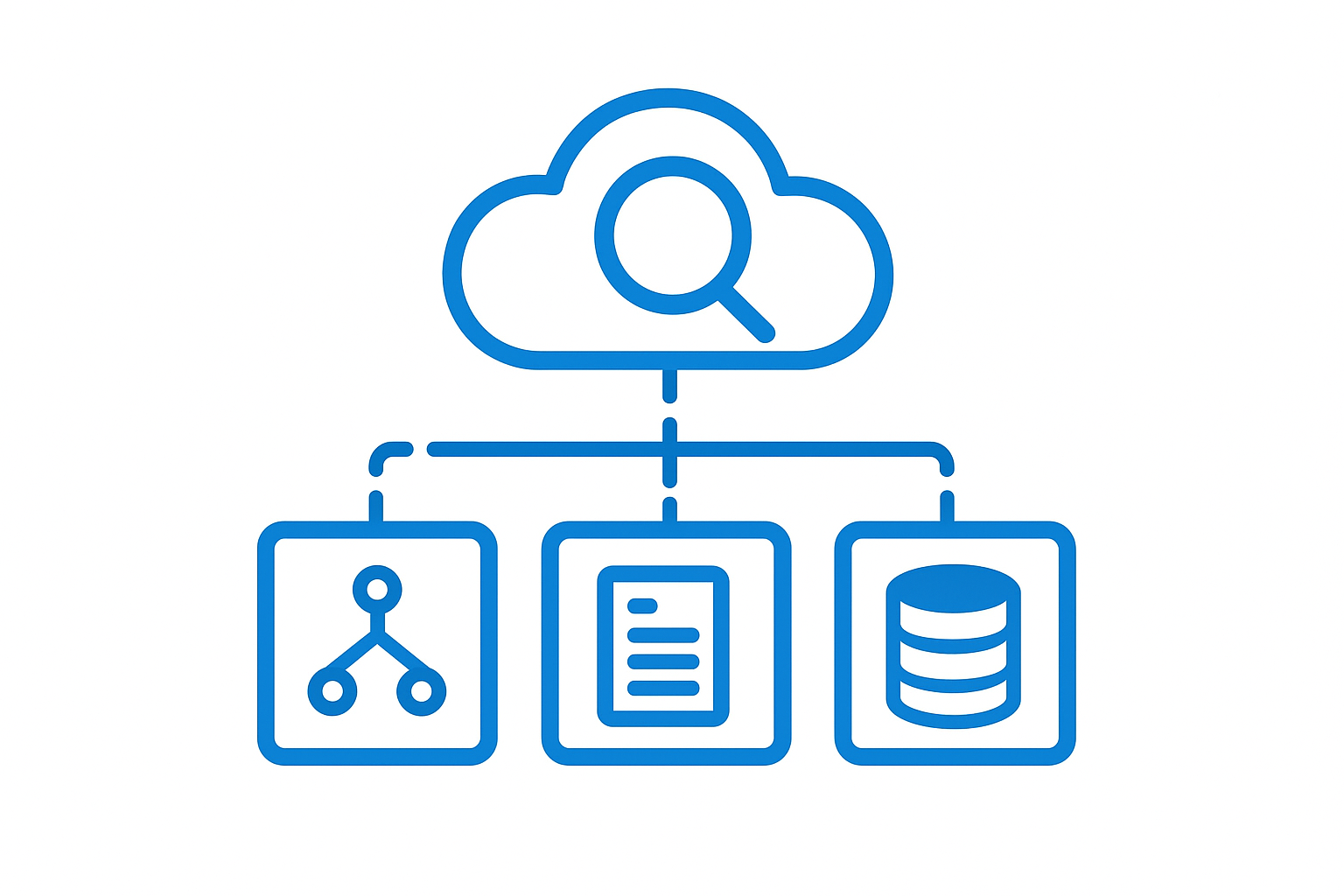
Azure AI Search as the retrieval layer — indexing your content, storing vector embeddings, and handling search queries from the application.
An embedding model that converts both documents and queries into vector representations for semantic search.
A language model (via Azure OpenAI) that receives the retrieved content as context and generates the final response.
An orchestration layer — either custom code or Azure AI Foundry's Prompt Flow — that coordinates the query pipeline: receive question → retrieve context → generate response.
The RAG overview in Azure documentation describes the pattern well. What it can't describe is what goes wrong when you deploy it against real enterprise content at scale.
Failure Mode 1: Chunking Strategy Mismatch
What it looks like: The agent gives answers that feel incomplete or that answer only part of the question. Users report that "it seems to know about this topic but can't answer the full question."
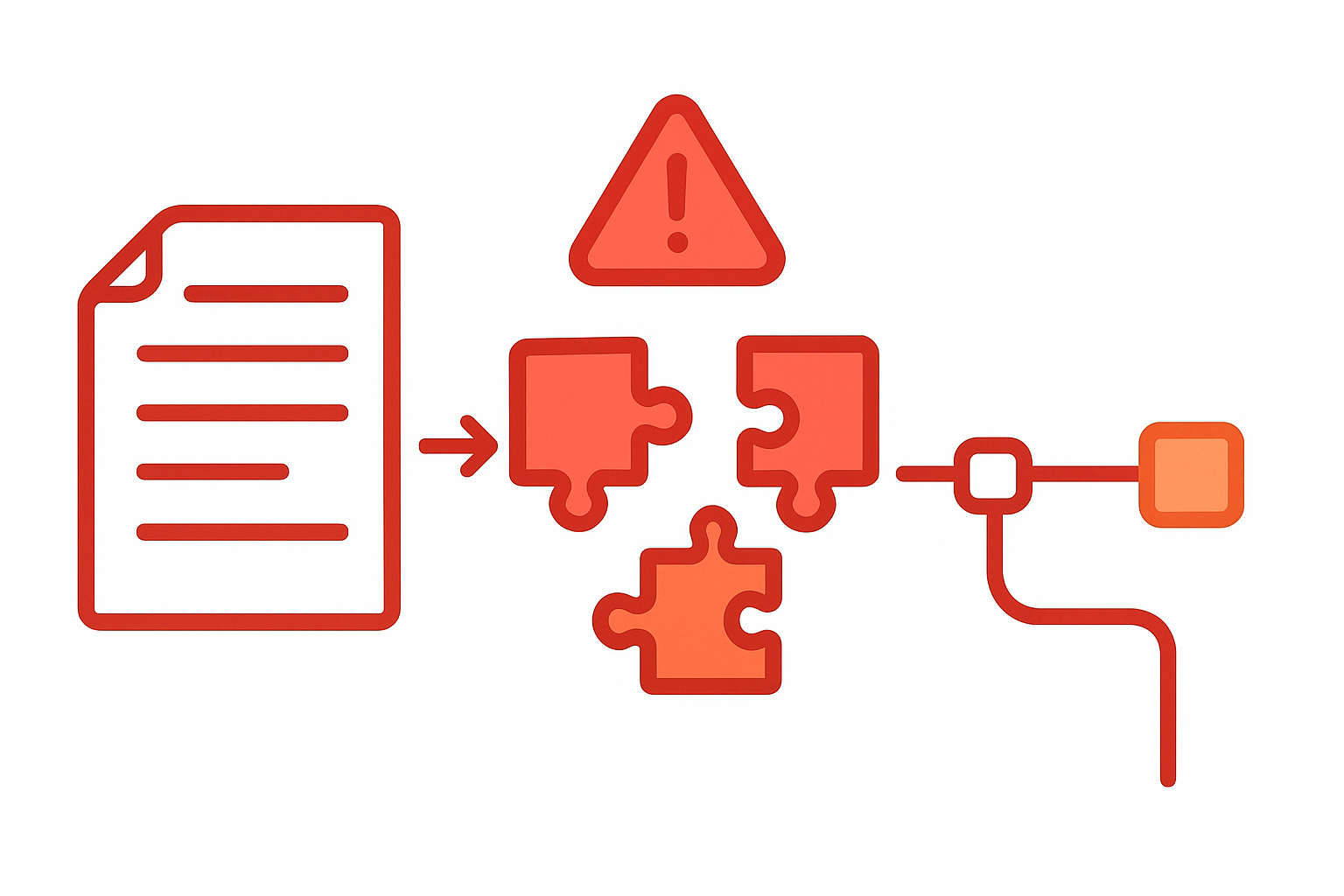
What's happening: Your documents are being split into chunks at arbitrary boundaries — typically a fixed character count — rather than at semantic boundaries. A question about "parental leave policy" might retrieve three chunks that each cover one aspect of the policy without containing the complete answer. The model reasons from incomplete context and produces an incomplete response.
The diagnostic test: Take a question you know the answer to and find it in your source documents. Then ask the agent and look at the retrieved chunks (if your implementation logs them). Check whether the relevant content is split across multiple chunks in a way that prevents any single chunk from containing the complete answer.
The fix: Move from fixed-size chunking to semantic chunking. Azure AI Search indexers support configurable chunking strategies. For structured documents (policies, procedures, product documentation), chunk at heading boundaries — each H2 or H3 section becomes a chunk. For narrative documents, use a sliding window approach with overlap to ensure boundary content appears in multiple chunks.
The overlap is critical. A 100-token overlap between chunks ensures that content at chunk boundaries isn't lost. Most implementations skip this.
Document Type Considerations
Different document types need different chunking strategies:
Policy documents: Chunk at section level (by heading). Each policy section should be its own chunk with the section title preserved as metadata.
FAQ documents: Each question-answer pair is one chunk. Don't merge multiple Q&A pairs into one chunk — retrieval precision drops sharply.
Technical documentation: Chunk at the procedure level. A step-by-step process should stay together rather than being split mid-procedure.
Email threads and communications: Chunk by message, not by character count. A response to a previous message without its context is meaningless.
Failure Mode 2: Embedding Model Mismatch
What it looks like: The agent retrieves content that seems topically related but doesn't actually contain the answer. Or it misses content that clearly contains the answer because the semantic match score is low.
What's happening: You're using a general-purpose embedding model for domain-specific content. The embedding model was trained on general text — its representation of technical concepts in your industry doesn't capture the semantic relationships that matter for your use case.
The diagnostic test: Take 10 questions from your test set and examine what gets retrieved. If the top-3 retrieved chunks are topically adjacent but don't contain the answer, your embedding model isn't capturing the right semantic space.
The fix: Evaluate embedding models against your specific content type. Azure AI Search vector search supports multiple embedding models. For technical enterprise content, Azure OpenAI's text-embedding-3-large typically outperforms text-embedding-ada-002. For specialized domains (legal, medical, financial), evaluate whether domain-specific models from the Azure AI catalog outperform general-purpose ones.
The evaluation methodology: take 50 questions you know the answers to, retrieve top-5 chunks for each, and measure what percentage of retrievals include the correct source chunk. Do this comparison across 2-3 candidate embedding models before committing to one for your production index.
Failure Mode 3: Hybrid Search Not Configured
What it looks like: The agent handles conceptual questions well but fails on specific queries — product codes, reference numbers, names, dates. A user asking "What is the status of purchase order PO-2024-08123?" gets semantic results about purchase orders in general, not the specific document.
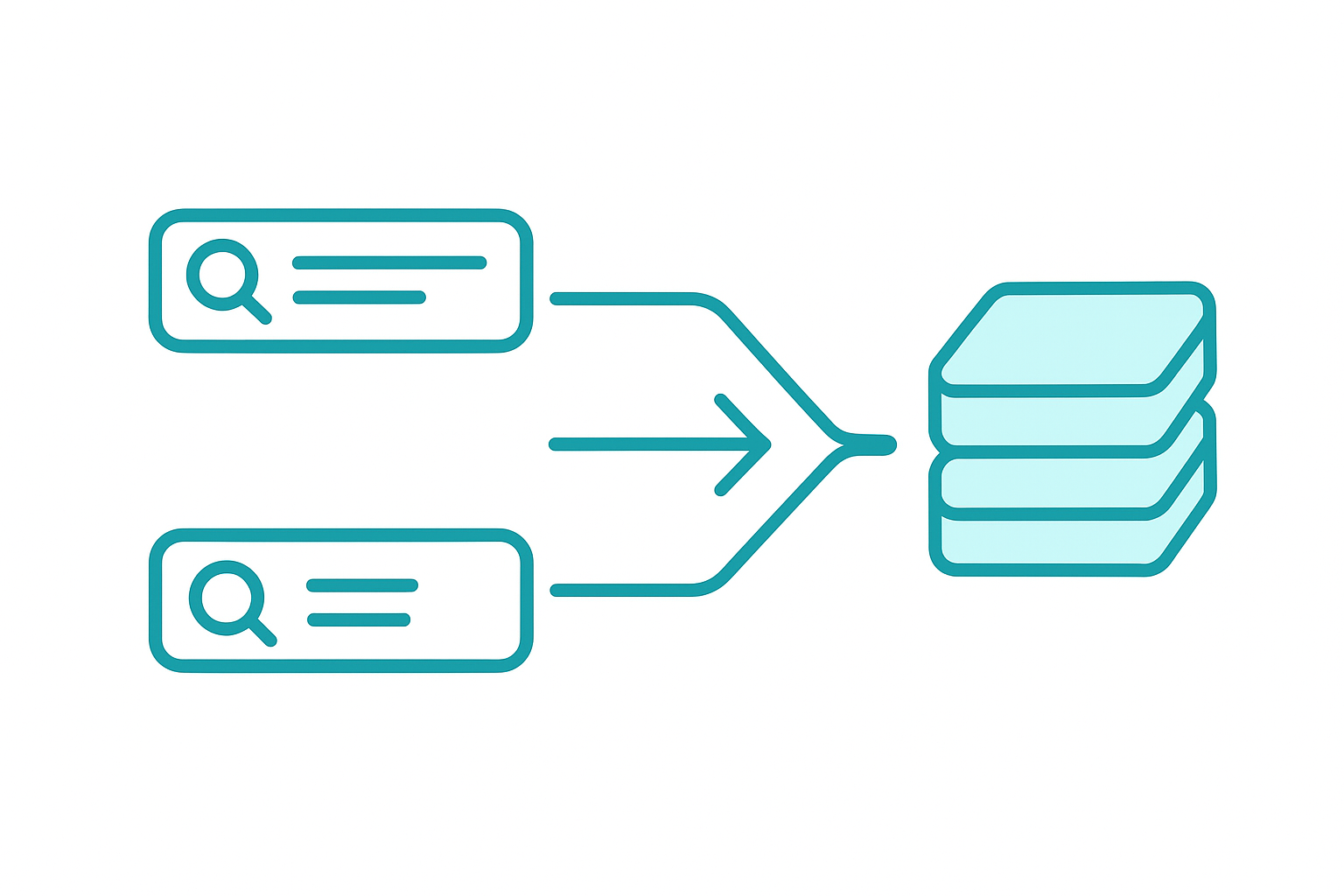
What's happening: You're using pure vector (semantic) search. Vector search excels at finding conceptually similar content but struggles with exact-match queries — specific identifiers, proper nouns, numerical values. Enterprise knowledge bases are full of exact-match queries.
The fix: Implement hybrid search in Azure AI Search, which combines vector search with traditional keyword (BM25) search. Hybrid search handles both conceptual queries ("explain our return policy") and exact queries ("PO-2024-08123") through a single pipeline.
Azure AI Search's semantic ranking layer can then rerank the combined results using an understanding of language and query intent, improving precision on top of hybrid retrieval.
The configuration is straightforward — Azure AI Search exposes hybrid search through its search API with a vectorQueries parameter alongside the standard keyword query. Most first implementations use one or the other, not both.
Why This Is Consistently Missed
Pure vector search is the implementation shown in most tutorials and documentation. It's also the one that looks impressive in demos — semantic similarity is more visible than keyword precision. Hybrid search requires understanding why both matter, which becomes obvious only when you test against a realistic distribution of real user queries.
Real enterprise queries are 40-60% exact-match or near-exact-match (based on query log analysis from deployments I've worked on). Pure vector search fails systematically on nearly half your users' actual questions.
Failure Mode 4: Retrieval Depth Too Narrow
What it looks like: The agent gives correct but incomplete answers on questions that span multiple documents. Or it says "I don't have enough information" on questions where the answer exists across multiple sources.
What's happening: Your retrieval pipeline returns the top-3 or top-5 results, but the complete answer requires synthesizing content from 6-8 sources. The model receives incomplete context and either truncates the answer or declines to answer.
The diagnostic test: Take a question that requires multi-document synthesis and increase the top-k parameter (the number of retrieved chunks) from your default to 15 or 20. If the answer quality improves significantly, your default retrieval depth is too narrow.
The trade-off: Increasing top-k adds context tokens to every model call, which increases cost and latency. The solution is dynamic top-k: start with top-5 for single-document queries and expand to top-15 for queries that are classified as requiring broad synthesis.
Query classification — routing "what is our PTO policy?" (single document, top-5) versus "how do our benefits compare across our European offices?" (multi-document, top-15) — can be done with a lightweight classifier or a simple LLM call before retrieval.
The Missing Layer: Evaluation
All four failure modes share a common enabler: no systematic evaluation pipeline.
Without measurement, RAG failures are invisible. The system returns responses, users don't complain (or do complain to each other, not to IT), and the wrong-answer rate becomes the baseline.
Azure AI Foundry's evaluation approach provides a framework for systematic RAG evaluation. The minimum evaluation set for a production deployment:
Groundedness — does the response cite claims that are present in the retrieved context? Ungrounded responses are hallucinations.
Relevance — is the retrieved context relevant to the question asked? Low relevance scores indicate retrieval failures.
Completeness — does the response address all aspects of the question? Incomplete responses often indicate chunking or retrieval depth issues.
Run this evaluation against a test set of 100 representative questions before launch. Re-run weekly against production query logs after launch. Set threshold alerts: groundedness below 85% should trigger investigation.
Azure AI Search Configuration for Production
The Azure AI Search SKU tier decision matters more than most implementations recognize. For enterprise RAG at scale:
Storage Optimized (L1/L2): Appropriate for large document corpora (millions of documents) where query volume is moderate. Lower vector search performance than Standard SKUs.
Standard S2/S3: The right tier for most enterprise RAG deployments. Supports vector indexes of sufficient size for most organizational knowledge bases.
Semantic ranking: Enable it. The cost is marginal at enterprise scale; the quality improvement is consistent.
Index design: Your index schema determines what you can filter on at query time. Include metadata fields — document type, department, classification level, last modified date — as filterable fields. This enables hybrid queries that combine semantic search with structured filters ("find HR policies modified in the last 6 months").
A Reference Architecture for Regulated Industries
For organizations in regulated industries (financial services, healthcare, legal) where answer accuracy is compliance-critical:
Pre-retrieval: Query expansion using an LLM to generate alternative phrasings of the user question before retrieval. This increases recall without broadening the result set.
Retrieval: Hybrid search (BM25 + vector) with semantic reranking. Top-12 chunks with document-level metadata preserved.
Post-retrieval: Relevance filtering — discard retrieved chunks below a minimum similarity threshold rather than passing all top-k results to the model.
Generation: System prompt that explicitly instructs the model to cite sources and to indicate uncertainty rather than guess. "If the answer is not clearly present in the provided context, say so and direct the user to [contact path]" is consistently more useful than a hallucinated answer.
Post-generation: Groundedness check — a second LLM call that verifies the response is supported by the retrieved context before returning it to the user. For high-stakes queries (compliance, legal, financial), this is worth the additional latency.
Related Reading
For organizations evaluating which Microsoft AI platform to build this on — whether Azure AI Foundry with its built-in RAG tooling versus custom Azure OpenAI integration is right for your use case — the decision framework is here: How to Choose Between Copilot Studio, Azure AI Foundry, and Azure OpenAI.
For organizations that need a lower-code path to document Q&A and are willing to work within Copilot Studio's retrieval constraints, the hands-on guide is here: Build Your First Copilot Studio Agent in One Day.
The Pattern That Separates Working Systems from Failed Ones
Every RAG system that fails in production fails for one of the reasons above. Every RAG system that works does so because someone measured retrieval quality before launch and iterated on the retrieval layer — not the model, not the prompt — until the numbers were acceptable.
The model is the easy part. The retrieval layer is the engineering.
Build the evaluation pipeline first. Everything else follows from measurement.
Production RAG Deployment Checklist
Before marking your RAG system "production-ready," verify each of these:
Chunking & Retrieval
- [ ] Chunks split at semantic boundaries, not fixed character counts
- [ ] Chunk size tested against your longest and shortest document types
- [ ] Retrieval tested with 50+ real user queries from your target audience
Hybrid Search
- [ ] Hybrid search (vector + keyword) enabled in Azure AI Search
- [ ] BM25 keyword weight tuned, not left at default
- [ ] Queries tested against abbreviations, acronyms, and domain-specific terms
Context Window
- [ ] Retrieved chunks fit within model context window with room for system prompt + response
- [ ] Reranker (Cohere or Azure) in place to prioritize relevant chunks
- [ ] Long-document queries tested explicitly
Evaluation Pipeline
- [ ] Automated evaluation running weekly with real queries
- [ ] Hallucination rate measured (not just user satisfaction)
- [ ] Retrieval precision and recall tracked, not just final answer quality
- [ ] Feedback loop from user corrections back to test set
Production Monitoring
- [ ] Query logging enabled for debugging
- [ ] Latency tracked end-to-end (not just model latency)
- [ ] Alert on error rate spikes
- [ ] Human review process for flagged responses
This checklist is based on patterns from production RAG deployments across EMEA enterprises. Save it, adapt it to your context, use it at every deployment review.