AI Governance Fundamentals: Proven Steps for IT Admins 2026
· AI Governance · 14 min read
By Juan Pedro Márquez
AI Governance Is Not an IT Project
I hear a version of this conversation on almost every Copilot engagement: "We'll sort out governance after deployment once we see how people are using it." That sentence has never ended well. What follows — usually within 60 days — is an executive escalation about a sensitive document that appeared in the wrong person's Copilot response, followed by a rollback, followed by a governance project that should have happened first.
Here is what makes AI governance different from everything else you have deployed. A SharePoint site with overly broad permissions might go unnoticed for years under traditional governance. With Copilot, that same oversharing is surfaced the moment any user asks a relevant question. The AI is not malicious — it is doing exactly what you told it to do. It found content the user has permission to access, and it answered.
In my experience helping organisations across Spain and Northern Europe prepare for AI deployments, the companies that succeed are not the ones with the most mature data platforms. They are the ones that treated governance as a prerequisite, not an afterthought. They built a framework, named owners, ran the permission audit, and deployed Copilot into a prepared environment.
This post gives you that framework. Not theory — the specific people, processes, and Microsoft tools you need in place before your first Copilot licence goes live. For the executive-and-board framing of the same governance model, see AI Governance Fundamentals: a practical framework for enterprise Microsoft 365.
For an overview of Microsoft's governance tools, see Microsoft Purview governance solutions.
Before you start
- [ ] Confirm your Microsoft 365 licensing covers the governance capabilities you need: sensitivity labels require E3 minimum; Purview AI Hub, advanced DLP, and Entra ID Governance features require E5 or specific add-ons
- [ ] Run a baseline SharePoint permission report and count how many sites are shared with "Everyone except external users" — this number determines your remediation timeline
- [ ] Identify who in your organisation has authority to change SharePoint permissions on sites they do not own — without this escalation path, remediation stalls
- [ ] Determine whether any department operates under regulations requiring information separation (financial services Chinese walls, legal privilege, GDPR purpose limitation) — these require information barriers before Copilot goes live
- [ ] Check your current sensitivity label coverage: if fewer than 30% of SharePoint documents have a label applied, auto-labeling needs at least 60 days to run before deployment is safe
- [ ] Confirm you have a named Data Protection Officer or privacy lead who will sign off on the GDPR Data Protection Impact Assessment for Copilot processing
- [ ] Establish whether your Copilot rollout date is fixed or whether governance maturity can gate it — a fixed date with Level 1 governance posture is how incidents happen
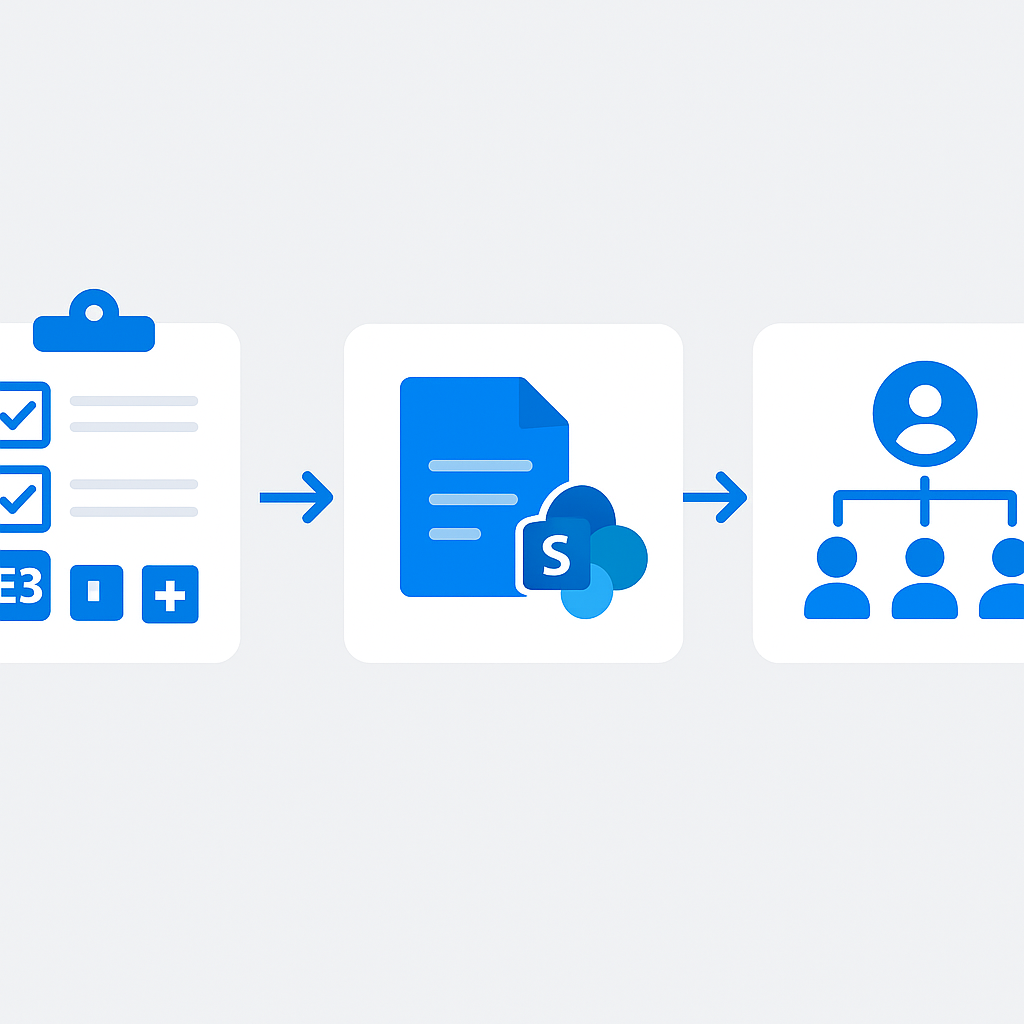
The AI Governance Framework: People, Process, Technology
Effective AI governance rests on three interconnected pillars:
People
- AI Governance Committee: Cross-functional team including IT, legal, compliance, HR, and business leadership
- AI Champions: Department-level advocates who understand both the technology and business context
- Data Stewards: Individuals responsible for data quality and classification within their domains
- AI Ethics Officer: Senior leader accountable for responsible AI practices (can be an existing role with expanded scope)
Process
- AI Use Case Assessment: Standardised evaluation framework for new AI initiatives
- Risk Classification: Categorisation of AI applications by risk level (low, medium, high, unacceptable)
- Approval Workflows: Governance gates for deploying AI capabilities
- Incident Response: Procedures for handling AI-related incidents (incorrect outputs, data leaks, bias)
- Continuous Monitoring: Ongoing assessment of AI system behaviour and impact
Technology
- Microsoft Purview: Information protection, DLP, and compliance management
- Entra ID Governance: Identity and access management, access reviews, PIM
- SharePoint Advanced Management: Data access governance reports
- Azure AI Content Safety: Content filtering and moderation for custom AI
- Microsoft Defender: Threat detection and security monitoring
Data Classification as the Foundation
Data classification is the single most important prerequisite for any AI deployment. Without it, you cannot control what AI systems access, and you cannot enforce appropriate protections.
Sensitivity Labels Strategy for AI
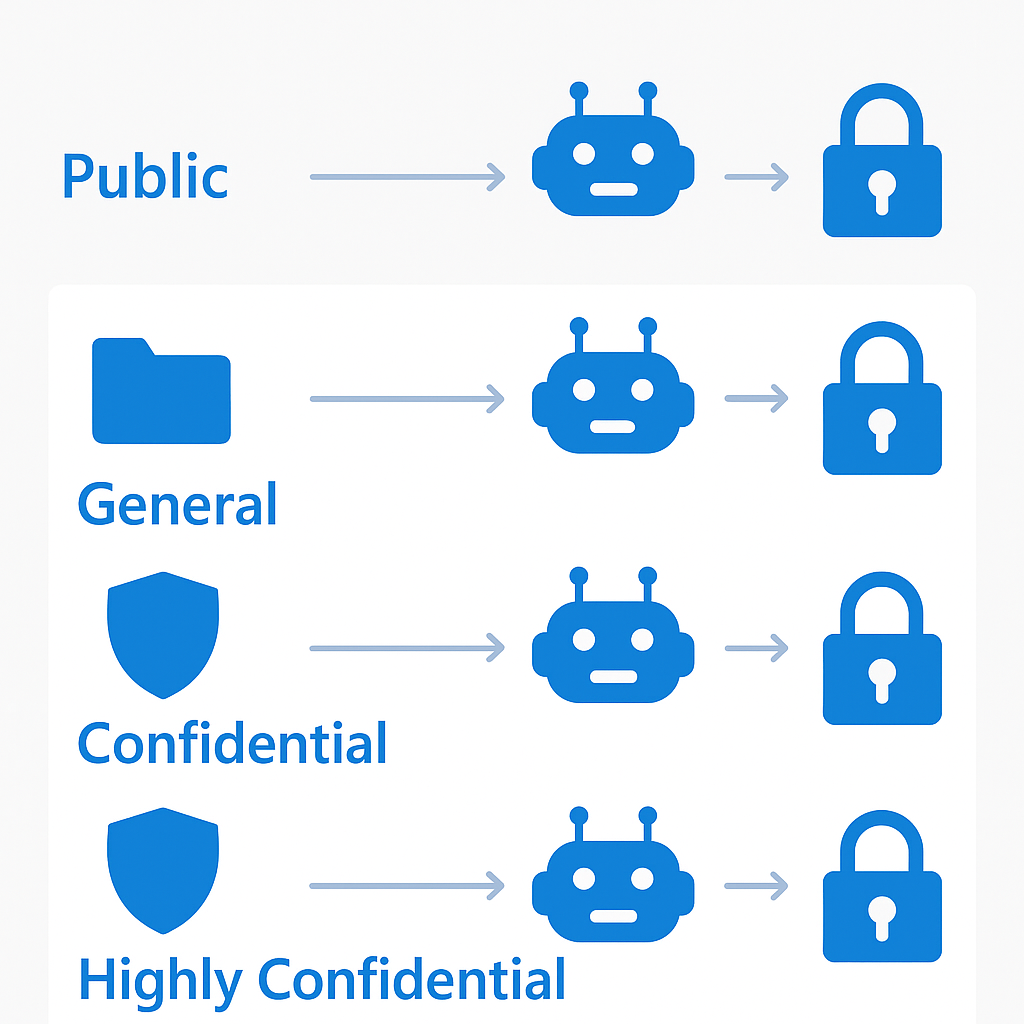
Design your label taxonomy with AI in mind:
| Label | Protection | AI Behaviour |
|-------|-----------|-------------|
| Public | No encryption | Copilot can freely use this content |
| General | Header/footer marking | Copilot can use; standard access controls apply |
| Confidential | Encryption, org-wide access | Copilot can access if user has permission; DLP alerts on sharing |
| Highly Confidential | Encryption, named users only | Consider excluding from Copilot via Restricted SharePoint Search |
Auto-Labeling for AI Readiness
Deploy auto-labeling policies to achieve comprehensive classification before enabling AI features:
- Client-side recommendations: Office apps suggest labels as users create content
- Service-side auto-labeling: Automatically classify content at rest in SharePoint and OneDrive
- Trainable classifiers: ML models that identify document types (contracts, financials, HR records)
- Exact data matching: Match against known sensitive data patterns
My recommendation: start auto-labeling at least 3 months before your planned AI deployment. It takes time for policies to propagate and for users to adopt labelling habits.
For sensitivity label planning, see Get started with sensitivity labels.
Permission Audit: The Number One Prerequisite
A thorough permission audit is the most important step before deploying any AI capability. Copilot surfaces content based on existing permissions. If those permissions are wrong, Copilot amplifies the problem at scale. I walk through the full data-and-permissions preparation in the SharePoint AI data readiness blueprint.
Common Permission Issues
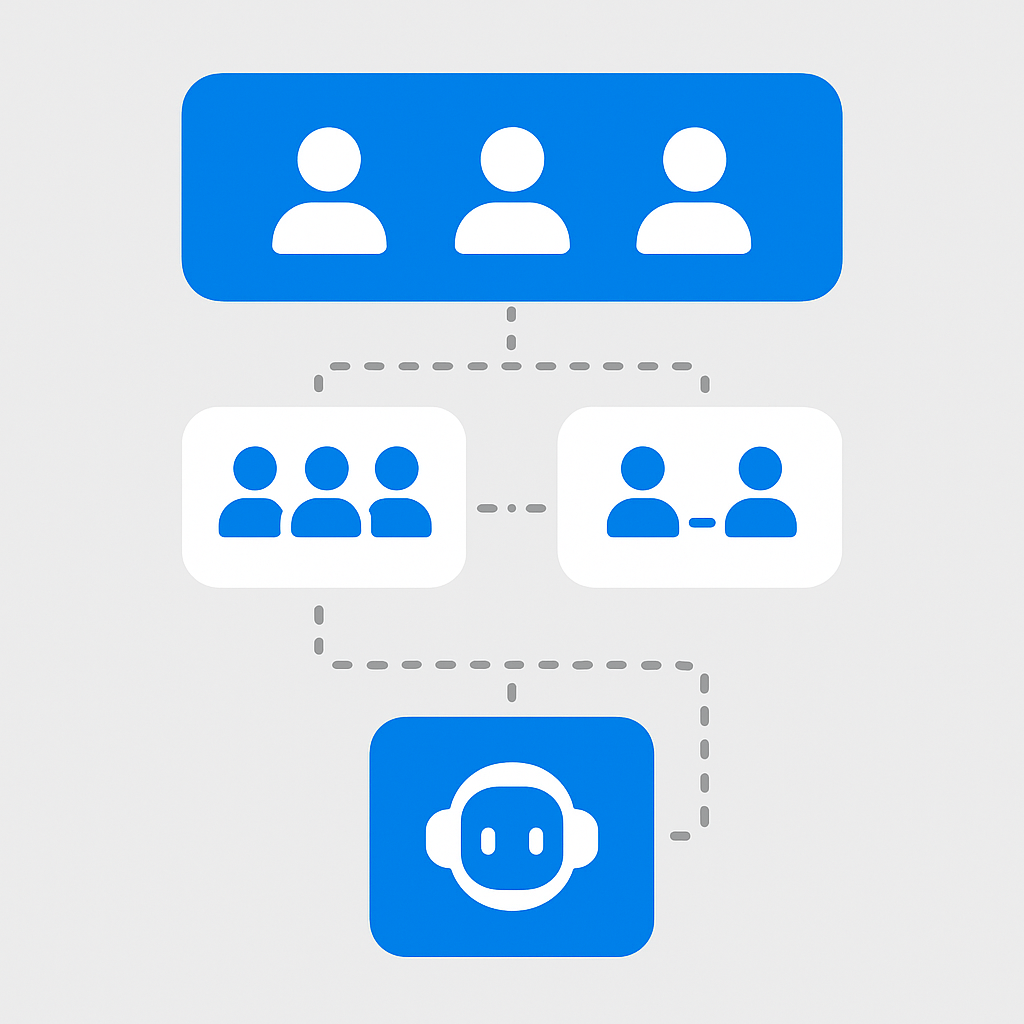
- "Everyone except external users": This group includes every employee. Sites shared with this group become accessible to all users' Copilots
- Stale group memberships: Users who changed roles still have access to previous team content
- Permissive sharing defaults: Default sharing links set to "Organisation" rather than "Specific people"
- Inherited permissions: Subsites inheriting overly broad parent permissions
- Orphaned access: Former employees' guest accounts or service accounts with excessive access
Permission Audit Process
# Step 1: Identify sites shared with "Everyone except external users"
Get-SPOSite -Limit All | ForEach-Object {
    $groups = Get-SPOSiteGroup -Site $_.Url
    foreach ($group in $groups) {
        if ($group.Users -contains "c:0-.f|rolemanager|spo-grid-all-users") {
            [PSCustomObject]@{
                SiteUrl = $_.Url
                GroupTitle = $group.Title
                MemberCount = $group.Users.Count
            }
        }
    }
} | Export-Csv "OversharedSites.csv" -NoTypeInformation

# Step 2: Review sharing links
Get-SPOSite -Limit All | ForEach-Object {
    $sharing = Get-SPOSite -Identity $_.Url | Select-Object Url, SharingCapability, DefaultSharingLinkType
    $sharing
} | Export-Csv "SharingConfig.csv" -NoTypeInformation
Remediation Priority
- Immediate: Remove "Everyone" access from sites containing HR, financial, or legal content
- Week 1-2: Audit and fix top 20 most-accessed sites
- Week 3-4: Implement default sharing link restrictions tenant-wide
- Ongoing: Set up quarterly access reviews via Entra ID Governance
For SharePoint permission management, see SharePoint sharing and permissions.
Questions to ask your team
1. If Copilot surfaced the contents of our five most sensitive SharePoint sites to any employee who asked, what would the business impact be?
This question reframes governance from an IT task to a business risk conversation — it gets executive attention and budget.
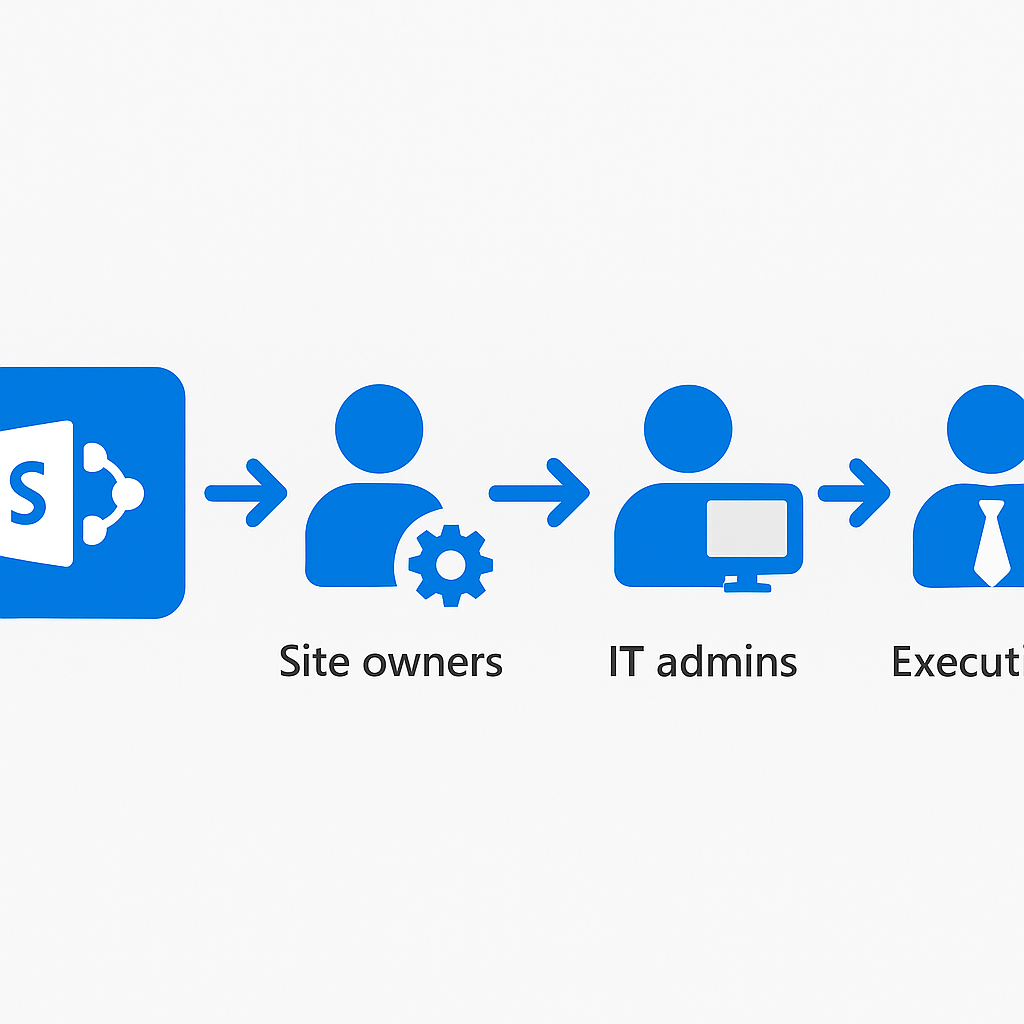
2. Who owns the permission remediation for sites they do not administer? What is the escalation path when a site owner refuses to change access?
Without a named escalation path and executive backing, your remediation list becomes a list of sites that never get fixed.
3. Are we subject to any regulation that requires demonstrable AI governance before deployment — EU AI Act, financial services FCA/ESMA guidance, ISO 42001?
Identifying the regulatory driver early shapes the governance artefacts you need to produce, not just the controls you implement.
4. What is our incident response plan if Copilot generates a response that exposes personal data or confidential business information?
Having this documented before go-live, not after the first incident, is the difference between a controlled response and a crisis.
5. Who reviews Purview AI Hub data after go-live, how often, and what triggers an escalation?
A monitoring capability with no named reviewer and no escalation criteria does not function as a control — it is just a dashboard.
6. How will we communicate to employees what Copilot can and cannot access, and what they should not put in prompts?
User behaviour is a governance surface. Employees need to understand that prompts are logged and that pasting sensitive data into Copilot creates a compliance event.
DLP Policies for AI Workloads
DLP policies need specific configurations for AI scenarios.
AI-Specific DLP Considerations
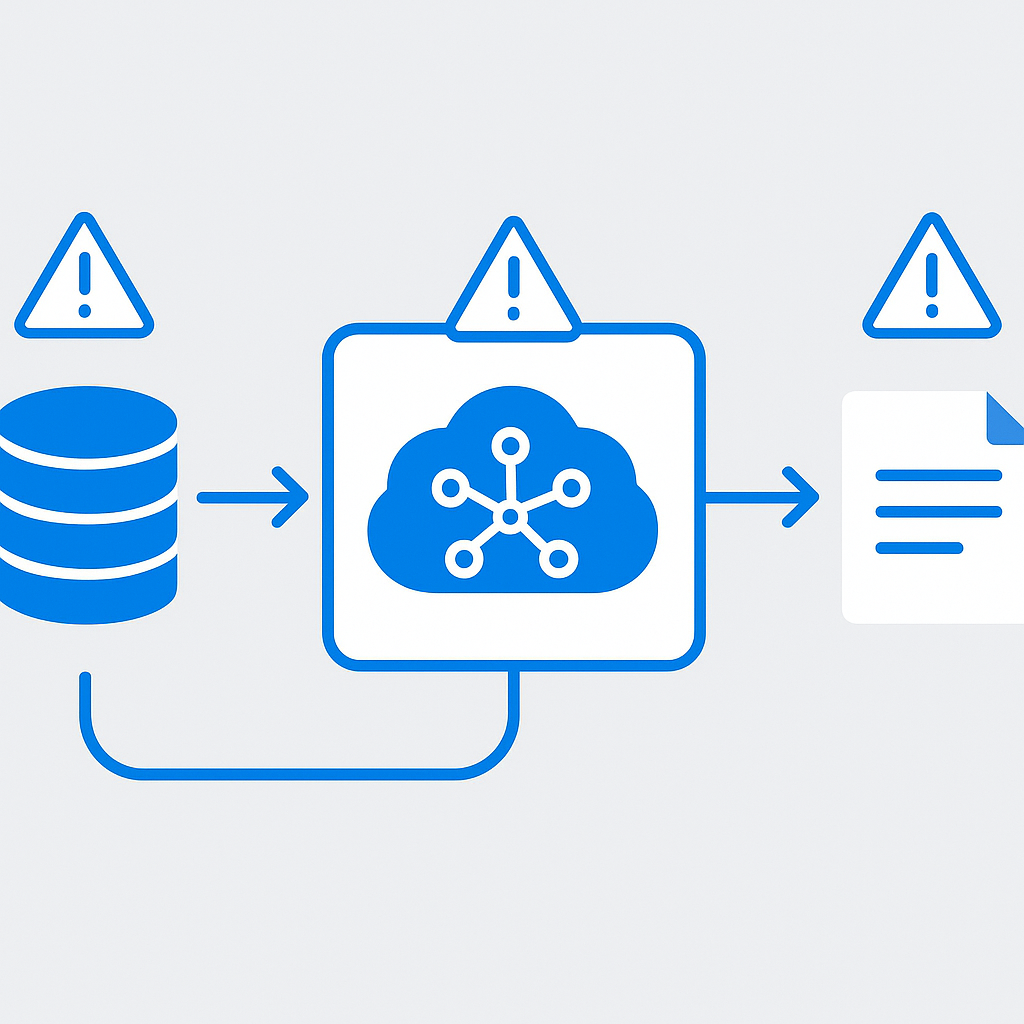
Traditional DLP prevents users from emailing sensitive documents externally. With AI, you also need to address:
- Copilot-generated content: When Copilot creates a document using sensitive source material, the generated content may contain sensitive data
- Cross-context synthesis: Copilot can combine data from multiple sources, potentially creating new sensitive combinations
- Chat-based sharing: Users might paste Copilot outputs into Teams chats or emails
Recommended DLP Policies
- Block external sharing of Copilot-generated content labelled Confidential+
- Alert on bulk Copilot queries accessing sensitive content types
- Prevent screenshot/copy of Highly Confidential content viewed through Copilot
- Monitor Copilot interactions involving financial or HR data patterns
For DLP policy configuration, see Learn about data loss prevention.
Microsoft Purview AI Hub
Microsoft Purview AI Hub is specifically designed for monitoring AI interactions across your Microsoft 365 tenant. I treat it as a mandatory post-deployment control, not an optional add-on.
Key Capabilities
- AI interaction analytics: See how users interact with Copilot and which data sources are accessed
- Sensitive content detection: Identify when AI interactions involve sensitive information
- Policy compliance: Monitor whether AI usage complies with organisational policies
- Risk indicators: Flag unusual patterns in AI usage that might indicate misuse
Setting Up AI Hub
- Navigate to the Microsoft Purview compliance portal
- Go to AI Hub (may require Purview AI Hub licence)
- Configure data connectors for Microsoft 365 Copilot
- Set up alert policies for sensitive content interactions
- Create custom dashboards for AI governance reporting
For Purview AI Hub, see Microsoft Purview AI Hub.
Responsible AI Principles Applied to Enterprise Copilot
Microsoft's six Responsible AI principles must be operationalised for your specific context:
1. Fairness
- Verify Copilot outputs are consistent across different user groups
- Test AI-generated content for cultural sensitivity before broad deployment
- Monitor for patterns where certain employee groups receive systematically different quality responses
2. Reliability and Safety
- Implement content moderation filters for AI outputs
- Define escalation procedures for AI failures
- Set up monitoring for AI hallucinations or incorrect information
3. Privacy and Security
- Apply sensitivity labels before enabling AI features
- Configure Restricted SharePoint Search for phased rollouts
- Monitor AI access patterns through audit logs
4. Inclusiveness
- Verify AI tools are accessible to users with disabilities
- Support multiple languages in AI interactions
- Provide alternative channels for users who cannot use AI tools
5. Transparency
- Label AI-generated content clearly so users know what they are reading
- Provide citations for AI responses so users can verify information
- Document AI system capabilities and limitations for users
6. Accountability
- Assign clear ownership for AI governance decisions
- Maintain audit trails of AI-related policy changes
- Conduct regular reviews of AI system performance and impact
For Microsoft's RAI principles, see Responsible AI principles.
Compliance Considerations: GDPR, EU AI Act, ISO 42001
GDPR Implications
AI systems that process personal data must comply with GDPR requirements:
- Data minimisation: Configure AI to access only necessary data
- Purpose limitation: Define clear purposes for AI data processing
- Data subject rights: Verify individuals can exercise their rights regarding AI-processed data
- DPIA: Conduct Data Protection Impact Assessments for high-risk AI processing
EU AI Act
The EU AI Act introduces risk-based regulation for AI systems:
- Unacceptable risk: Social scoring, manipulation — banned
- High risk: HR decisions, credit scoring — strict requirements including conformity assessment
- Limited risk: Chatbots, AI-generated content — transparency obligations
- Minimal risk: Most business AI applications — no specific requirements
For enterprise Copilot: most internal deployments fall under "limited risk" requiring transparency (users must know they are interacting with AI). Custom AI applications for HR decisions may be classified as "high risk." If any of your systems could land in that category, audit them first — I cover how in EU AI Act high-risk AI classification.
ISO 42001
ISO 42001 is the first international standard for AI management systems:
- Provides a framework for establishing, implementing, and improving AI governance
- Useful for demonstrating AI governance maturity to regulators and customers
- Aligns well with Microsoft's RAI principles and Purview capabilities
Building an AI Governance Committee
Committee Composition
| Role | Responsibility | Meeting Frequency |
|------|---------------|-------------------|
| CISO / IT Security | Security architecture, risk assessment | Monthly |
| Chief Compliance Officer | Regulatory alignment, policy enforcement | Monthly |
| Data Protection Officer | GDPR compliance, data subject rights | Monthly |
| Business Unit Leaders | Use case prioritisation, adoption | Bi-monthly |
| IT Director | Technical implementation, monitoring | Monthly |
| HR Representative | Employee data protection, workforce impact | Quarterly |
| Legal Counsel | Contract review, liability assessment | As needed |
Committee Charter
Your AI governance committee needs a formal charter covering:
- Scope: Which AI systems and activities fall under governance
- Authority: Decision-making power regarding AI deployments
- Cadence: Monthly operational meetings, quarterly strategic reviews
- Escalation: Process for urgent AI-related incidents
- Reporting: Regular reporting to board/executive leadership
Risk Assessment Framework for AI Features
AI Risk Classification Matrix
Evaluate each AI initiative across four dimensions:
Data Sensitivity (1-5): How sensitive is the data the AI accesses?
Decision Impact (1-5): How significant are the decisions influenced by AI outputs?
User Scope (1-5): How many users are affected?
Autonomy Level (1-5): How independently does the AI operate?
| Total Score | Risk Level | Governance Requirement |
|-------------|------------|----------------------|
| 4-8 | Low | Standard review, self-service deployment |
| 9-14 | Medium | Committee review, staged rollout |
| 15-17 | High | Full assessment, executive approval, monitoring plan |
| 18-20 | Critical | Board-level approval, external audit, continuous monitoring |
Change Management for AI Adoption
Communication Strategy
- Awareness: Communicate the "why" before the "what" — explain business value, not just features
- Education: Role-specific training on how AI changes daily workflows
- Support: Dedicated channels for AI questions and concerns
- Feedback: Regular surveys and feedback mechanisms
- Celebration: Highlight success stories and productivity wins
Addressing Common Concerns
- "AI will replace my job": Frame AI as an assistant that handles routine tasks, freeing humans for higher-value work
- "I don't trust AI outputs": Emphasise human review requirements and provide verification training
- "My data isn't safe": Explain security controls, data residency, and privacy protections
- "It's too complicated": Provide simple, role-specific quick-start guides
Your implementation checklist
Plan
- [ ] Establish AI governance committee with a signed charter — this is the single action that makes everything else possible
- [ ] Run the permission audit PowerShell script and classify sites by remediation priority: immediate / week 1-2 / week 3-4
- [ ] Define sensitivity label taxonomy (4 labels maximum) and confirm licensing covers auto-labeling at scale
- [ ] Complete the GDPR Data Protection Impact Assessment for Copilot before any licences are assigned
Build
- [ ] Deploy sensitivity labels with service-side auto-labeling on SharePoint and OneDrive
- [ ] Configure DLP policies for AI scenarios in audit mode — collect 2 weeks of data before switching to enforcement
- [ ] Enable Restricted SharePoint Search with an initial allow list of 5-10 governance-clean sites
- [ ] Set up Microsoft Purview AI Hub with alert policies for sensitive content interactions
- [ ] Document acceptable use policy and AI governance policy — users need to read and acknowledge before access
Test
- [ ] Pilot with Ring 0 (IT + champions) and review AI Hub data after 2 weeks — look for unexpected data access patterns
- [ ] Validate that DLP policy tips display correctly and that enforcement blocks work as configured
- [ ] Run tabletop exercise on the AI incident response plan — the first time you test it should not be during a real incident
- [ ] Confirm information barriers (if configured) correctly prevent cross-segment Copilot responses
Deploy
- [ ] Expand to Ring 1 after reviewing pilot feedback and adjusting governance controls
- [ ] Switch DLP policies to enforcement mode (graduated — one policy at a time)
- [ ] Schedule quarterly access reviews via Entra ID Governance
- [ ] Present governance posture report to leadership before any broad rollout — get explicit sign-off
For comprehensive AI governance guidance, visit the Microsoft Purview documentation and the Microsoft Responsible AI resources.
📋 Free Download: The Microsoft AI Governance Playbook
Everything covered in this article — the 3-layer framework, the decision matrix, the 20-question readiness assessment, and the 5 failure modes I see every month in EMEA — is packaged in a single PDF for IT Directors and CIOs.
_(Get the free PDF by entering your email in the form below.)_
Ready to map your specific governance roadmap? Let's talk →