AI Governance Microsoft 365: Framework 2026
· AI Governance · 15 min read
By Juan Pedro Márquez
Last year I sat in a governance review with a mid-sized professional services firm in Madrid. They had deployed Microsoft 365 Copilot to 800 users six months earlier. Usage was high, productivity gains were measurable — and then legal came back with a question: "Can you tell us exactly what data Copilot accessed during that contract negotiation in March?" The answer, at that point, was essentially no. No audit trail configured. No sensitivity labels on the relevant documents. No DLP policies covering Copilot interaction channels.
That conversation is more common than it should be. Organizations move fast to capture the productivity value of AI — which is the right instinct — but the governance layer lags by months. The problem is that closing that gap reactively, after an incident or an audit, costs far more in remediation than doing it right from the start.
My recommendation is direct: governance is not a phase 2 activity. You build it in parallel with your Copilot rollout, not after. Here's the framework I use with customers. If you want the same material framed for the person running the tenant, I've written a companion piece on what every IT admin needs to know before deploying Copilot.
Before you start
These prerequisites are non-negotiable before you configure any AI governance controls in your M365 tenant:
- Microsoft Purview AI Hub enabled in your tenant — without this, you have no baseline visibility into existing AI activity; it costs nothing to enable and takes minutes
- Audit logging status confirmed — verify that Microsoft Purview Audit (Standard) is active; if regulatory requirements apply, confirm whether Audit Premium retention is needed before you start logging events you may need later
- Sensitivity label taxonomy reviewed — if your current label set doesn't reflect your actual data classification policy, AI governance policies built on top of it will have gaps; fix the taxonomy first
- Copilot admin center access confirmed for at least one governance owner — the role required is Global Admin or Copilot Admin
- DLP policy inventory completed — document which DLP policies currently exist and whether any of them explicitly cover Copilot interaction channels (most legacy policies do not)
- AI plugin inventory pulled from the Copilot admin center — you need to know which plugins and connectors are currently enabled before you can assess the data access surface
- Executive sponsor identified for AI governance — without a named owner at senior level, governance programs stall when they create friction with deployment timelines
The AI Governance Imperative
Enterprise AI adoption is accelerating at a pace that most governance frameworks were never designed to handle. Microsoft 365 Copilot, Azure OpenAI integrations, and third-party AI plugins are landing in production environments faster than security teams can assess them. The result is a growing gap between AI capability deployment and the controls that should be wrapping it.
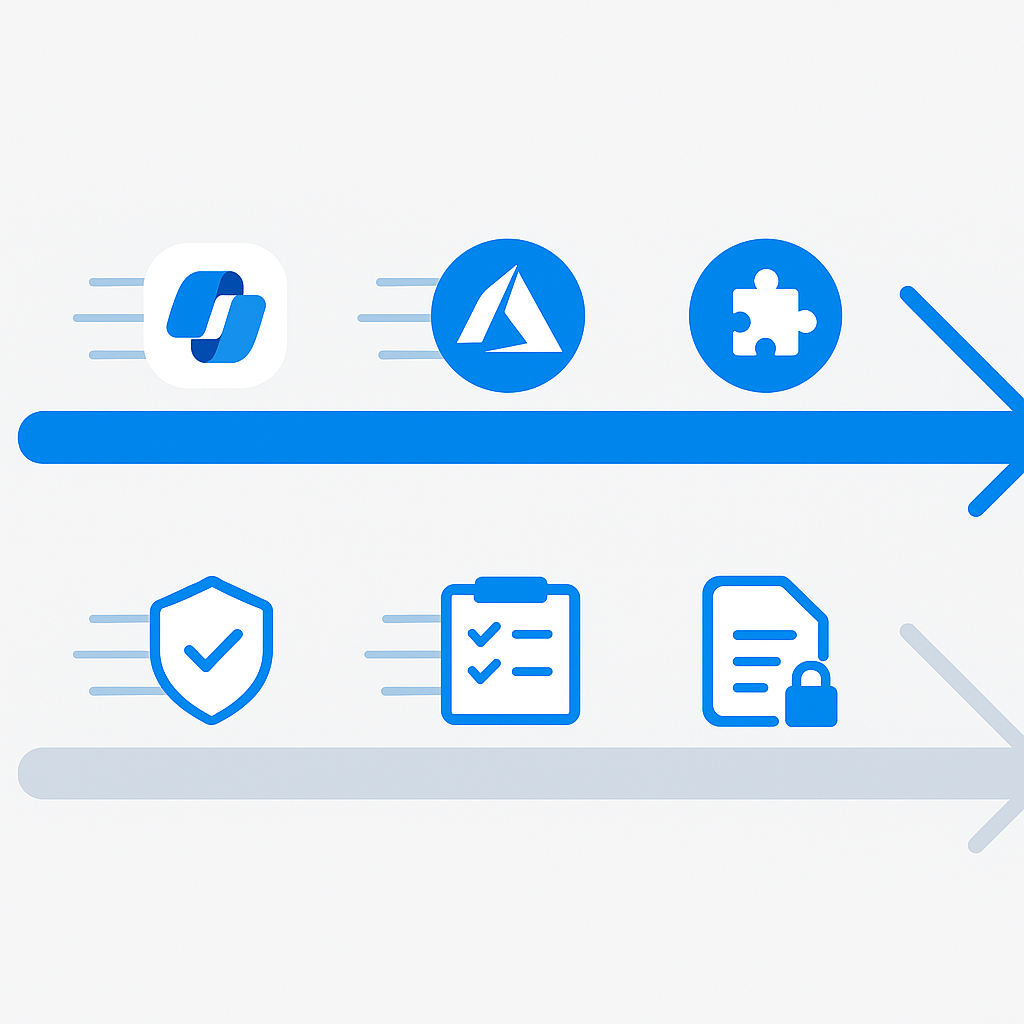
Governance is not a checkbox activity. It is the operational layer that determines whether your AI investments are sustainable, defensible, and trustworthy. Organizations that skip governance in the rush to capture productivity gains tend to discover the cost of that shortcut during an incident, an audit, or a regulatory review.
The regulatory context makes this urgent. The EU AI Act, which entered into force in August 2024, introduces a risk-based classification system for AI systems. High-risk systems — those operating in employment, education, critical infrastructure, and similar domains — are subject to mandatory conformity assessments, data governance requirements, and ongoing monitoring obligations. Even organizations that primarily operate outside the EU cannot ignore this legislation if they serve EU customers, employ EU workers, or process EU personal data. Whether Microsoft's own stack helps you meet those obligations is a question I unpack in Is Microsoft Copilot compliant with the EU AI Act?
The organizations that will navigate this landscape successfully are those building governance infrastructure now, before regulators begin enforcement actions and before incidents force reactive remediation at the worst possible moment.
The Four Pillars of AI Governance
Every mature enterprise AI governance program rests on four foundational pillars that map directly to the risk vectors that regulators, auditors, and boards are asking about.
Accountability
Accountability answers the question: who is responsible when something goes wrong? In an AI context, this means defining clear ownership for AI system decisions, establishing escalation paths for AI-related incidents, and ensuring that human oversight is meaningfully embedded in high-stakes workflows. Without this, AI systems become accountability voids where no individual or team feels ownership of outcomes.
Transparency
Transparency addresses two distinct audiences: internal stakeholders who need to understand what AI systems are doing, and external stakeholders — customers, regulators, partners — who need confidence that AI is being used responsibly. The EU AI Act specifically requires that individuals interacting with AI systems in certain contexts be informed they are doing so.
Security
AI systems introduce novel attack surfaces. Prompt injection, data exfiltration through AI interfaces, model poisoning, and overprivileged AI service accounts are all real threats that traditional security frameworks were not designed to address. AI governance must extend the security perimeter to include AI interaction channels and AI-generated outputs.
Compliance
Compliance is the intersection of governance with external requirements: regulations, contractual obligations, industry standards, and internal policies. For M365 environments, compliance involves confirming that AI interactions do not violate data residency requirements and that audit trails are sufficient to satisfy regulatory requests.
Microsoft's Responsible AI Framework
Microsoft's approach to responsible AI is grounded in six principles: fairness, reliability and safety, privacy and security, inclusiveness, transparency, and accountability. These principles inform product design decisions, red team testing protocols, and the governance tooling built into the Microsoft 365 platform.
The Microsoft Responsible AI Standard provides a practical entry point for understanding how these principles translate into engineering requirements and operational practices. For enterprise customers, this documentation is valuable not just for understanding Microsoft's approach but for benchmarking your own organization's AI governance maturity.
Note: Microsoft's Responsible AI principles apply to Microsoft's own development practices. Your organization is still responsible for how you deploy, configure, and use AI capabilities within your environment. Governance is a shared responsibility model, not a full delegation to the vendor.
Implementing Governance in M365: The 30-60-90 Day Roadmap
The most common failure mode in enterprise AI governance programs is trying to do everything at once. A phased approach gives teams time to develop institutional knowledge, surface unexpected complications, and demonstrate early wins to stakeholders.
30 Days: Inventory and Baseline
The first priority is understanding what AI activity is already happening in your environment. Many organizations are surprised to discover how much AI usage has occurred through shadow IT, personal Microsoft accounts, or features enabled by default.
Start with Microsoft Purview AI Hub, which provides a centralized visibility layer for AI activity across Microsoft 365. Simultaneously, pull Copilot activity reports from the Microsoft 365 admin center.
Document your findings in a baseline report covering: current AI feature enablement state, active user counts by workload, any sensitivity label coverage gaps, and existing DLP policy applicability to AI channels.
60 Days: Policy Implementation
With a baseline established, the focus shifts to closing the most significant governance gaps.
Sensitivity label coverage should be the first priority. If files, emails, and Teams messages are not consistently labeled, AI systems will process unlabeled content without the context needed to apply appropriate handling controls. Use Microsoft Purview Information Protection documentation to configure and deploy labels.
DLP policies should be reviewed and updated to explicitly cover AI interaction channels. As of 2024, Microsoft Purview DLP policies can be applied to Microsoft 365 Copilot interactions, allowing you to detect and block or audit sensitive information flowing through AI prompts and responses.
Microsoft Entra Conditional Access policies should be evaluated to confirm AI-enabled applications are included in your existing access control framework.
90 Days: Monitoring and Continuous Improvement
The 90-day milestone marks the transition from implementation to operations. Establish a recurring review cadence for AI governance metrics: DLP policy match rates on AI interaction channels, sensitivity label adoption trends, Copilot activity anomalies, and any user-reported concerns about AI behavior.
Copilot Admin Center: Your Governance Command Post
The Microsoft 365 Copilot admin center is the primary interface for managing Copilot deployment and governance settings. From here, you can manage which users have Copilot licenses assigned, configure which Copilot features are enabled, and access Copilot usage analytics.
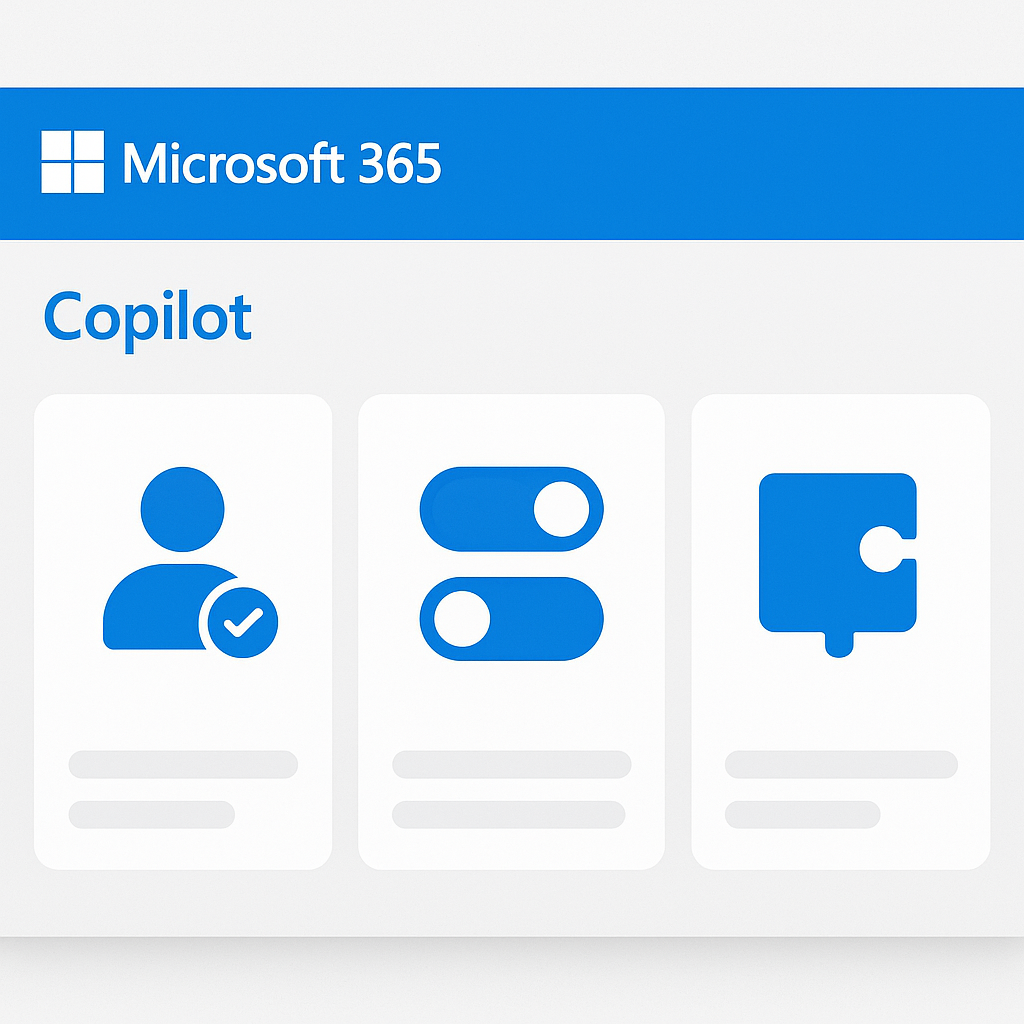
One of the most governance-relevant capabilities is managing Copilot extensibility. Each plugin or connector increases the data access surface area of the AI system. The admin center provides controls to restrict which plugins are available to users — a critical governance lever for organizations with strict data handling requirements.
Note: Copilot plugins that access external services may transmit user query data and organizational data to third-party systems. Review the data handling terms for any plugin before enabling it in your tenant.
Setting Up DLP Policies for AI Interactions
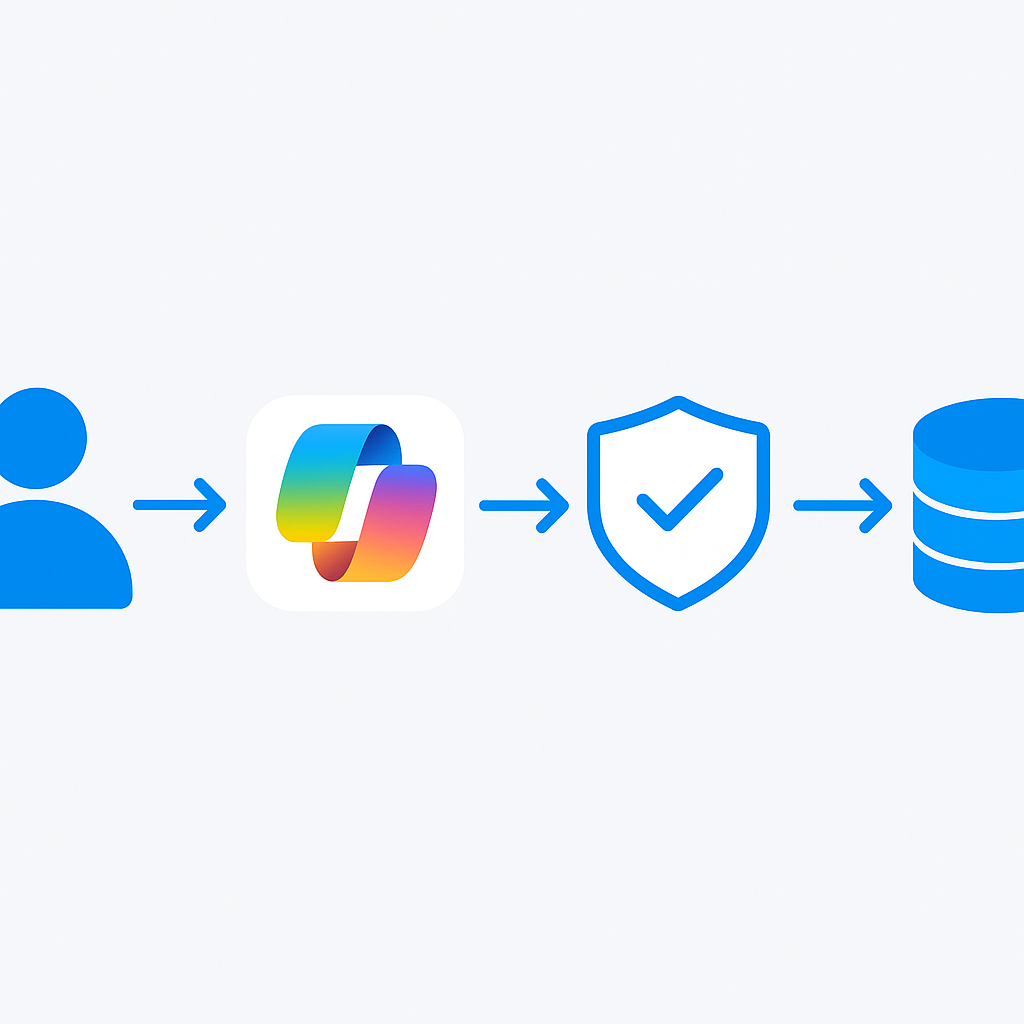
Data Loss Prevention policies are one of the most effective technical controls available for AI governance in M365. For a deeper treatment of Purview across AI workloads — DLP, DSPM, and audit working together — see Microsoft Purview for AI workloads. The following PowerShell example demonstrates how to create a DLP policy that detects sensitive financial information in Copilot interactions.
Connect-IPPSSession -UserPrincipalName [email protected]

# Create a DLP policy scoped to Microsoft 365 Copilot interactions
New-DlpCompliancePolicy `
    -Name "Copilot-FinancialData-Governance" `
    -Comment "Detects sensitive financial data in Copilot prompts and responses" `
    -ExchangeLocation All `
    -SharePointLocation All `
    -TeamsLocation All `
    -CopilotLocation All `
    -Mode AuditAndNotify

# Add a rule targeting financial data sensitive info types
New-DlpComplianceRule `
    -Name "Copilot-CreditCard-Detection" `
    -Policy "Copilot-FinancialData-Governance" `
    -ContentContainsSensitiveInformation @(
        @{Name="Credit Card Number"; minCount="1"},
        @{Name="ABA Routing Number"; minCount="1"},
        @{Name="SWIFT Code"; minCount="1"}
    ) `
    -GenerateIncidentReport @("[email protected]") `
    -NotifyUser @("LastModifier") `
    -Severity Medium

Write-Host "DLP policy created. Allow up to 24 hours for propagation." -ForegroundColor Green
Note: DLP policy changes can take up to 24 hours to fully propagate across all services. Plan policy updates with this latency in mind.
For detailed documentation, refer to the Microsoft Purview DLP documentation.
Sensitivity Labels and AI: How They Work Together
Sensitivity labels are the connective tissue between your information protection strategy and your AI governance controls. When content is labeled, AI systems use that label metadata to apply appropriate handling — and your governance policies can treat labeled and unlabeled content differently.
The Microsoft Purview sensitivity labels documentation covers the full configuration options. For AI governance, the most important decisions are: label taxonomy design, automatic labeling rules, and label inheritance.
Label inheritance is particularly important in AI contexts. If a user asks Copilot to generate a new document based on a confidential source, the output should inherit at minimum the same sensitivity classification as the input. Automatic sensitivity labeling uses trainable classifiers to label content without requiring user action.
Audit Logging and Compliance Reports
Audit logging is the evidentiary foundation of your AI governance program. Microsoft Purview Audit provides two tiers: Audit (Standard) and Audit (Premium). For organizations subject to regulatory requirements, Audit Premium is typically necessary — it provides longer retention periods and access to intelligent insights that surface anomalous activity patterns.
Copilot interactions are logged as audit events in Microsoft Purview. These events capture the workload where the interaction occurred, whether the response included references to specific files, and the sensitivity labels of any referenced content.
Note: Copilot audit logs capture metadata about AI interactions, not the full content of prompts and responses. If your compliance requirements demand access to full interaction content, evaluate whether Microsoft Purview Communication Compliance policies meet that need.
The Microsoft Purview audit log search documentation provides step-by-step guidance for querying audit data.
Common Governance Mistakes (and How to Avoid Them)
| Mistake | Why It Happens | How to Avoid It |
|---|---|---|
| Treating governance as a one-time project | Initial implementation pressure leads to "set and forget" mentality | Establish a recurring quarterly governance review with defined owners |
| Scoping governance only to licensed Copilot users | Shadow AI usage through personal accounts goes unaddressed | Implement network-level monitoring alongside M365 controls |
| Building policies without user communication | Users work around controls they don't understand | Pair every policy rollout with clear communication about rationale |
| Underestimating data classification debt | Governance policies only effective for labeled content | Prioritize auto-labeling for high-value repositories before AI deployment |
| Ignoring plugin and connector risk | Focus on core Copilot misses extensibility risk surface | Audit all enabled Copilot plugins quarterly |
| No escalation path for AI incidents | IR processes not updated for AI-specific scenarios | Update IR runbooks to include AI interaction anomalies |
| Conflating AI governance with AI ethics | Technical controls receive attention, accountability processes neglected | Confirm governance programs address both technical and operational dimensions |
The most persistent mistake is underestimating data classification debt. Organizations eager to deploy Copilot discover that without comprehensive sensitivity labeling, their AI governance policies have limited coverage. Run labeling initiatives in parallel with deployment and be transparent with stakeholders about coverage gaps.
Questions to ask your team
Before you lock in your governance architecture, work through these with your security, legal, and operations stakeholders:
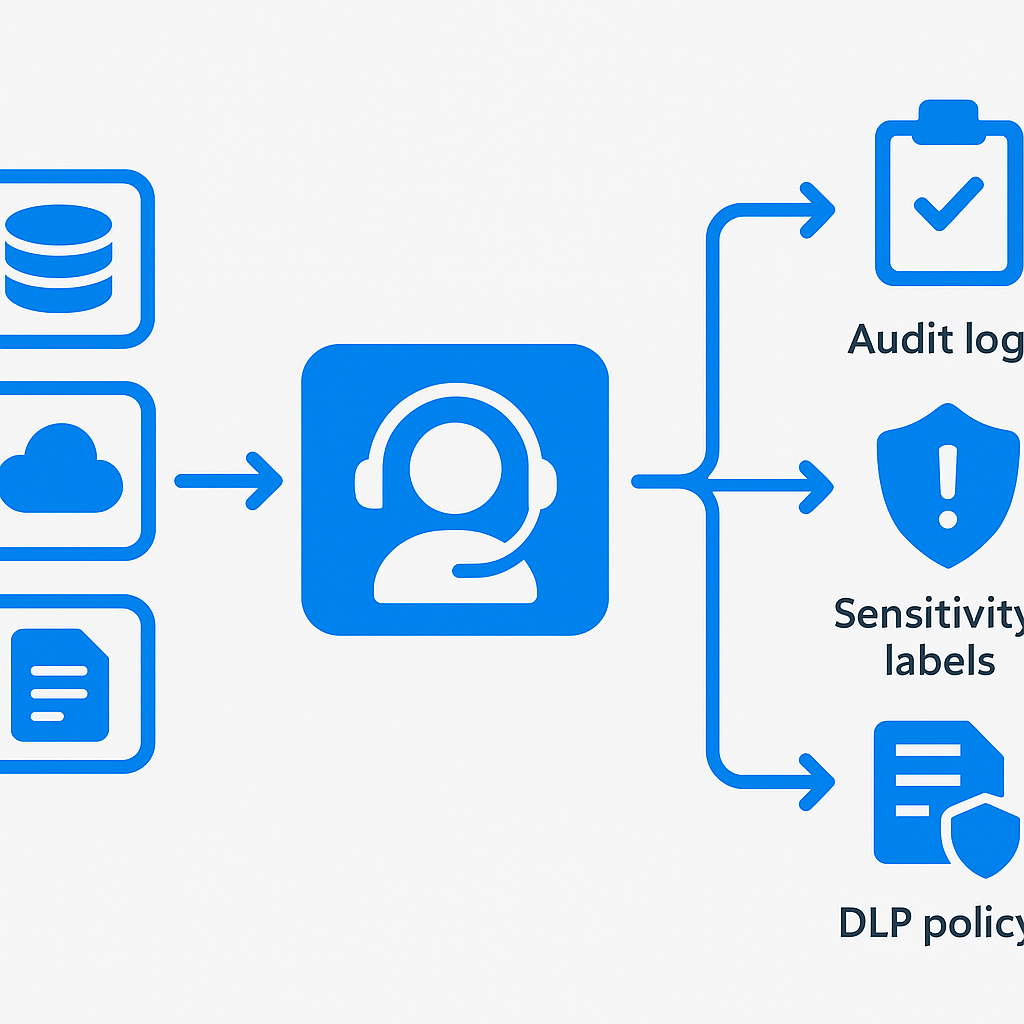
Can we answer "what data did Copilot access during X event" today? If the honest answer is no, audit logging and sensitivity labeling must be your first priority — everything else is decorative without this evidentiary layer.
Do our existing DLP policies explicitly cover Copilot interaction channels? Most DLP policies written before 2023 do not. Check for
-CopilotLocation Allcoverage explicitly — don't assume existing policies carry over.Who owns AI governance when it conflicts with a deployment deadline? This is a political question with a technical answer: you need an executive sponsor who can say "we slow down" when governance gaps are found. Without that person named in advance, governance always loses to deadline pressure.
What's our data classification debt, and who is paying it down? The percentage of SharePoint and OneDrive content that is unlabeled defines the ceiling of your AI governance coverage. If 60% of content has no label, your policies have 60% coverage gaps. Someone needs to own the labeling backlog.
Have we reviewed the data handling terms for every enabled Copilot plugin? Each plugin that accesses external services is a potential data egress path. This review needs to happen before users have access, not after.
Frequently asked questions
When should AI governance start — before or after a Copilot rollout?
Before, and in parallel. Governance is not a phase-2 activity. The most expensive failure mode is retrofitting controls after an incident or audit, once a sensitive document has already surfaced in the wrong person's Copilot response. Build the audit trail, sensitivity labels, and DLP coverage as the rollout proceeds, not once it is finished.
Can Microsoft Purview DLP policies cover Microsoft 365 Copilot?
Yes. Purview DLP policies can be scoped to Copilot interaction channels with the CopilotLocation parameter, letting you detect, audit, or block sensitive information flowing through prompts and responses. Most DLP policies written before 2023 do not include this scope, so existing policies must be reviewed rather than assumed to carry over.
What are the four pillars of enterprise AI governance?
Accountability (who owns AI decisions and incidents), transparency (internal and external visibility into what AI does), security (extending controls to AI interaction channels and outputs), and compliance (data residency, audit trails, and regulatory obligations such as the EU AI Act). Each maps directly to a question regulators, auditors, and boards are already asking.
What is the biggest AI governance mistake teams make with Copilot?
Underestimating data-classification debt. Governance policies only apply meaningfully to labeled content, so if a large share of SharePoint and OneDrive content is unlabeled, your controls carry matching coverage gaps. Run auto-labeling on high-value repositories in parallel with deployment, and be honest with stakeholders about the gaps.
Next Steps
First, establish visibility. Enable Microsoft Purview AI Hub and pull your first Copilot activity report within the next week.
Second, review your sensitivity label taxonomy against your data classification policy. Identify gaps — typically unlabeled SharePoint sites and OneDrive content — and configure auto-labeling policies.
Third, audit your existing DLP policies to determine whether Copilot interaction channels are explicitly covered.
Fourth, assign governance ownership. If no individual or team currently owns AI governance, that accountability gap is itself a governance risk.
Fifth, document your governance posture. A brief governance statement is useful for auditors, regulators, and executive stakeholders.
For questions about your specific governance architecture, reach out at [email protected].
Your implementation checklist
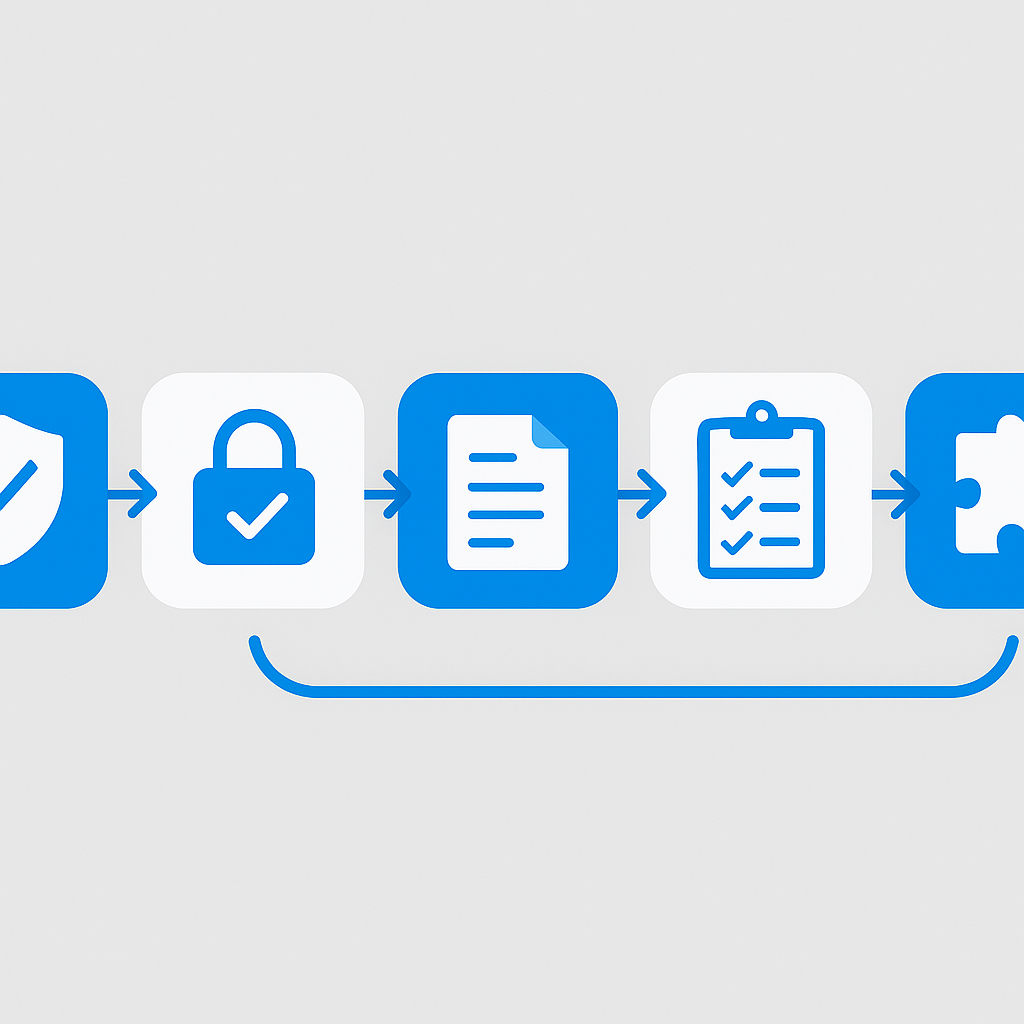
A practical track for moving from zero AI governance to a defensible, operational program.
Plan
- Microsoft Purview AI Hub enabled and first activity report pulled
- Audit tier confirmed — Audit (Standard) vs. Audit (Premium) decision made and documented
- Sensitivity label taxonomy reviewed and gaps identified against data classification policy
- DLP policy inventory completed with Copilot channel coverage explicitly checked
- Copilot plugin inventory pulled and data handling terms reviewed for each active plugin
Build
- Sensitivity labels deployed with automatic labeling rules for high-value repositories
- DLP policies updated with
-CopilotLocation Allscope for sensitive information types - Conditional Access policies confirmed to cover AI-enabled applications
- Copilot admin center plugin restrictions configured — only explicitly approved plugins enabled
- AI governance owner and escalation path documented and communicated to security team
Test
- DLP policy match verified — confirm a test interaction with target sensitive info type triggers the policy
- Audit log query executed for Copilot events — verify events are captured with correct metadata
- Label inheritance tested — confirm Copilot-generated output inherits source document classification
- IR runbook walkthrough completed with an AI-specific scenario
Deploy
- Quarterly governance review cadence established with named owner
- User communication sent explaining new AI governance policies and rationale
- Executive governance report produced covering current coverage gaps and roadmap
- Regulatory mapping document created — EU AI Act risk classification completed for active AI systems
Resources
- Microsoft Purview AI Hub overview
- Microsoft 365 Copilot admin center
- Microsoft Purview DLP
- Sensitivity labels in Microsoft Purview
- Apply sensitivity labels automatically
- Microsoft Purview Audit Premium
- Audit log search in Microsoft Purview
- Microsoft Entra Conditional Access
- Microsoft Responsible AI overview
- Microsoft Purview compliance portal
- Microsoft 365 Copilot usage reports
📋 Free Download: The Microsoft AI Governance Playbook
Everything covered in this article — the 3-layer framework, the decision matrix, the 20-question readiness assessment, and the 5 failure modes I see every month in EMEA — is packaged in a single PDF for IT Directors and CIOs.
(Get the free PDF by entering your email in the form below.)
Ready to map your specific governance roadmap? Let's talk →