Microsoft Purview for AI Workloads: Governance Guide
· AI Governance · 16 min read
By Juan Pedro Márquez
The governance conversation nobody wants to have — until the AI is already live
I have had this conversation more times than I can count. An organization deploys Microsoft 365 Copilot to a pilot group of enthusiastic early adopters. The feedback is overwhelmingly positive. Leadership accelerates the rollout. Three weeks later, someone in Finance discovers that a junior employee used Copilot to summarize a SharePoint document that contained salary bands for senior management — a file that had been sitting in an overpermissioned site for years, invisible to humans because finding it required knowing where to look.
AI doesn't require knowing where to look. That's the point. And that's the problem.
The threat model changes fundamentally when you deploy AI into your data estate. A human employee navigating SharePoint can browse a few dozen files per hour. An AI assistant semantically scans millions of documents in seconds, synthesizes information across sources, and presents conclusions in natural language that strips away every bit of friction that previously served as informal access control. The governance approach that was adequate for a world where finding information was hard is not adequate for a world where AI makes finding information trivially easy.
My recommendation is unambiguous: govern before you deploy, not after. Microsoft Purview is the platform that makes this tractable — and in this article I want to walk through it seriously, not as a feature checklist, but as the architectural foundation for responsible AI deployment that it actually is.
I have helped customers across Europe implement Purview as part of their Copilot readiness programs. The ones who treated governance as a prerequisite had measurably smoother rollouts and fewer post-launch surprises. The ones who treated it as a phase two workstream mostly found themselves doing phase one work reactively, under pressure, after something went wrong.
Before you start
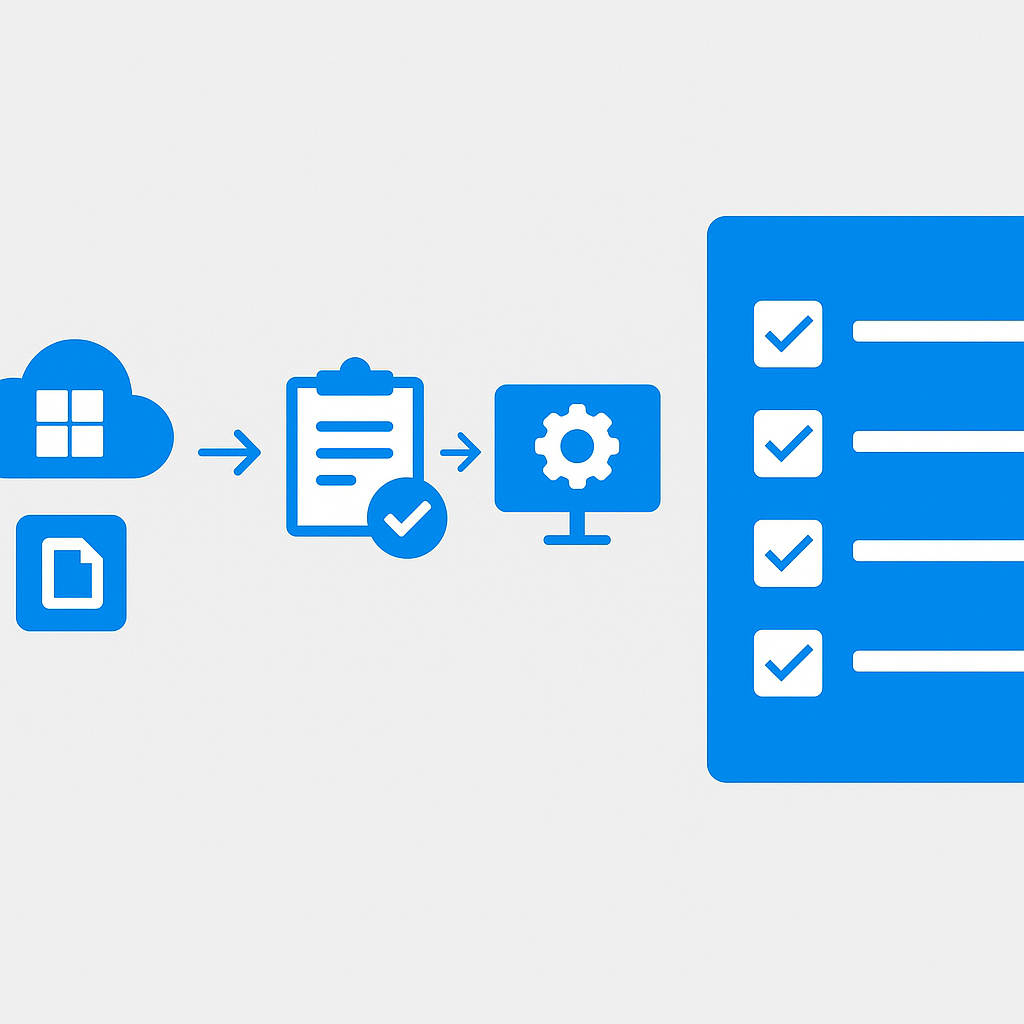
Every item below should be confirmed before you expand AI access to additional users. These are not optional.
- Microsoft 365 E3 or E5 licenses confirmed for all users in scope — many advanced Purview capabilities require E5 or the Microsoft 365 E5 Compliance add-on; validate your specific feature requirements against the licensing documentation before designing your architecture
- Audit logging enabled for all Microsoft 365 workloads — verify it covers Copilot interactions specifically before declaring it active
- At least one Global Administrator or Compliance Administrator available to configure Purview policies; do not attempt this with delegated permissions you haven't tested
- A Power Platform environment DLP policy reviewed — if you are running Copilot Studio agents alongside M365 Copilot, the connector restrictions in DLP affect both
- SharePoint Online permissions audit scoped and scheduled — identify your highest-risk sites (broad access, sensitive content) before connecting them to any AI workload
- Sensitivity label taxonomy drafted at minimum four levels (Public / Internal / Confidential / Highly Confidential) and reviewed by Legal, HR, and the CISO before publication
- Acceptable use policy for AI tools drafted and reviewed by HR and Legal — Communication Compliance supervision requires employees to be informed before monitoring begins
Microsoft Purview Overview: More Than a Compliance Tool
Many organizations still think of Microsoft Purview primarily as a compliance and audit tool — something the legal and privacy teams care about. That framing was already incomplete before the AI era. Today it is actively dangerous.
Microsoft Purview is a unified data governance, risk, and compliance platform that spans your entire data estate: Microsoft 365, Azure, on-premises sources, and third-party environments. It provides capabilities across four major domains:
- Data Governance — Data Map, Data Catalog, Data Estates Insights
- Information Protection — Sensitivity labels, encryption, DLP policies
- Risk and Compliance — Insider Risk Management, Communication Compliance, eDiscovery
- AI Security — The Purview AI Hub for Copilot and other AI workloads
What makes Purview architecturally important for AI is the integration depth. Sensitivity labels applied in Purview flow directly into how Microsoft 365 Copilot processes and surfaces content. DLP policies configured in Purview actively prevent Copilot from including restricted content in its responses. Audit logs captured by Purview record every Copilot interaction for compliance and forensic purposes.
Note: Microsoft Purview requires appropriate licensing. Many advanced capabilities require Microsoft 365 E3 or E5 licenses, with some features requiring E5 or the Microsoft 365 E5 Compliance add-on. Always validate licensing requirements before designing your governance architecture.
The Purview AI Hub: Visibility Into Your Copilot Activity
The Microsoft Purview AI Hub is the operational center for AI governance. It provides visibility specifically into how AI — Copilot for Microsoft 365, Copilot Studio agents, and third-party AI applications — interacts with your organizational data.
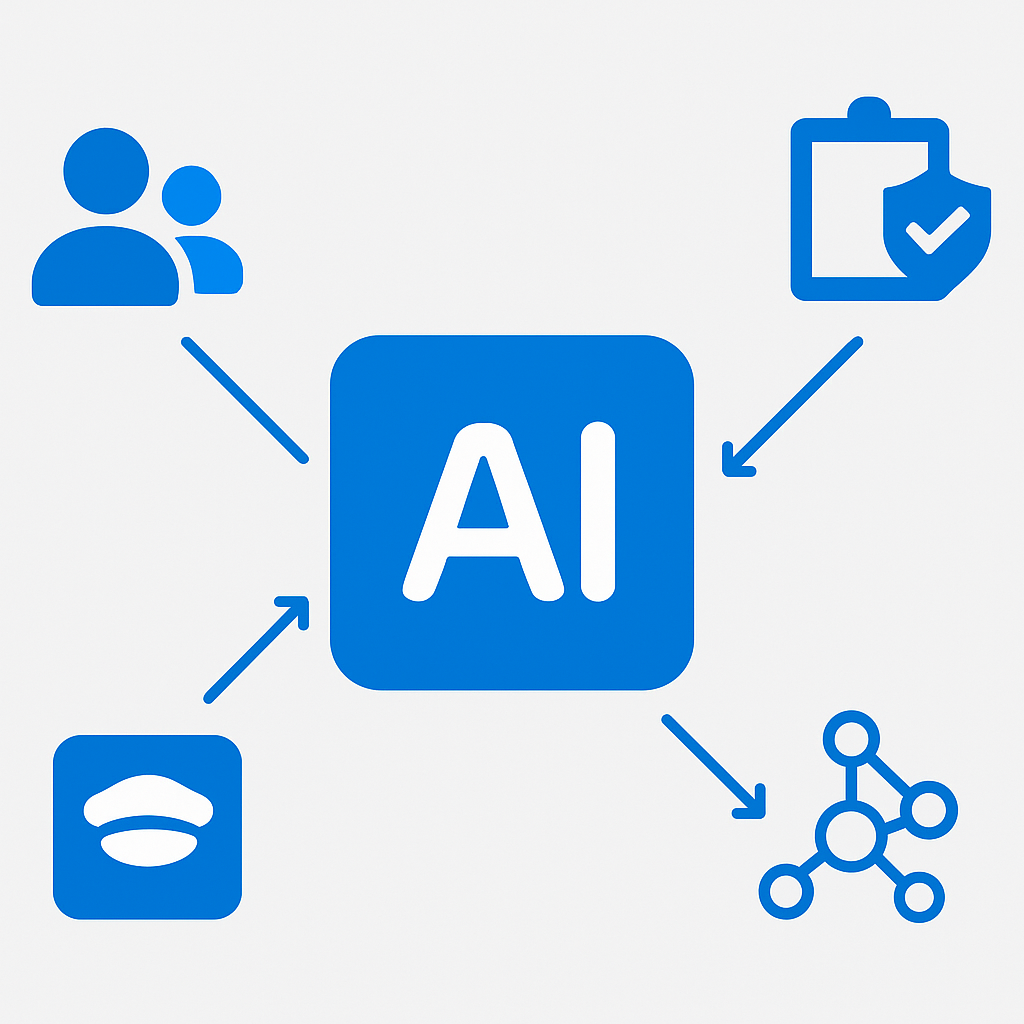
The AI Hub surfaces several categories of insight:
Activity Explorer for AI shows which users are interacting with AI tools, what sensitivity labels were present on content referenced in those interactions, and whether any DLP policies were triggered.
Sensitive data in AI prompts and responses — Purview can detect when users are sending sensitive data (credit card numbers, passport numbers, health data) into AI prompts. This is often a behavior organizations did not anticipate until it was already happening.
AI app discovery provides a view of which AI applications are being used across your organization, including unsanctioned AI tools that employees may be using outside of managed environments.
My recommendation: before you expand Copilot licensing to a broad user population, spend time in the AI Hub with a pilot group. Understand the baseline. You will almost certainly find sensitivity label gaps, overpermissioned SharePoint sites — the kind of exposure that making SharePoint AI-ready with the term store, metadata, and permissions is designed to close — and user behaviors that your policies need to address before go-live.
Questions to ask your team
These decisions shape your entire governance architecture. Get answers before you configure, not after.
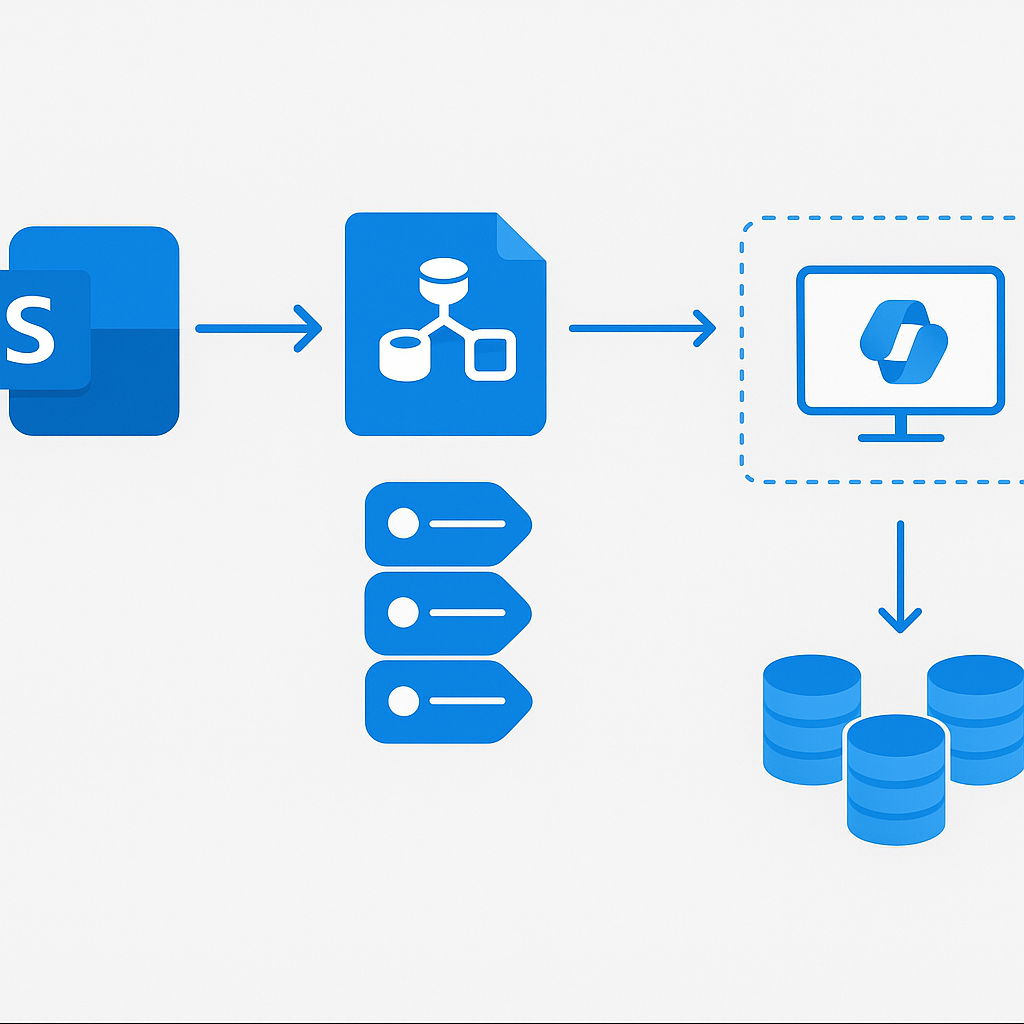
- What is your current sensitivity label coverage across SharePoint? If the honest answer is "we don't know," that is your starting point — run a Purview Data Map scan before connecting any SharePoint sites to Copilot.
- Which data sources will Copilot have access to on day one? The scope of AI access determines the blast radius of any misconfiguration; constrain it deliberately rather than by accident.
- Who owns the governance program operationally — IT, Legal, or Compliance? The answer determines where policy ownership sits and who gets alerted when the AI Hub surfaces anomalies.
- Do any users have access to SharePoint sites that contain content they should not see but have never needed to access manually? AI changes this equation entirely; a permissions audit is non-negotiable before rollout.
- What is your litigation hold process, and has it been updated to include Copilot interaction records? Every Copilot prompt and response is a discoverable record — your legal team needs to know this before an incident occurs.
- Are there regulated use cases in scope — financial services, healthcare, legal? These require Communication Compliance supervision policies in addition to the standard governance baseline, and they require employee notice before deployment.
Data Map and Data Catalog for AI Readiness
Before you can govern data for AI, you need to know what data you have — the tenant-level groundwork I lay out in Data Governance for AI Workloads.
The Microsoft Purview Data Map is an automated, living inventory of your data estate. It uses scanning and classification to discover data sources, identify sensitive data types, and build a catalog of assets with their lineage, ownership, and classification.
For AI readiness, this matters in two ways:
First, the Data Map tells you what sensitive data exists and where. Before Copilot has access to a SharePoint site, you should know whether that site contains content classified as confidential or subject to specific retention requirements.
Second, the Data Catalog enables data stewards to document the business meaning, ownership, and appropriate use of data assets. For AI workloads, this becomes important when deciding which data sources are appropriate for grounding — the RAG pattern that Copilot uses to answer questions from organizational knowledge.
Note: When onboarding data sources to Purview Data Map, start with your highest-risk environments first — SharePoint Online, Exchange Online, and any Azure Data Lake Storage accounts. These tend to contain the widest variety of sensitive data and are typically the first sources AI workloads will access.
Sensitivity Labels: The First Line of Defense for AI
Sensitivity labels are the cornerstone of information protection for AI workloads. A sensitivity label is a classification tag — applied to a document, email, Teams meeting, or SharePoint site — that carries policy enforcement. Labels can enforce encryption, watermarking, and access restrictions that persist with the content regardless of where it moves.
For AI, sensitivity labels serve a specific and critical function: they tell Microsoft 365 Copilot what it can and cannot do with content. Copilot respects sensitivity label permissions. If a document is labeled Confidential and encrypted to allow access only to members of a specific group, Copilot will not surface that document's content to users outside that group.
A well-designed label taxonomy for AI readiness:
| Label | Description | AI Behavior |
|---|---|---|
| Public | Content cleared for external sharing | Copilot can freely reference and summarize |
| Internal | General internal use | Copilot references per user permissions |
| Confidential | Business-sensitive, limited distribution | Copilot references only with group membership |
| Highly Confidential | Restricted, often encrypted | Copilot blocked from summarizing/extracting |
| Regulated | Subject to legal/compliance obligations | Copilot subject to DLP policy enforcement |
The encryption configuration on Confidential and Highly Confidential labels is what creates hard enforcement boundaries for AI. Labels without encryption are advisory; labels with encryption are technical controls.
Implementing Information Protection for Copilot
Connect-IPPSSession -UserPrincipalName [email protected]

# Create the Confidential sensitivity label with AI restrictions
New-Label `
  -Name "Confidential_AI_Restricted" `
  -DisplayName "Confidential - AI Restricted" `
  -Tooltip "Apply to content that should not be summarized or extracted by AI tools." `
  -EncryptionEnabled $true `
  -EncryptionProtectionType UserDefined `
  -SiteAndGroupProtectionEnabled $true `
  -SiteAndGroupProtectionPrivacy Private

# Create a label policy targeting your Copilot user population
New-LabelPolicy `
  -Name "Copilot_Governance_Policy" `
  -Labels "Confidential_AI_Restricted", "Highly_Confidential" `
  -ExchangeLocation All `
  -SharePointLocation All `
  -ModernGroupLocation All `
  -Comment "Sensitivity label policy for AI governance - Copilot deployment"

# Verify the label is published
Get-LabelPolicy -Identity "Copilot_Governance_Policy" |
  Select-Object Name, Labels, ExchangeLocation, SharePointLocation

# Apply default label to a sensitive SharePoint site
Set-SPOSite `
  -Identity "https://yourtenant.sharepoint.com/sites/ConfidentialProjects" `
  -SensitivityLabel "Confidential_AI_Restricted"
Note: The
EncryptionProtectionTypeparameter controls what happens to existing encryption when a label is applied. Test label configurations in a non-production tenant before publishing broadly.
Beyond label creation, configure Data Loss Prevention (DLP) policies that specifically address AI interactions. Purview DLP now supports Copilot as an endpoint — you can write policies that detect when sensitive information types appear in Copilot prompts or responses and either block the interaction or generate alerts for review.
Insider Risk Management for AI Interactions
Microsoft Purview Insider Risk Management is designed to detect anomalous patterns of behavior that may indicate insider threats. In the AI era, it has gained new relevance.
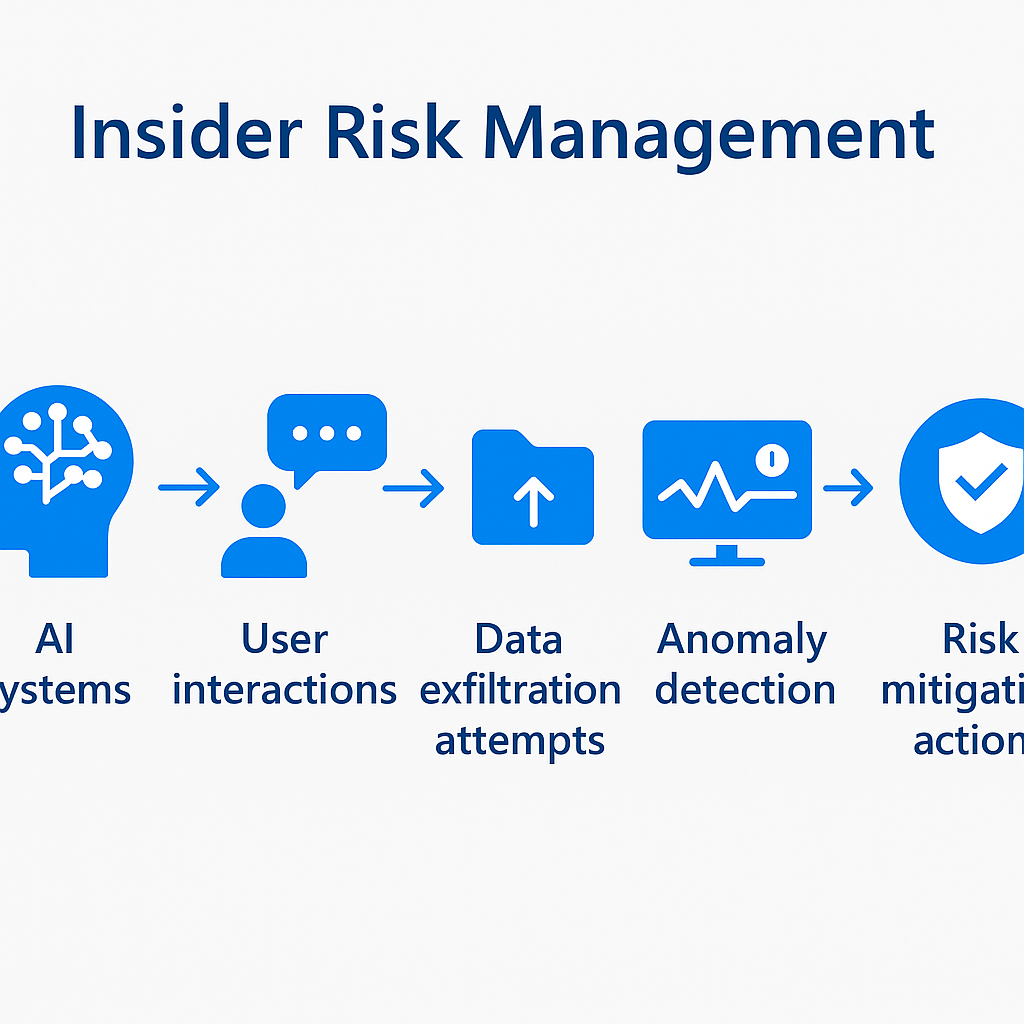
AI amplifies insider risk. An employee who previously could exfiltrate sensitive data by copying files to a USB drive now has a conversational interface that can extract, summarize, and repackage sensitive information rapidly.
Insider Risk Management for Copilot scenarios focuses on:
Sequence activities — A user who searches for sensitive documents using Copilot, downloads the documents, and then emails a summary externally represents a multi-step sequence that Insider Risk Management can detect as a correlated pattern.
Cumulative exfiltration — Users sending large volumes of AI-generated content to external recipients, especially when that content references internal documents with elevated sensitivity labels.
Priority content violations — Interactions with content designated as priority content can be weighted more heavily in risk scoring.
Configure Insider Risk Management policies that include Copilot activity in scope from day one of your AI deployment, not as a reactive measure after an incident.
Communication Compliance in the Copilot Era
Microsoft Purview Communication Compliance provides supervision capabilities for organizational communications — detecting policy violations, regulatory non-compliance, and inappropriate content across email, Teams, and Copilot interactions.
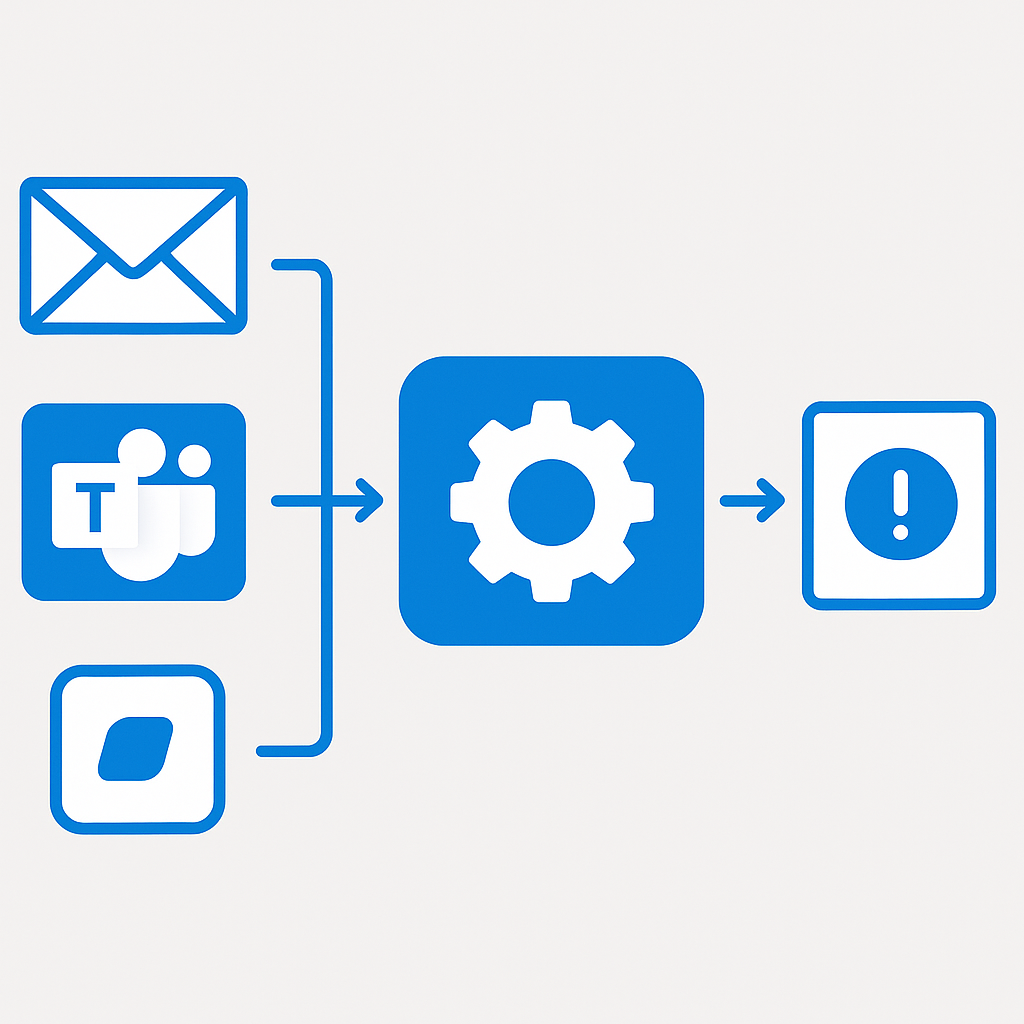
For regulated industries — financial services, healthcare, government — communication compliance is not optional. As employees use Copilot to draft communications, generate analyses, and summarize regulated information, those interactions become part of the compliance record.
Communication Compliance policies for AI scenarios address:
- Regulatory language detection — Policies detecting prompts or Copilot-generated content referencing regulatory obligations
- Conflict of interest scenarios — In financial services, Copilot interactions referencing both deal-team information and trading activity
- Inappropriate content — Copilot-generated content violating organizational policies
Note: Communication Compliance creates reviewable records of supervised communications, including Copilot prompts and responses. Employees must be informed through clear acceptable use policies before deploying supervision.
eDiscovery and AI: What You Need to Know
Microsoft Purview eDiscovery is how organizations collect, preserve, and produce electronically stored information in response to legal proceedings. AI changes the eDiscovery landscape in two important ways.
First, Copilot interactions are themselves discoverable records. Every prompt a user sends to Microsoft 365 Copilot and every response Copilot returns is logged in the Microsoft 365 audit log. When litigation hold applies to a custodian's data, their Copilot interactions are in scope.
Second, eDiscovery itself benefits from AI. The content search and review capabilities in Purview eDiscovery Premium now include AI-assisted document review and semantic search that dramatically reduces the manual review burden.
Make sure that:
- Audit logging is enabled for Copilot interactions
- Litigation hold processes are reviewed to include Teams Copilot interactions
- Your eDiscovery team understands the new data types and how to query them
Building a Data Governance Maturity Model
| Level | Name | Description | AI Readiness |
|---|---|---|---|
| 1 | Ad Hoc | No formal policies, labels, or catalog. Data access is uncontrolled. | Not ready. AI deployment creates significant risk of data exposure. |
| 2 | Developing | Initial policies exist. Some sensitivity labels deployed. Limited scanning coverage. | Minimally ready for a tightly scoped AI pilot with intensive monitoring. |
| 3 | Defined | Formal governance framework. Labels mandatory for new content. DLP policies active. | Ready for controlled Copilot rollout with active governance team monitoring. |
| 4 | Managed | Governance is metrics-driven. Automated classification. AI Hub integrated into operations. | Ready for broad Copilot deployment. AI is governed as a standard workload. |
| 5 | Optimized | Governance is proactive and adaptive. Continuous improvement driven by AI Hub insights. | Ready for advanced AI workloads including custom agents and fine-tuned models. |
Most enterprises beginning a Copilot deployment sit at Level 1 or 2. The realistic target before broad AI deployment is Level 3 — which is where the Copilot for M365 governance framework operationalizes these controls. Getting to Level 4 is a 12 to 18 month journey for most organizations.
Next Steps
Immediate (0-30 days): Enable audit logging for all Microsoft 365 workloads and confirm it covers Copilot interactions. Run a Purview Data Map scan of your SharePoint Online tenant.
Short term (30-90 days): Deploy a formal sensitivity label taxonomy with at least four levels: Public, Internal, Confidential, and Highly Confidential. Configure encryption on the top two tiers. Begin auto-labeling configuration.
Medium term (90-180 days): Configure Insider Risk Management policies including AI interaction signals. Set up Communication Compliance supervision for regulated use cases. Update litigation hold processes to include Copilot interaction records.
Longer term (180+ days): Expand Data Map coverage to Azure and on-premises sources. Implement adaptive DLP policies based on AI Hub insights. Begin measuring label coverage as governance KPIs.
Note: Governance is not a project with a completion date — it is an operational discipline. The investments made in Microsoft Purview now compound over time. Every sensitivity label applied today protects not just today's AI queries but every future AI capability you deploy.
For questions about enterprise AI governance strategy or Microsoft Purview implementation, reach out at [email protected].
Your implementation checklist
Use this to track your Purview governance program from baseline to production-ready.
Plan
- Sensitivity label taxonomy drafted (minimum four tiers) and approved by Legal, HR, and CISO
- SharePoint Online permissions audit scoped — identify overpermissioned sites before AI access is granted
- Licensing confirmed for all Purview features in scope (E3 vs E5 vs E5 Compliance add-on)
- Acceptable use policy for AI tools drafted, reviewed by HR/Legal, and communication plan ready
- Governance program owner identified — the person who gets paged when the AI Hub surfaces anomalies
Build
- Audit logging enabled and verified for all M365 workloads including Copilot interactions
- Purview Data Map scan completed for SharePoint Online and Exchange Online
- Sensitivity labels published via label policy to all users in Copilot rollout scope
- Encryption configured on Confidential and Highly Confidential labels (advisory labels without encryption are not technical controls)
- DLP policies configured with Copilot as an endpoint — at minimum one policy targeting sensitive information types in AI prompts and responses
Test
- AI Hub reviewed with a pilot group before broad rollout — confirm label coverage gaps, overpermissioned sites, unexpected behaviors
- DLP policy tested end-to-end: trigger a sensitive data type in a Copilot prompt and verify the policy fires correctly
- Insider Risk Management policy validated: confirm Copilot activity signals are included in risk scoring
- Litigation hold process tested with a sample Copilot interaction record to confirm eDiscovery capture works
- Label enforcement tested: verify Copilot does not surface Highly Confidential content to users outside the authorized group
Deploy
- Communication Compliance supervision policies active for regulated use cases before those user populations get Copilot access
- Label coverage KPI established: track percentage of SharePoint content with labels applied as a governance metric
- AI Hub integrated into security operations — alerts configured, reviewer assigned, response process documented
- Quarterly governance review cadence scheduled: label coverage trends, DLP policy effectiveness, AI Hub anomaly patterns
- Purview Data Map expanded to Azure and on-premises sources on a defined timeline
Resources
- Microsoft Purview documentation overview
- Microsoft Purview AI Hub
- Sensitivity labels in Microsoft Purview
- Data Loss Prevention in Microsoft Purview
- Microsoft Purview Data Map
- Data Catalog and business glossary
- Microsoft Purview Insider Risk Management
- Microsoft Purview Communication Compliance
- Microsoft Purview eDiscovery overview
- Get started with sensitivity labels
- Configure sensitivity labels for Microsoft 365 Copilot
Frequently asked questions
Does Purview stop Copilot from surfacing a sensitive file?
Only when the label carries protection and the user lacks the rights to extract content. Classification alone gives you reporting and DLP conditions, not enforcement. The control that actually decides what an answer can contain is still the permission on the file — Purview tells you where the problem is and gives you the levers to act on it.
Do we need Purview in place before deploying Copilot?
You need the visibility part before, and the enforcement part can follow. Standing up DSPM for AI first shows you which sites are overshared and which sensitive content is reachable, which is exactly the list you want before licences arrive. The sequence is laid out in the DSPM for AI rollout guide.
Can we retrofit labels onto years of existing content?
With auto-labeling, yes — and it is the only realistic route at tenant scale. Run policies in simulation first, review what they would have labelled, and tune before enforcing. Expect the review to surface content nobody owns; that ownership gap is the real work, not the policy configuration.
Are Copilot prompts and responses discoverable?
Yes. Copilot interactions are retained in the user mailbox and are subject to eDiscovery, retention and audit like other Microsoft 365 data. Tell your legal and compliance stakeholders this before deployment rather than during a case — it changes retention decisions, and it is far easier to agree in advance.
📋 Free Download: The Microsoft AI Governance Playbook
Everything covered in this article — the 3-layer framework, the decision matrix, the 20-question readiness assessment, and the 5 failure modes I see every month in EMEA — is packaged in a single PDF for IT Directors and CIOs.
(Get the free PDF by entering your email in the form below.)
Ready to map your specific governance roadmap? Let's talk →