SharePoint Governance Best Practices: Ultimate Guide 2026
· Governance · 13 min read
By Juan Pedro Márquez
SharePoint governance is the small set of decisions you make once — information architecture, permissions, lifecycle — so that the thousands of choices your users make daily land inside safe defaults. Get it right and Copilot becomes an asset. Get it wrong and Copilot becomes an oversharing engine with a search box.
Why SharePoint Governance Matters More Than Ever
SharePoint has evolved from a simple document management system into the backbone of modern collaboration across Microsoft 365. With over 200 million monthly active users across SharePoint and OneDrive, and with Microsoft 365 Copilot now capable of indexing and surfacing content from every site in your tenant, the stakes for proper governance have never been higher.
In my work as a Cloud Solution Architect, I consistently find that organizations with mature SharePoint governance frameworks deploy new capabilities — including AI features — faster and with fewer incidents. Conversely, organizations with ungoverned SharePoint environments face compounding technical debt that becomes exponentially harder to address over time.
This guide distills the governance best practices I have seen work across enterprises of all sizes, updated for 2024's reality of AI integration, hybrid work, and increasingly sophisticated compliance requirements.
Information Architecture Fundamentals
A solid information architecture is the foundation of effective SharePoint governance. Without it, governance policies become reactive and difficult to enforce.
Hub Sites and Site Organization
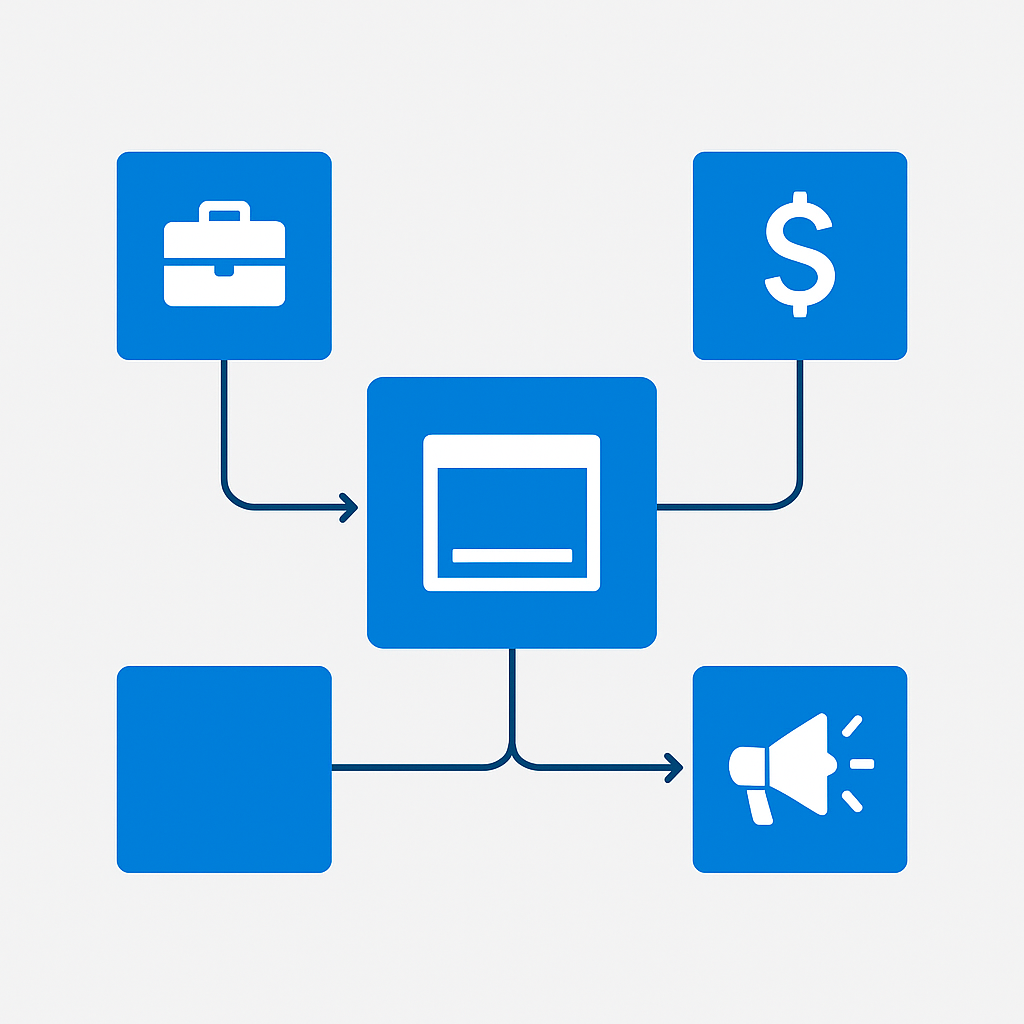
Hub sites provide logical grouping of related sites without the rigid hierarchy of the legacy site collection model. Design your hub structure around business functions, not organizational charts:
- Corporate Hub: Company-wide policies, news, templates
- Department Hubs: HR, Finance, Marketing, Engineering — each with their own subsites
- Project Hubs: Cross-functional initiatives, temporary in nature with defined lifecycles
- Community Hubs: Interest groups, learning communities, social engagement
Key principle: Sites should associate with hubs, not nest infinitely. Keep your hub hierarchy flat — ideally no more than two levels deep.
For architecture planning, see Planning your SharePoint hub sites.
Taxonomy and Metadata Strategy
Invest heavily in your managed metadata strategy. A well-designed taxonomy enables:
- Consistent content classification across all sites
- Effective search experiences
- Automated retention and compliance policies
- Better Copilot grounding and content discovery
Implementation approach:
- Start with a global term set for organization-wide classifications (department, region, document type, confidentiality level)
- Allow local term sets for department-specific needs
- Enforce metadata at the content type level, not individual libraries
- Use default column values on folders to reduce user friction
- Review and prune taxonomy quarterly to prevent term proliferation
For managed metadata guidance, see Introduction to managed metadata. If the target is Copilot and not just search, the term store needs a stricter kind of discipline — I walk through that in making SharePoint Online AI-ready.
Permission Models and Access Management
Permissions are the single most critical governance domain, especially in the age of Copilot. Oversharing is the number one risk I encounter in enterprise environments. It is also the first thing I audit before any Copilot rollout, because the model inherits every permission mistake you ever made — the full sequence is in the SharePoint AI data readiness blueprint.
Least Privilege Principle
Every SharePoint site should follow these rules:
- Break inheritance intentionally, never by accident
- Use Microsoft 365 Groups as the primary permission vehicle, not individual user assignments
- Avoid "Everyone except external users" — this grants access to every employee in your tenant
- Review site permissions quarterly using access reviews in Entra ID Governance
Sharing Policies
Configure sharing policies at three levels:
Tenant level (SharePoint Admin Center):
External sharing: "New and existing guests" (recommended)
Default sharing link: "Specific people" (never "Anyone")
Default link permission: "View" (not "Edit")
Site level (per-site overrides):
- Restrict sensitive sites to internal-only sharing
- Allow broader sharing for collaboration sites
- Use site-level sharing restrictions to enforce data classification
File/Folder level:
- Educate users on sharing link types
- Implement DLP policies to block sharing of sensitive content
For sharing configuration, refer to Manage sharing settings.
Content Lifecycle Management
Content without lifecycle management accumulates indefinitely, increasing storage costs, compliance risks, and search noise. When that finally shows up as a tenant at its storage ceiling, there are five levers worth pulling before you buy more space.
Retention Policies
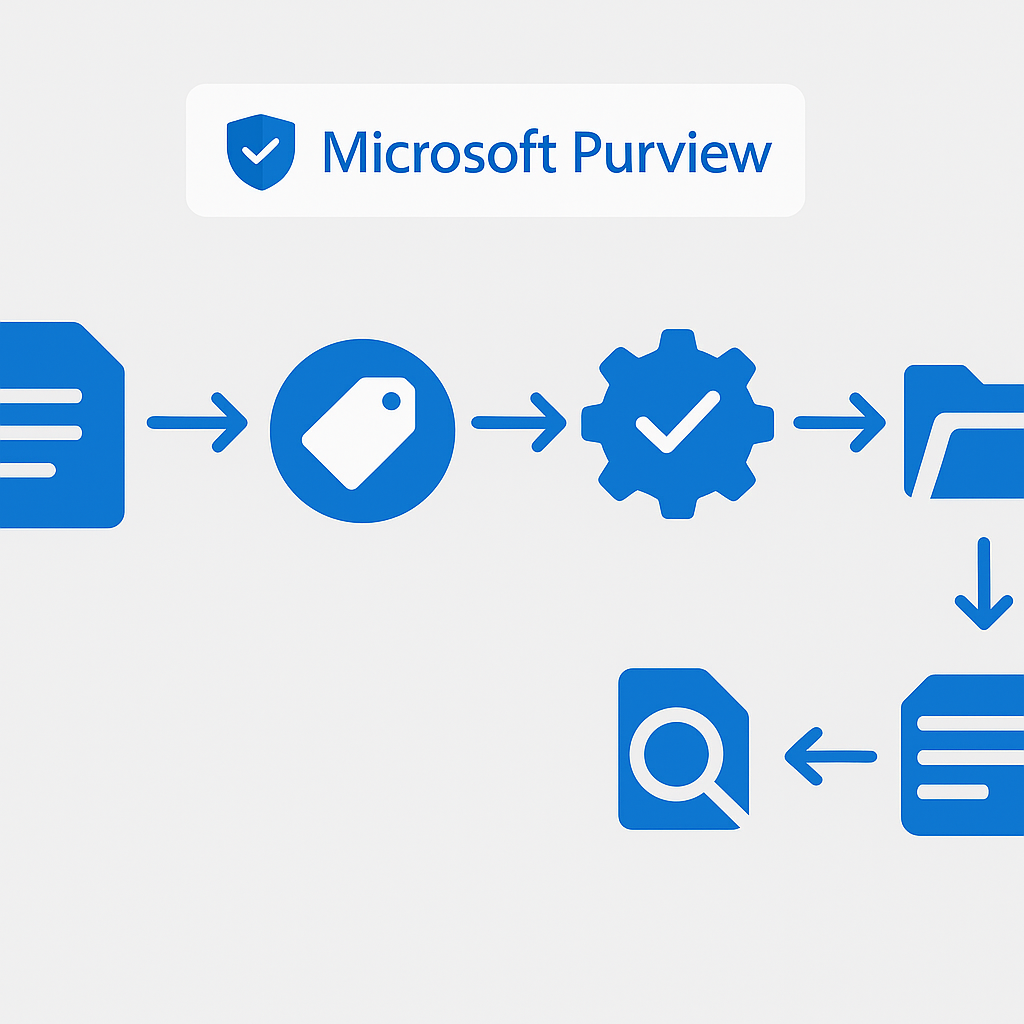
Use Microsoft Purview retention policies to automate content lifecycle:
- Auto-apply retention labels based on content type, sensitivity, or keyword patterns
- Disposition reviews for records that require human approval before deletion
- Retention label policies published to specific sites or applied tenant-wide
- Regulatory records for content that must be preserved immutably
Best practice: Start with a simple retention scheme:
- General business content: 3-year retention, then delete
- Financial records: 7-year retention, disposition review
- Legal holds: Indefinite retention until released
- Temporary/project content: 1-year retention after project closure
For retention implementation, see Learn about retention policies and retention labels.
Site Lifecycle Policies
Implement automatic site lifecycle management:
- Microsoft 365 Group expiration: Set groups (and their associated sites) to expire after 365 days of inactivity, with owner notification
- Inactive site policies: Use SharePoint Advanced Management to detect and manage inactive sites
- Site closure workflows: Create Power Automate flows that archive content and restrict access when projects complete
Sensitivity Labels and DLP Integration
Sensitivity labels are no longer optional — they are essential for both compliance and AI readiness.
Label Strategy
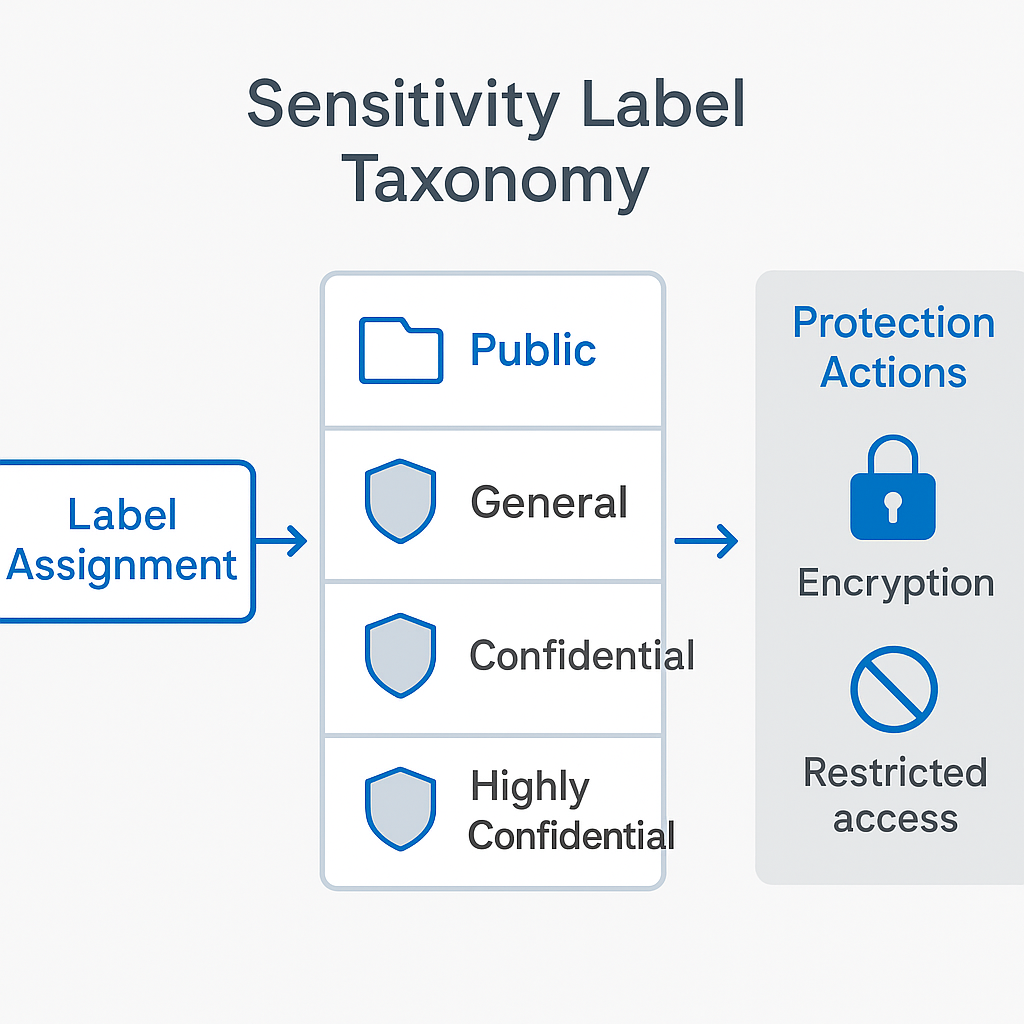
Design a sensitivity label taxonomy that balances security with usability:
| Label | Protection | Use Case |
|---|---|---|
| Public | No encryption, visual marking | Marketing materials, public docs |
| General | No encryption, header/footer | Day-to-day internal documents |
| Confidential | Encryption, restricted access | Financial data, HR documents |
| Highly Confidential | Encryption, no forwarding, watermark | Board materials, M&A documents |
Auto-Labeling
Configure auto-labeling policies to classify content automatically:
- Client-side auto-labeling: Recommends labels as users create content in Office apps
- Service-side auto-labeling: Applies labels to content at rest in SharePoint and OneDrive
- Trainable classifiers: Use machine learning to identify content types like resumes, source code, or financial statements
DLP Policy Integration
Data Loss Prevention policies work alongside sensitivity labels:
- Block external sharing of Confidential and Highly Confidential content
- Alert compliance teams when sensitive content is detected
- Apply automatic encryption to content matching sensitive information patterns (credit card numbers, social security numbers, etc.)
For sensitivity label deployment, see Get started with sensitivity labels.
Site Provisioning Strategies
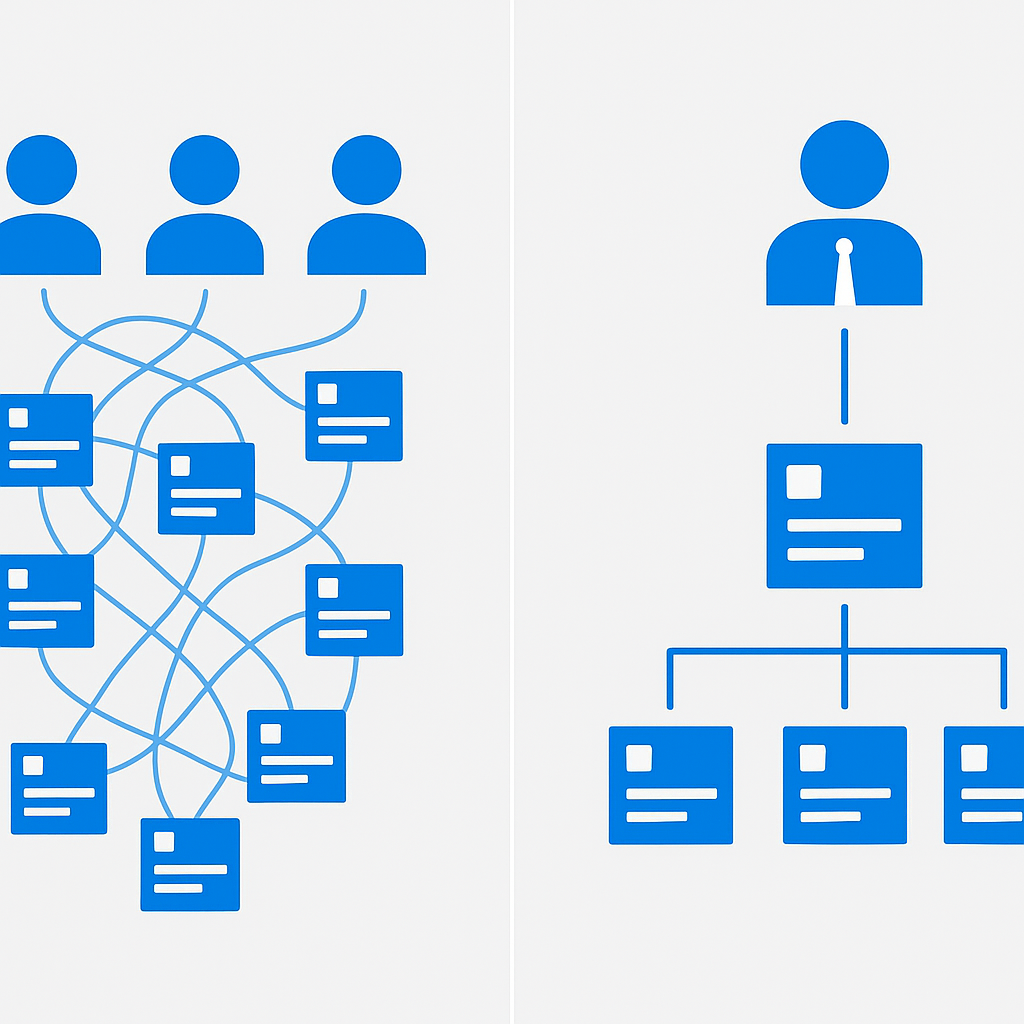
How sites are created directly impacts governance. Uncontrolled site sprawl is one of the most common challenges I encounter.
Self-Service vs. Managed Provisioning
Pure self-service (default Microsoft 365 behavior):
- Any user can create Teams, Groups, and SharePoint sites
- Fast and empowering, but can lead to sprawl
- Difficult to enforce naming conventions and governance policies
Managed provisioning (recommended for most enterprises):
- Restrict Group creation to specific users or roles (via Entra ID settings)
- Provide a provisioning portal where users request sites with required metadata
- Use PnP Provisioning templates to ensure consistent site structure, navigation, and permissions
- Implement approval workflows for site creation requests
PnP Provisioning Templates
The PnP Provisioning Engine enables infrastructure-as-code for SharePoint:
<!-- Example: Site template with governance defaults -->
<pnp:ProvisioningTemplate>
  <pnp:SitePolicy>
    <pnp:SiteExpirationDate>365</pnp:SiteExpirationDate>
  </pnp:SitePolicy>
  <pnp:Security>
    <pnp:SiteSecurityPermissions>
      <!-- Default permission levels -->
    </pnp:SiteSecurityPermissions>
  </pnp:Security>
  <pnp:ContentTypes>
    <!-- Standardized content types with required metadata -->
  </pnp:ContentTypes>
</pnp:ProvisioningTemplate>
This approach ensures every new site starts with the right governance guardrails built in.
Storage Management and Quota Planning
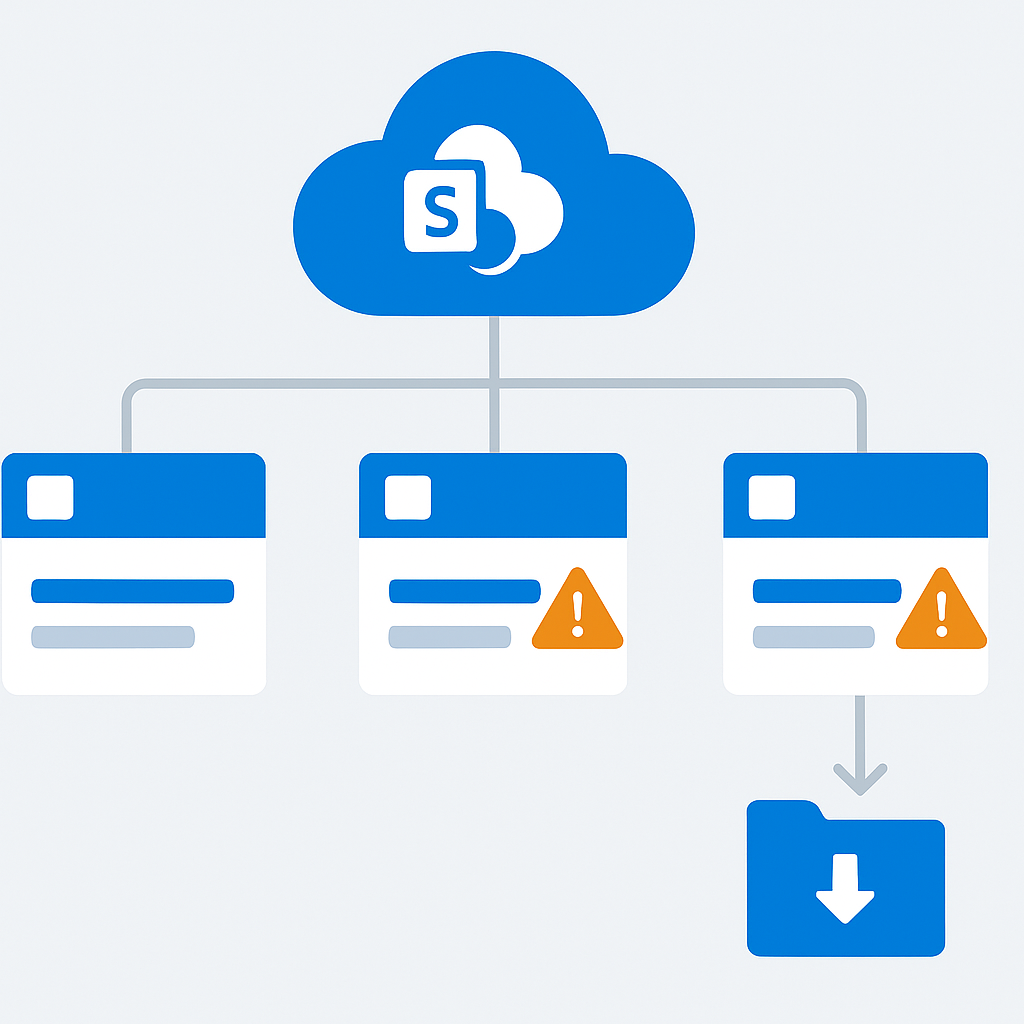
SharePoint storage is a shared tenant resource. Without management, a few sites can consume disproportionate storage.
Storage Allocation Strategy
- Monitor storage at the tenant level using the SharePoint Admin Center storage metrics
- Set site-level storage quotas for departmental and project sites
- Implement automatic storage warnings at 80% and 90% thresholds
- Archive inactive content to lower-cost storage tiers
Version History Management
Version history is often the largest hidden storage consumer:
- Set automatic version history limits (available since 2024) to balance recoverability with storage efficiency
- Consider organization-level version limits that apply by default
- For large libraries, use manual version trimming as a remediation step
For storage management, see Manage site storage limits.
External Sharing Controls and B2B Collaboration
External collaboration is essential for modern business, but requires careful governance.
B2B Collaboration with Entra External ID
Use Entra External ID (formerly Azure AD B2B) for structured external collaboration:
- Cross-tenant access settings: Define which external organizations can collaborate and what access they receive
- Guest user lifecycle: Set expiration dates for guest accounts and conduct regular access reviews
- Terms of use: Require external users to accept your organization's terms before accessing content
Sharing Controls Hierarchy
Implement defense-in-depth for external sharing:
- Tenant-level: Set the maximum sharing level
- Site-level: Restrict specific sites below the tenant maximum
- DLP policies: Block sharing of sensitive content regardless of site settings
- Sensitivity labels: Encrypt content to prevent unauthorized access even if shared
- Conditional Access: Require MFA and compliant devices for external access
For B2B collaboration setup, see B2B collaboration overview.
Monitoring and Auditing
You cannot govern what you cannot see. Comprehensive monitoring is essential.
Unified Audit Log
The Microsoft 365 unified audit log captures:
- File access, sharing, and modification events
- Site creation and permission changes
- Admin actions and configuration changes
- External sharing activities
Best practice: Create custom alert policies for high-risk activities:
- External sharing of content labeled "Confidential"
- Bulk file downloads exceeding thresholds
- Permission escalations on sensitive sites
- Site creation outside approved provisioning channels
SharePoint Admin Center Reports
Regularly review:
- Site usage reports: Identify inactive sites and storage consumption
- Sharing reports: Monitor external sharing trends
- File activity reports: Detect unusual access patterns
Microsoft Purview Compliance Portal
For regulated industries, leverage:
- Compliance Manager: Assess your compliance posture against frameworks like GDPR, ISO 27001, and SOC 2
- Communication compliance: Monitor Teams and email for policy violations
- Insider risk management: Detect potential data exfiltration patterns
For audit log details, see Search the audit log.
Governance Framework for Copilot Readiness
Key point: Preparing SharePoint for Microsoft 365 Copilot requires specific governance actions. Copilot indexes content across your entire tenant and surfaces it based on user permissions. This means every governance gap becomes immediately visible.
Pre-Copilot Governance Checklist
- Permission audit: Identify and remediate overshared sites using SAM data access governance reports
- Sensitivity labels: Deploy and enforce labels on all sensitive content
- Site access reviews: Require site owners to review access quarterly
- Restricted SharePoint Search: Consider restricting Copilot's access to specific sites during the pilot phase
- Content cleanup: Archive or delete stale, outdated, or duplicate content that could confuse Copilot responses
- Metadata enrichment: Ensure content is properly tagged so Copilot can ground responses accurately
Restricted SharePoint Search (RSS)
A newer feature specifically designed for Copilot readiness, RSS allows you to:
- Create an allow list of SharePoint sites that Copilot can access
- Gradually expand the list as you complete governance remediation on additional sites
- Maintain full user access to sites — RSS only affects Copilot's search scope
This is an excellent tool for phased Copilot rollouts where you want to ensure Copilot only accesses well-governed content.
PowerShell and Graph API for Governance Automation
Manual governance does not scale. Automate everything you can.
SharePoint Online Management Shell
Common governance automation tasks:
Get-SPOSite -Limit All | ForEach-Object {
    $groups = Get-SPOSiteGroup -Site $_.Url
    foreach ($group in $groups) {
        if ($group.Users -contains "c:0-.f|rolemanager|spo-grid-all-users") {
            Write-Output "$($_.Url) - $($group.Title)"
        }
    }
}

# Set sharing restrictions on sensitive sites
Set-SPOSite -Identity "https://tenant.sharepoint.com/sites/HRConfidential" `
    -SharingCapability Disabled

# Configure default sharing link type
Set-SPOSite -Identity "https://tenant.sharepoint.com/sites/ProjectX" `
    -DefaultSharingLinkType Direct `
    -DefaultLinkPermission View
Microsoft Graph API
The Graph API enables more sophisticated governance automation:
# List sites with external sharing enabled
GET https://graph.microsoft.com/v1.0/sites?$filter=sharingCapability ne 'disabled'

# Get group members for access review
GET https://graph.microsoft.com/v1.0/groups/{group-id}/members

# Update site sharing settings
PATCH https://graph.microsoft.com/v1.0/sites/{site-id}
For Graph API reference, see SharePoint sites API.
Building a Governance Committee and Change Management
Technology alone cannot deliver governance. You need people and processes.
Governance Committee Structure
Establish a cross-functional governance committee with representatives from:
- IT: Technical implementation and monitoring
- Compliance/Legal: Regulatory requirements and risk assessment
- HR: Employee data protection and communication
- Business units: Practical usability and workflow impact
- Executive sponsor: Budget authority and organizational mandate
Meeting cadence: Monthly for operational reviews, quarterly for strategic planning.
Change Management for Governance
Governance policies only work if people follow them. Invest in:
- Communication: Clearly explain the "why" behind governance policies — people comply more readily when they understand the rationale
- Training: Regular workshops on permissions, sharing, and content management
- Champions: Governance champions in each department who model best practices
- Feedback loops: Easy channels for users to report governance friction and suggest improvements
- Gamification: Recognize departments and teams with the best governance compliance scores
Governance Policy Documentation
Maintain a living governance document that covers:
- Site creation and naming policies
- Permission and sharing standards
- Content lifecycle and retention rules
- External collaboration guidelines
- Incident response procedures for data leaks or policy violations
- Exception request processes
Publish this document on your corporate SharePoint hub and review it semi-annually.
Implementation Roadmap
For organizations starting or refreshing their SharePoint governance, here is a practical 90-day roadmap:
Days 1-30: Assessment and Foundation
- Audit current site inventory, permissions, and sharing settings
- Identify top 20 highest-risk sites (overshared, sensitive content, external access)
- Define sensitivity label taxonomy
- Establish governance committee
Days 31-60: Remediation and Configuration
- Deploy sensitivity labels with auto-labeling policies
- Remediate permissions on top 20 high-risk sites
- Configure site provisioning templates
- Implement retention policies for common content types
- Set up monitoring alerts for high-risk activities
Days 61-90: Automation and Adoption
- Deploy PowerShell automation for ongoing governance tasks
- Launch user training program
- Implement site lifecycle policies
- Conduct first governance committee review
- Prepare Copilot readiness assessment report
Governance is not a project with an end date. It is an ongoing operational discipline that evolves with your organization's needs and the platform's capabilities. The investments you make today will pay dividends as Microsoft continues to expand AI capabilities across Microsoft 365.
For comprehensive SharePoint administration guidance, visit the SharePoint documentation hub and the Microsoft 365 admin center documentation.
Frequently asked questions
Why does SharePoint governance matter more now than a year ago?
Because Copilot reads what SharePoint exposes. Governance used to be about tidiness and storage; now oversharing becomes faithful exposure the moment an AI assistant can surface it. Permissions nobody remembers granting are no longer dormant — they are a live data-leak path the first time someone asks the right question.
Does Copilot respect SharePoint permissions?
Yes, exactly — which is the problem. Copilot honours existing permissions faithfully, so it never bypasses access; it reveals whatever those permissions already allow. If a user technically had access to a site they forgot existed, Copilot can now hand them its contents in a sentence. Fix the permissions, not the symptom.
What is the single highest-value SharePoint governance control?
A deliberate permission model with regular review. Most governance failures trace back to broad, inherited access that nobody audits. Sensitivity labels, DLP, and lifecycle policies all matter, but they sit on top of access control. Get permissions right first; everything else amplifies a foundation that is either sound or broken.
How do we make SharePoint "Copilot-ready"?
Treat readiness as a governance program, not a switch. Inventory your sites, remediate oversharing, apply sensitivity labels, set retention, and stand up auditing — then introduce Copilot. Organizations that deploy first and govern later spend the next year explaining why the assistant surfaced something it shouldn't have.
📋 Free Download: The Microsoft AI Governance Playbook
Everything covered in this article — the 3-layer framework, the decision matrix, the 20-question readiness assessment, and the 5 failure modes I see every month in EMEA — is packaged in a single PDF for IT Directors and CIOs.
(Get the free PDF by entering your email in the form below.)
Ready to map your specific governance roadmap? Let's talk →