M365 Copilot Adoption: Why 80% Fail at 90 Days
· Enterprise AI · 11 min read
By Juan Pedro Márquez
The adoption problem nobody talks about
Your organisation just spent six figures on Microsoft 365 Copilot licences. The kickoff meeting went well. People were excited. Three months later, 80% of those licences are effectively unused — a few curious people typing questions into Teams, everyone else waiting for someone else to figure it out first.
This is not a technology problem. M365 Copilot works. The problem is deployment architecture — specifically the three gaps that kill every rollout that skips them.
I have run this deployment pattern across enterprise rollouts in EMEA — financial services, manufacturing, professional services, public sector. The gap between a deployment that dies and one that hits 3x active usage at 90 days is not luck. It is a repeatable system.
This post gives you the framework. All of it. The full 40-point checklist, executive presentation template, governance one-pager, and 30-day structured roadmap are packaged into a single downloadable document you can take directly into your next security review or executive presentation.
ENTERPRISE M365 COPILOT ACTIVATION PACK
40-Point Security Checklist · 30-Day Roadmap · Executive Slide Deck
Everything I use in real enterprise deployments — CISO sign-off checklist, persona-mapped champion programme, governance one-pager, and 8-slide exec presentation. Instant download.
Get the Pack — €39 → Or read the full framework below, free.The real cost of a stalled Copilot rollout
Before we get into the three gaps — let us be honest about what this actually costs, because most organisations are not tracking it.
The Microsoft 365 Copilot licence is approximately €30 per user per month. For a 300-seat enterprise deployment, that is €9,000 per month — €108,000 per year — in licence spend alone. That number is visible in the budget. What is not visible is the implementation spend that sits alongside it.
A properly run enterprise Copilot deployment requires governance work, change management, champion programme facilitation, persona-specific training design, and security architecture review. When you bring in a Microsoft Partner to do this correctly, the services engagement runs €150–400 per user, depending on complexity. For 300 users, you are looking at €45,000–€120,000 in implementation costs before a single licence goes live.
For a typical 100-user deployment, total Year 1 TCO lands between €80,000 and €150,000. That is not a criticism of Copilot — the ROI at full adoption is real and measurable. But it means the stakes of a stalled rollout are not just the unused licence fee. Every month of low adoption is burning a proportional share of that implementation investment with nothing to show for it.
The technology is not the risk. The implementation — specifically the three architectural gaps below — is where the money gets lost.
Gap 1 — Security and governance treated as an afterthought
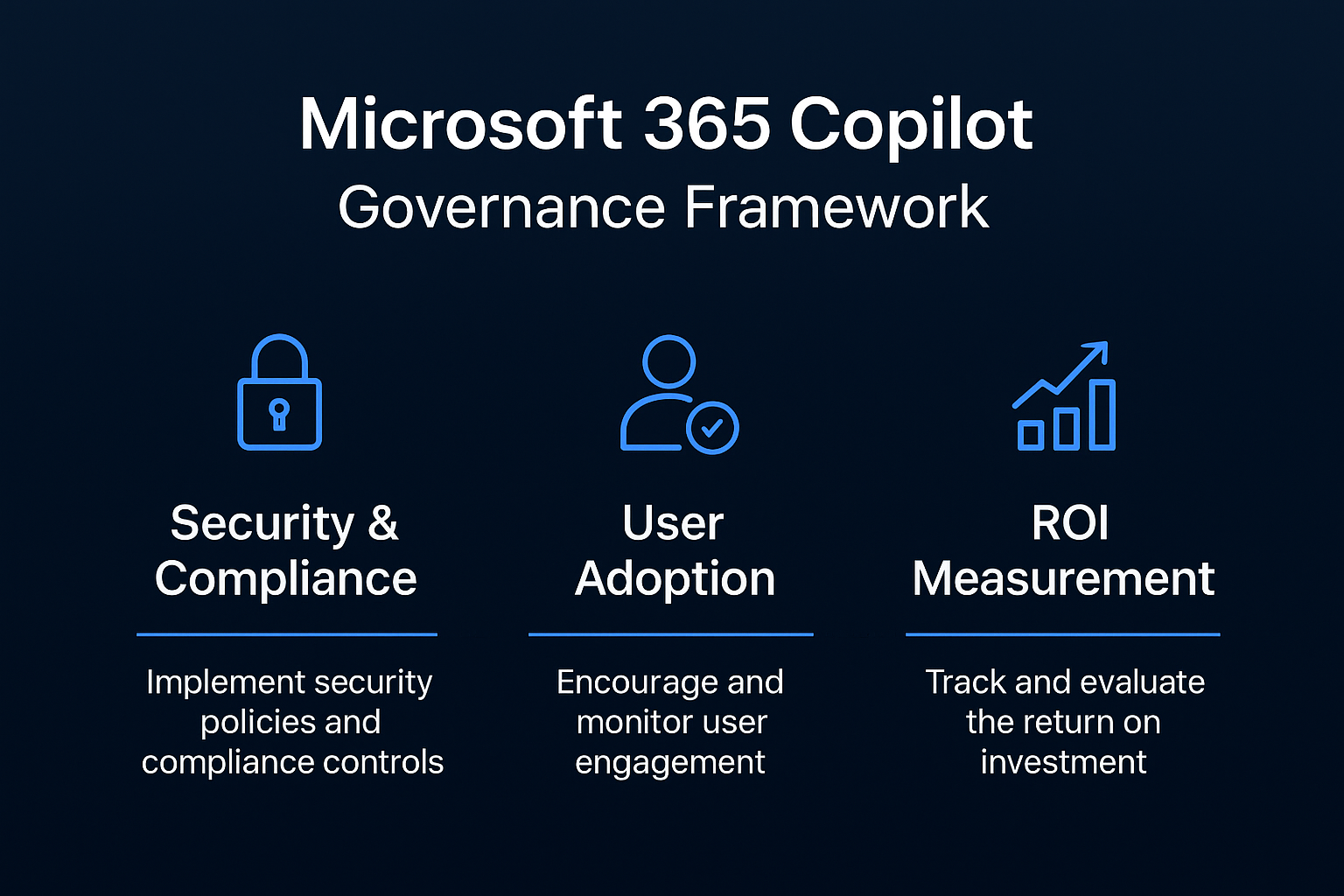
The single fastest way to kill Copilot adoption is to launch before IT Security signs off. Not because security teams are obstructionist — because they are right to ask questions that nobody prepared answers for.
Copilot surfaces data across the Microsoft 365 tenant. If data classification is inconsistent, if oversharing permissions are baked into old SharePoint sites, or if nobody has thought through what happens when a Finance employee asks Copilot to summarise contracts from the Legal team — you have a problem. And once the first incident happens, trust evaporates and the CISO puts a freeze on it.
From the field: In a manufacturing client deployment, we discovered — during the permissions audit — that a SharePoint site used for HR onboarding had been shared with "Everyone except external users" since 2021. That site contained salary band documents and contract templates. Copilot would have surfaced those documents to any employee who asked "what does the company pay for [role]?" The audit took three days. The conversation with the CISO took two hours. The deployment launched on schedule because we found it first.
Layer 1 — Data foundation
- Sensitivity labels applied. Use Microsoft Purview sensitivity labels to classify your most sensitive content. Copilot respects existing permissions, but it will surface content that users technically have access to — even if they never navigated there manually. Oversharing is the enemy. Start with your top 50 most-accessed sites.
- SharePoint permissions audited — step by step. In the SharePoint Admin Center → Reports → Sharing Activity, filter for "Everyone except external users" sharing events from the past 90 days. Export the list. Every site that appears is a potential Copilot data exposure. For each one, go to Site Settings → Permissions → check who has access and why. You will find artefacts from migrations, project closures, and onboarding docs that nobody cleaned up.
- DLP policies reviewed and extended. Your existing Data Loss Prevention policies were written for email and Teams. Open the Microsoft Purview compliance portal → Data Loss Prevention → Policies. For each policy, check whether "Microsoft 365 Copilot" is included as a location. In most tenants, it is not. Add it and test with a sample prompt containing pattern-matched data before go-live.
- Guest access scoped. Copilot does not distinguish between internal and guest users in its retrieval. If you have external collaborators with broad SharePoint access, use Microsoft Entra Conditional Access to restrict Copilot access to internal identities only, at least for the initial rollout.
Layer 2 — Audit and governance
Once Copilot is live, you need audit visibility. Microsoft Purview Audit logs CopilotInteraction events — every prompt, every response reference. Enable it in the Purview compliance portal → Audit → Start recording user and admin activity. It takes up to 24 hours to activate. Do this before the first licence is assigned, not after.
This is not just for compliance — it is your usage intelligence feed. Without it you are flying blind on adoption and you have no evidence trail for the data governance review that will happen at your next ISO 27001 or SOC 2 cycle.
From the field: One of the most common questions I get from CISOs is "can we see what people are asking Copilot?" The answer is yes — and the audit log is also how you build your adoption proof. I use CopilotInteraction events to show the executive sponsor that the deployment is actually being used, and to identify which prompt patterns are generating the most value. It turns a compliance tool into a business intelligence tool.
Also configure Microsoft 365 Copilot privacy controls explicitly. In the Microsoft 365 admin center → Org Settings → Microsoft 365 Copilot → decide on optional connected experiences and turn off web grounding if your legal team has data sovereignty concerns. Document the decision either way — your next audit will ask for it.
Gap 2 — Rollout is technology-led, not persona-led
The classic mistake: give Copilot licences to the IT department first, ask them to write a user guide, then roll it out company-wide with a 30-minute training session.
IT teams are power users of Copilot for code and documentation. They are the worst possible ambassadors for a Legal team, a Finance controller, or an HR business partner — because the use cases are completely different and the value framing means nothing to a non-technical audience.
The deployments that reach 3x active usage at 90 days use a different approach: champion selection by business persona.
How to identify champions — the real criteria
- Has peers who follow their working patterns and trust their recommendations
- Regularly processes high-volume repetitive information: meeting notes, contract review, report drafting, inbox triage
- Has enough seniority to influence how their team works, but is not so senior that they have no time to experiment
- Is genuinely curious — not just willing to participate, but likely to come back with specific questions and use cases after the first session
In a typical enterprise rollout, this means one champion per persona cluster: Finance, Legal, HR, Operations, Sales, and IT. Six people, properly enabled, generate more authentic adoption signal than 200 people with login credentials and no direction.
From the field: In a professional services firm (450 employees), we selected champions using a structured nomination process: each department head nominated two people based on specific criteria — not "the most tech-savvy", but "the person whose working methods the team already copies". After the champion programme, we asked employees in each department what made them start using Copilot regularly. More than 70% cited a specific use case they had seen their champion demonstrate in person. The champion effect is real. The MS Learn documentation on the Copilot adoption hub gives you the official programme structure — the persona mapping layer is what makes it land in practice.
What champions actually do during the 30 days
The champion role is not "be an enthusiast". It is structured and time-bound. Each champion runs Copilot against their actual workflows — not demo scenarios, not training exercises. Real emails, real meetings, real documents.
At the end of 30 days, each champion should be able to describe exactly three use cases with specific time savings: "Copilot summarises my Thursday board prep pack in 8 minutes instead of 45. Here is the prompt I use." That presentation — from a trusted colleague doing real work — is the single most effective adoption driver in every deployment I have run. More effective than any vendor webinar or IT-produced guide. The Microsoft Copilot adoption framework gives you the structure; the persona mapping is what makes it land.
Gap 3 — No measurement framework, so there is no feedback loop
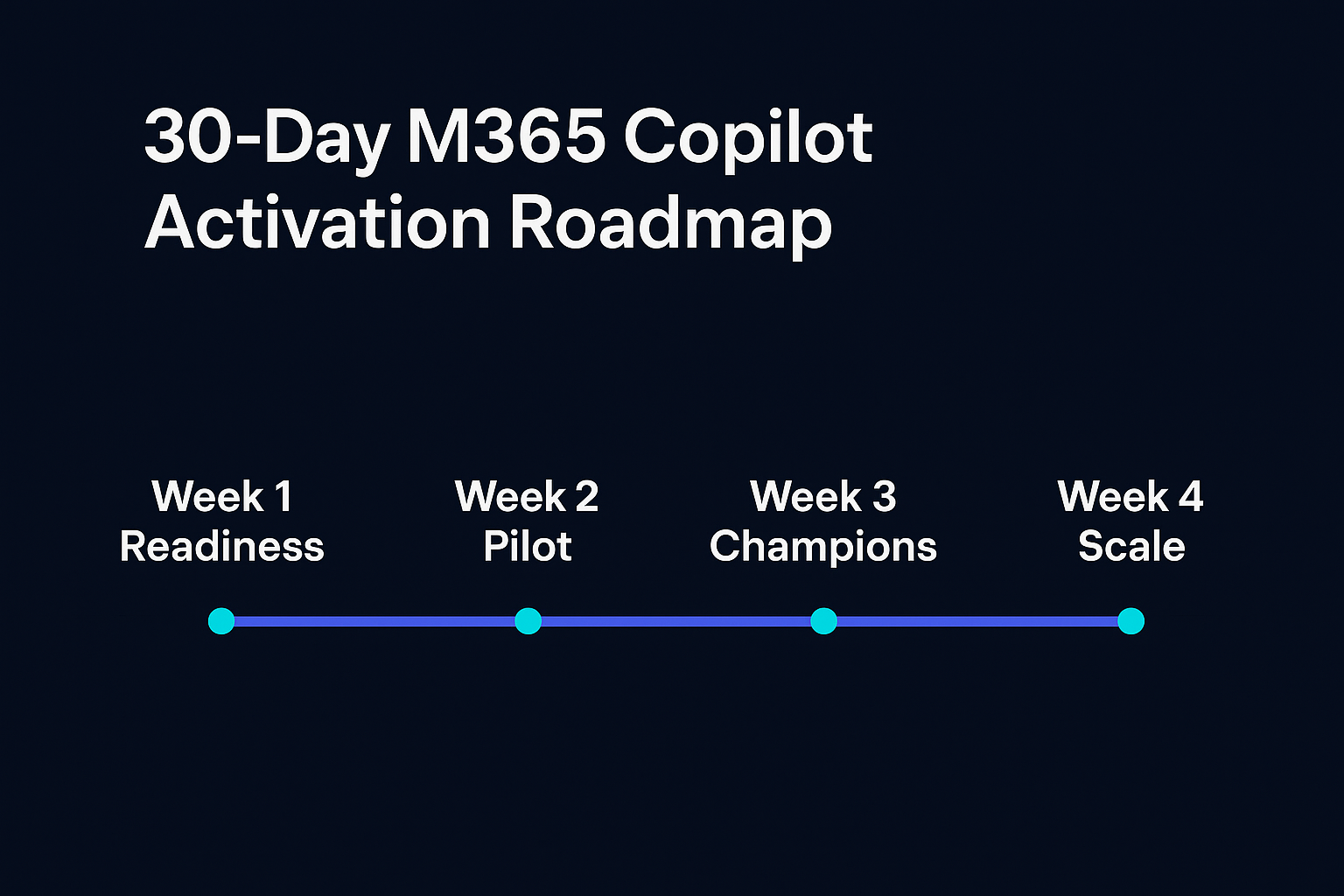
You cannot improve what you do not measure. Most Copilot deployments have one metric: licence assignment rate. That tells you nothing about value.
1. Active usage rate — how to pull it
Define "active" as Copilot used at least 3 times per week. In the Microsoft 365 admin centre → Reports → Microsoft 365 Copilot usage reports, you can see per-user activity across all Copilot surfaces (Teams, Word, Outlook, Copilot chat). Filter for "Last 28 days" and sort by activity count. Anyone below 12 interactions in the period is effectively inactive. The baseline for a well-run deployment at day 90 is 60–70% active rate among licenced users. Below 40% means your champion or training layer is not working.
2. Self-reported productivity — simple pulse survey
Run a 3-question Viva Engage or Microsoft Forms survey at day 30 and day 90. Ask: "Has Copilot saved you at least 30 minutes of work this week? Yes / No / Not used." Add a free-text field for "What did you use it for?" The delta between day 30 and day 90 tells you whether you are building habits or losing them. The free-text responses are your source material for the executive presentation.
3. Support ticket deflection
In deployments where Copilot is properly adopted by IT support staff, first-line ticket volume drops 15–25% at 90 days because agents use Copilot to resolve issues faster and users use it for self-service answers. Baseline your IT ticket volume before go-live. Pull a 90-day comparison from your ITSM tool (ServiceNow, Jira Service Management) and present it to the CFO alongside the licence cost. It becomes your ROI anchor.
The 90-day deployment roadmap
Days 1–30 — Foundation and champions
- Complete the security and governance checklist: sensitivity labels applied to top-priority content, SharePoint permissions audit done and remediated, DLP policies extended to Copilot, audit logging enabled, guest access scoped
- Select 6 champions — one per business persona — using the criteria above, not seniority or tech enthusiasm
- Run a 2-hour champion enablement session. Use-case mapping against their actual daily workflow — not a features demo. Each champion leaves with 5 specific prompts written for their own documents and meetings
- Configure Communication Compliance policies if your industry requires it (financial services, healthcare, public sector procurement)
- Baseline your 3 KPIs — active usage rate, productivity pulse, ticket volume — before any licences go live
Days 31–60 — Persona expansion
- Each champion presents their top 3 use cases to their peer group in a 30-minute team session — real prompts, real output, real time saved
- Expand licences to the peer groups of champions who reported positive results — by persona, not company-wide
- Run persona-specific training sessions. Finance gets a Finance session. Legal gets a Legal session. The use cases, the vocabulary, and the value framing are completely different
- Validate technical prerequisites for remaining licence cohorts: Conditional Access policies, MFA enforcement, data residency compliance for EU organisations
Days 61–90 — Measure and scale
- Review the 3 KPIs — active usage, productivity pulse, ticket deflection — against baseline
- Identify which personas have the highest active usage. These are your case study sources for the executive review
- Build the executive presentation: investment vs. value realised, projected ROI at 12 months, licence expansion recommendation. Use the champion use-case stories as the narrative — not vendor statistics, but your own organisation's numbers
- Publish the "What Copilot Can and Cannot Access" one-pager to the company intranet. This single document dissolves more employee and CISO anxiety than any training session
The piece you cannot build in a weekend
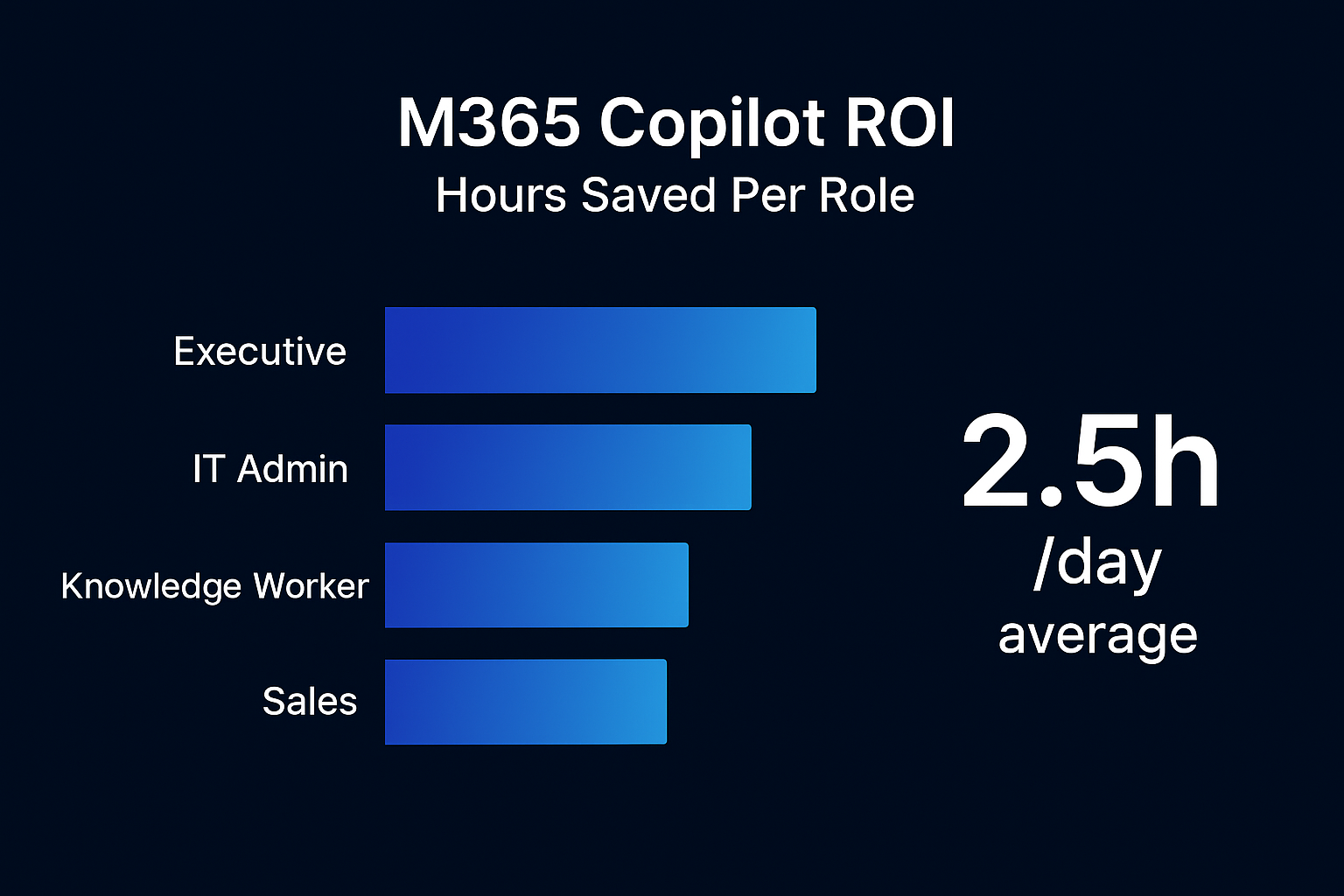
The framework above is the thinking. Executing it inside a real enterprise requires three artefacts that take weeks to get right if you are building them from scratch — and in most organisations, the time pressure of a live deployment means they never get built properly at all.
- A 40-point security and governance checklist that your CISO can sign off on — covering data classification, permissions, DLP, audit logging, conditional access, guest access, retention policies, and communication compliance, with specific configuration steps and the Microsoft documentation link for each item.
- An executive presentation template (8 slides) that translates the technical deployment into a business case — investment, risk mitigation, adoption metrics, and 12-month ROI projection. Built for a CIO audience, not an IT audience. With speaker notes written for the person in the room who has never opened the SharePoint Admin Center.
- A "What Copilot Can and Cannot Access" one-pager — the single most effective document for dissolving employee fear and CISO scepticism. It answers the question everyone is thinking but not asking.
These three documents, plus the 30-day adoption roadmap in structured format, are what I packaged into the Enterprise M365 Copilot Activation Pack.
It is €39. For context: the average enterprise wastes more than that per person per month on unused Copilot licences during a stalled rollout. If this framework saves you even two weeks of governance review back-and-forth — and it will — the maths are obvious.
ENTERPRISE M365 COPILOT ACTIVATION PACK
40-Point Security Checklist · Executive Slide Deck · Governance One-Pager · 30-Day Roadmap
Built from real enterprise deployments across EMEA. Not AI-generated filler — this is the checklist I use with clients.
Instant download. €39 one-time. No subscription.
Get the Enterprise M365 Copilot Activation Pack →Frequently asked questions
Why do so many M365 Copilot deployments stall in the first 90 days?
Almost never because of the technology. They stall on three gaps in the deployment architecture: security and governance treated as an afterthought, a rollout led by IT rather than by the people who have to use it, and no measurement framework to close the feedback loop. Close those three and active use holds.
Do I need sensitivity labels configured before switching Copilot on?
Yes. Copilot inherits the permissions your tenant already has, so anything overshared surfaces in answers. Sort access out first with Microsoft Purview sensitivity labels and DLP policies. Doing it before launch is far cheaper than cleaning up a leak afterwards.
How do I know Copilot is actually being used and not just licensed?
The metric that matters is active use, not licences assigned. The Copilot usage reports in the Microsoft 365 admin centre give you the baseline; pair them with per-persona adoption targets to see where it is taking root and where it is not.
How long before M365 Copilot shows a return?
The 90-day roadmap in this article is built to reach sustained active use inside that window. The timeline is not the hard part — the feedback loop is. Without measurement and iteration, usage decays even after a strong launch.
Who should own the Copilot rollout: IT or the business?
IT owns the tenant, the licensing and the guardrails. The business owns the use cases and the adoption target. A rollout with no named business owner per persona is the single most reliable predictor of a stalled deployment I see.
Related reading
- SharePoint AI Data Readiness Blueprint: The Enterprise Playbook Before You Deploy Any Copilot or AI Agent (2026)
- Declarative Agents, API Plugins, or Copilot Studio? The Microsoft 365 Copilot Extensibility Decision Tree
- The Microsoft Copilot for M365 Governance Framework: What No Partner Will Tell You